


Catalogic Software

Product Training

Catalogic DPX Training

Build in-house expertise with instructor-led Catalogic DPX System Administration training. From simplifying backup and recovery to protecting your application environments, our courses teach your team how to administer and manage DPX more efficiently — with hands-on labs and formats to fit how you work: on-site, remotely, or in the classroom.

Train your team to run DPX with confidence

The DPX System Administration course gives backup administrators the practical skills to deploy, operate, and troubleshoot Catalogic DPX day to day. Led by a Catalogic product expert, it moves quickly from core concepts to guided, hands-on practice so your team leaves ready to protect production workloads on their own.

Whether you are onboarding new staff to an existing deployment or standing up DPX for the first time, training shortens the ramp-up and helps you get more value from your investment sooner.
Catalogic DPX administrator training session

What the training covers

The curriculum follows the full DPX administration workflow — from understanding the architecture to configuring backups and recovering data:
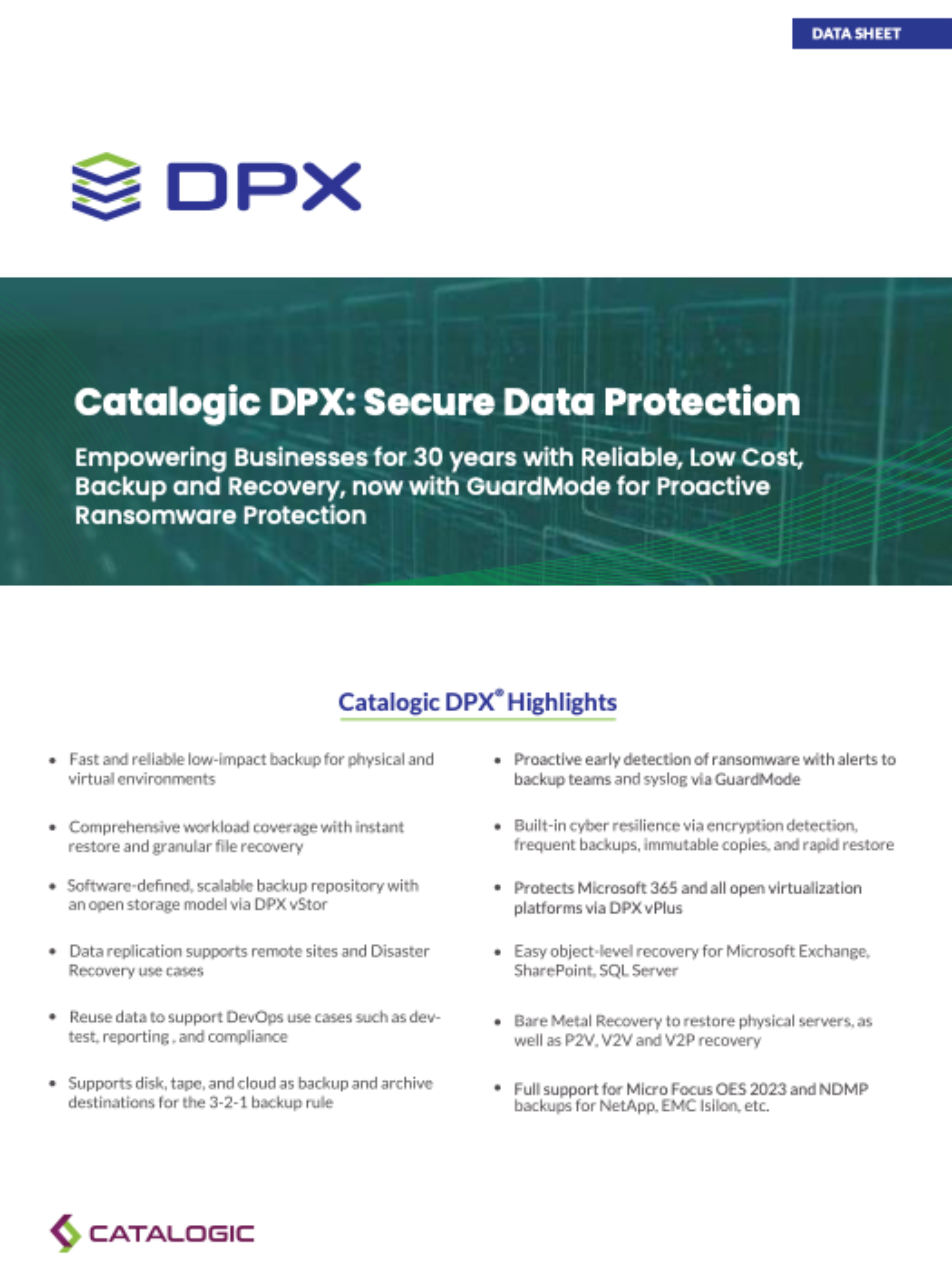
  • DPX architecture, the Master Server, and the Catalog metadata container
  • Configuring block-level Block Data Protection and file-level backups
  • Agentless backup for VMware and Hyper-V virtual machines — no agents on individual VMs
  • NDMP backup for NAS appliances and S3 object storage backup
  • Building schedules and monitoring backup jobs from the DPX web interface
  • Restores from granular, file-level recovery to Bare Metal Recovery (BMR) for Windows and Linux
  • Disaster recovery workflows and protecting data to vStor backup storage
Catalogic DPX backup and recovery interface

Flexible training formats

Choose the delivery format that fits your team's schedule and location.

Classroom

Instructor-led sessions delivered at a Catalogic training facility, ideal for teams that want focused time away from day-to-day operations.

Remote / Virtual

Live, instructor-led online sessions your team joins from anywhere — the same curriculum and hands-on labs, without the travel.

On-Site

A Catalogic instructor delivers the course at your premises, so training can reflect your own environment and involve your wider team.

Hands-on labs, not just slides

Training is built around guided, hands-on labs. Rather than watching demos, attendees work through real DPX tasks — configuring backup jobs, building schedules, and running restores — in a lab environment. Practicing each workflow first-hand is what turns concepts into operational confidence back in production.
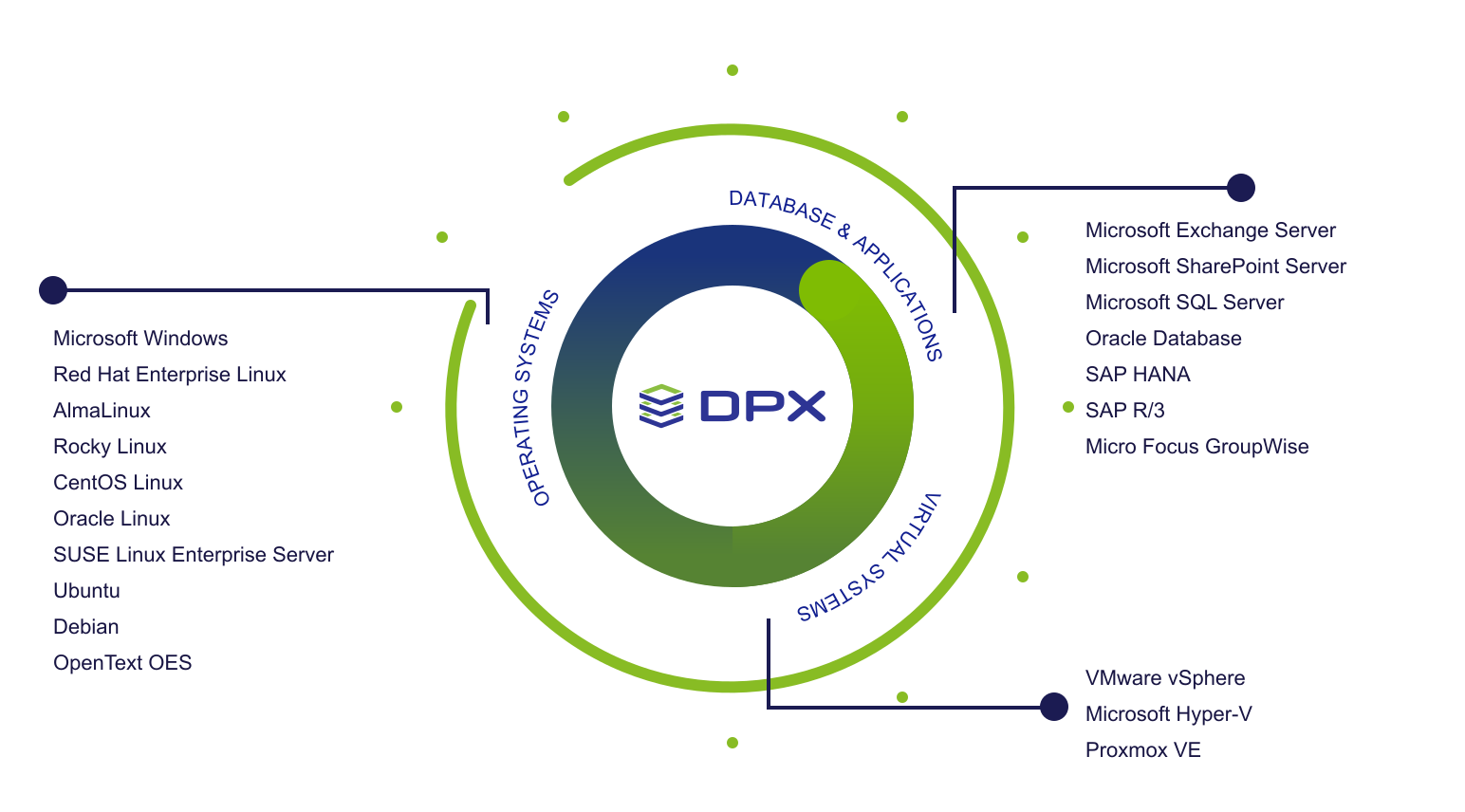
Catalogic DPX architecture diagram

Who should attend

The course is designed for the people responsible for protecting data with DPX:

  • Backup and storage administrators
  • IT operations staff who run and monitor DPX
  • New team members onboarding to an existing DPX deployment

What to expect

Every session is led by a Catalogic product expert and centered on practical outcomes:

  • Instructor-led delivery with guided hands-on labs
  • Practical scenarios drawn from real-world deployments
  • Time for your team's environment-specific questions
  • A clear path to operating DPX independently afterward

Training FAQs

What does the DPX training cover?
The DPX System Administration course covers the full administration workflow — DPX architecture and the Master Server, configuring block-level and file backups, agentless VMware and Hyper-V protection, scheduling and monitoring jobs, and restores including Bare Metal Recovery. See the Catalogic DPX product page for a capability overview.
What formats are available?
Training is offered as classroom sessions, live remote/virtual sessions, and on-site delivery at your own location. The curriculum and hands-on labs are the same across all three formats.
Do you offer on-site training at our location?
Yes. A Catalogic instructor can deliver the course at your premises, which lets the training reflect your specific environment and include your wider team. Contact us to arrange a date.
Who should attend?
The course is aimed at backup and storage administrators and IT operations staff who run DPX, as well as new team members joining an existing deployment. Basic familiarity with your operating systems and storage is helpful but not required.
How do we schedule a session?
Reach out through our contact page or talk to your Catalogic representative, and we’ll help you choose a format and set up a session. For product help between courses, the Support portal and knowledge base are always available.

Ready to schedule training?

Tell us about your team and environment, and we’ll help you pick the right format and timing for a DPX training session.

Bring DPX expertise in-house

Give your team the skills to protect production workloads with confidence. Talk to Catalogic about scheduling on-site, remote, or classroom DPX training.

Contact Us