


Agent sprawl
Agentless backup through vCenter removes the need for software in every VM.
VMware Backup

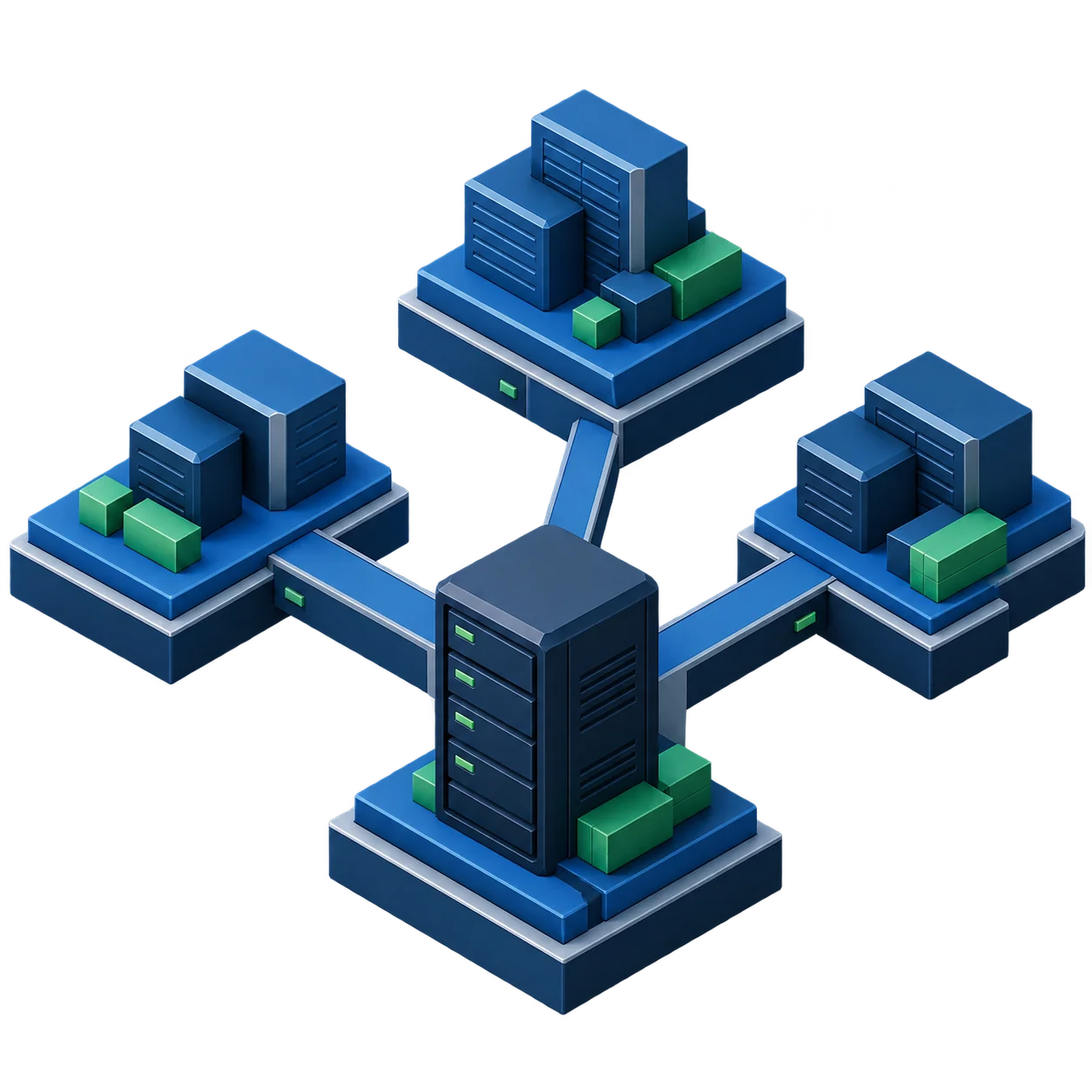
DPX protects VMware virtual machines without installing backup agents inside every VM. Backups are coordinated through VMware vCenter and a Catalogic DPX virtualization proxy server. The proxy handles VMware snapshot processing, communicates with backup storage, and sends job information to the DPX Master Server.
VMware snapshots are useful for short operational windows, but they are not a complete backup and recovery strategy. VMware environments need backup storage, retention, recovery orchestration, application consistency, and tested disaster recovery paths. Each challenge below links to the section that covers how DPX handles it.
Agentless backup through vCenter removes the need for software in every VM.
Instant and full restore options for files, disks, and whole VMs.
Tag-based policies and auto-discovery keep hundreds of VMs in scope.
When VSS quiescing is enough, and when a database needs agent-based protection.
Choosing between SAN, HotAdd, and LAN/NBD transport, and sizing the proxies.
Immutable backup storage, verified recovery points, and offsite copies.
| Requirement | Recommended DPX method |
|---|---|
| Image-level protection across many VMs | Agentless VMware backup through vCenter with proxy-based snapshot processing |
| Crash-consistent VM backup | Agentless VMware backup |
| Application-consistent backup of VSS-aware Windows applications | Agentless VMware backup with file system and application quiescing enabled |
| Granular recovery of SQL Server, Exchange, or Oracle objects | DPX Block Data Protection with the DPX Client installed inside the VM |
| Direct-attached or iSCSI volumes inside the VM | DPX Block Data Protection |
| Database-heavy VMware estate | Both methods, using agentless backup for the VM image and Block Data Protection for application recovery |
DPX VMware backup architecture uses a DPX Master Server, one or more virtualization proxy servers, VMware vCenter, ESXi hosts, protected VMs, and backup storage such as Catalogic vStor or NetApp. DPX does not need to be installed on vCenter, ESXi hosts, or every VM for agentless backup. Backups can use different transport paths. SAN and HotAdd are generally preferred for performance, while LAN/NBD is useful in smaller environments or where SAN or HotAdd access is unavailable.

Size the VMware backup architecture to the estate. These patterns show how proxy count, transport choice, backup storage, and job design usually change as a VMware environment grows.
Use vCenter, one DPX virtualization proxy, and vStor as the backup destination. LAN/NBD may be acceptable if performance requirements are modest.
Use multiple DPX virtualization proxies, vStor backup storage, and container-level backup jobs based on VM folders or resource pools.
Use multiple proxies, careful job separation by vCenter, SAN or HotAdd transport where possible, and replicated vStor storage for disaster recovery.
Use agentless VMware backup for general VM protection and DPX Block Data Protection for application-aware recovery of supported databases and application servers.
Use immutable backup storage, replicated backup points, verified snapshots, and documented instant restore workflows.
Use fast local backup storage for operational recovery, replicated storage for disaster recovery, and archive to tape or object storage for long-term retention.
Different incidents require different restore paths. DPX provides explicit VMware recovery options so administrators understand how it handles operational recovery, VM failure, storage issues, and site recovery.
Browse a VMware backup stored on vStor and download selected files or directories through the DPX web interface. The mounting workflow excludes ReFS, Btrfs and LVM-managed storage.
Make a backed-up VM available quickly by mapping a snapshot to the original or alternate ESXi host or vCenter. Use this when recovery time matters more than immediately moving all data back to production storage.
Restore the complete VM by transferring data to a target datastore. Use this when the VM needs to be fully rehydrated into the VMware environment.
Map a selected VMDK from backup to the original or alternate VM. Use this when the recovery target is a disk, not the entire VM.
Restore a selected VMDK into a VM when the disk must be permanently restored rather than temporarily mapped.
After instant recovery, use Rapid Return to Production to move the restored workload back to production storage where supported by the VMware licensing and storage configuration.
DPX can automatically include virtual machines in protection policies based on VMware vCenter tags, helping backup coverage follow workload classification and lifecycle changes. Administrators can select one or more tags, and VMs with any selected tag enter the backup scope automatically. New or changed VMs are discovered and protected without editing each job by hand.
DPX supports backup and recovery of VMware VMs with encrypted virtual disks. A restored VM does not retain the original VMware encryption policy automatically, so administrators must reapply the appropriate policy and use a configured KMS when the restored VM must remain encrypted.
Catalogic vStor is the preferred DPX backup repository for modern VMware environments. It supports DPX block and agentless backups, can be deployed as a VMware virtual appliance, and serves as a primary backup destination for DPX recovery workflows.
For VMware ransomware recovery, DPX provides immutable backup storage, replicated recovery points, backup verification, offsite copies, and restore flexibility across file, disk, VM, and full-environment scenarios. Replication alone leaves a gap here, because encrypted or corrupted source data can reach the replica.
| In your environment | What to expect from DPX |
|---|---|
| vSphere 9.1, 9.0.x, 8.0.x and 7.0.3 | Listed for agentless backup and restore in the DPX 4.16 compatibility matrix. vSphere 7.0.3 is the minimum supported version. |
| vCenter | Required. DPX discovers and manages VMware backup jobs through vCenter. |
| ESXi hosts | Nothing to install. DPX reaches your hosts through vCenter. |
| VMware Tools | Needed for quiescing and application-consistent backup. |
| vSAN | Supported. SAN transport is unavailable on vSAN, so jobs use another transport such as HotAdd or LAN/NBD. |
| VVol datastores | Supported for agentless backup to vStor or NetApp storage. |
| More than one vCenter | Supported. Use one backup job per vCenter rather than a single job spanning several. |
| VMware Cloud | Talk to us about your deployment before you plan around it. |
Datasheets, release details, and customer results for teams evaluating or operating DPX in a VMware environment. The agentless VMware backup documentation covers proxy deployment, job configuration, restore workflows, and vStor setup.
Platform overview covering agentless VMware backup, instant VM restore, ransomware detection, and immutable vStor storage.
Current release details, including VMware vTPM support, vStor audit logging, and expanded disaster recovery.
How a heavily virtualized campus replaced a struggling backup system with Catalogic DPX and Quantum storage.
Guidance from the Catalogic blog on VMware backup design, recovery objectives, and protecting vSphere virtual machines.
No matching articles found.
Use DPX to protect VMware virtual machines with agentless backup, VADP, Changed Block Tracking, vStor backup storage, instant recovery, VMDK restore, replication, and archive.
Request a Demo