



Files and directories
Protect selected paths in Ubuntu and recover the files you need without rebuilding the server.
Ubuntu backup

The backup method determines what is captured and how it can be recovered.
Protect selected paths in Ubuntu and recover the files you need without rebuilding the server.

Use block backup with LVM for Instant Access and volume restore. BMR recovers the system in supported configurations.

Protect VMs through compatible VMware, Hyper-V or Proxmox VE environments without a DPX agent in every guest.
Install the DPX Client on the physical server or inside the Ubuntu guest, then register it with the DPX Master Server. This model protects data directly, including files used by applications and services running on the system.
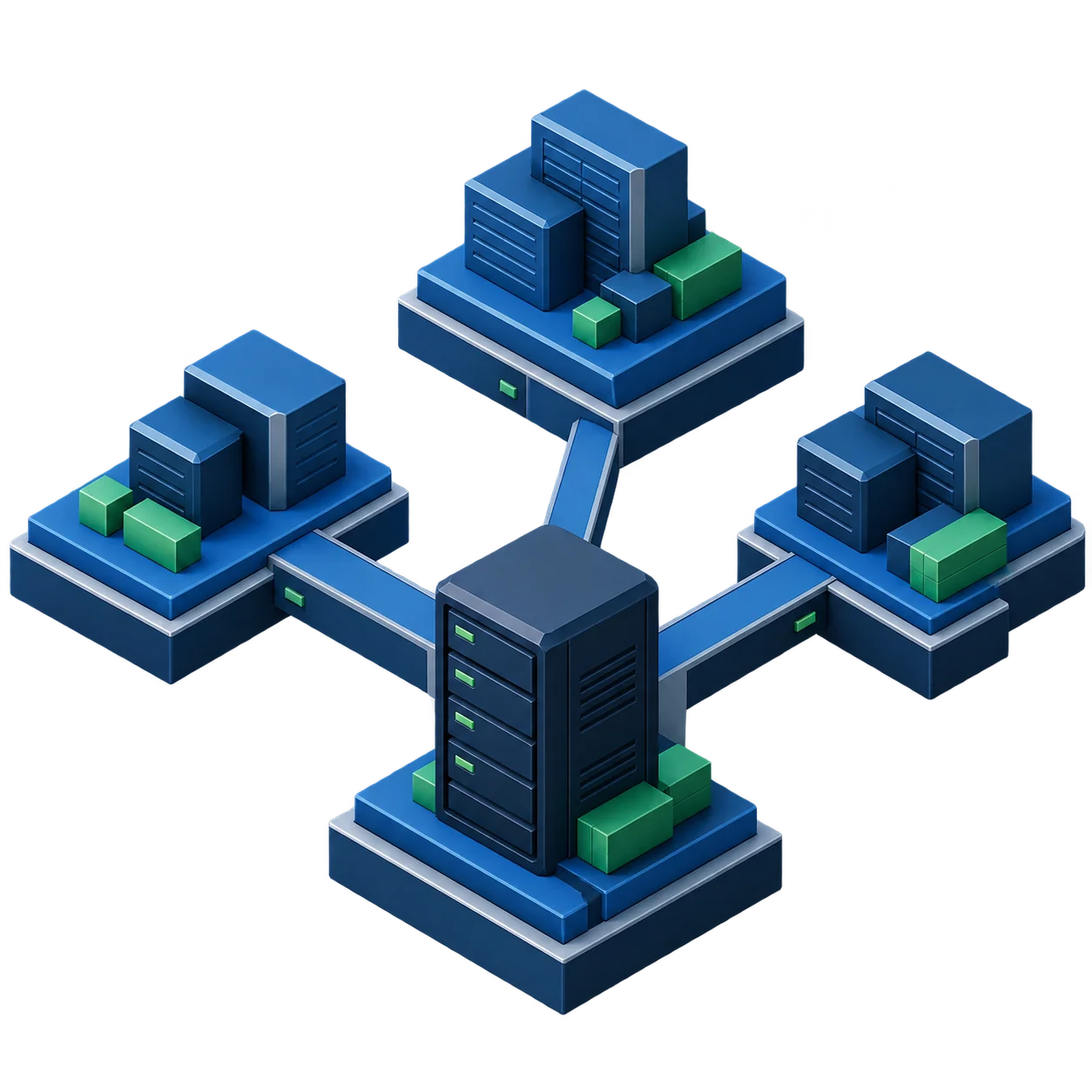
Choose a recovery path based on the available backup and the incident. Recover missing files, access block backup data or rebuild a supported system with Bare Metal Recovery.
BMR requires a target physical disk smaller than 2 TB. Multipath, software RAID and fake RAID are excluded. Recovery from vStor requires Linux kernel 3.10 or later.
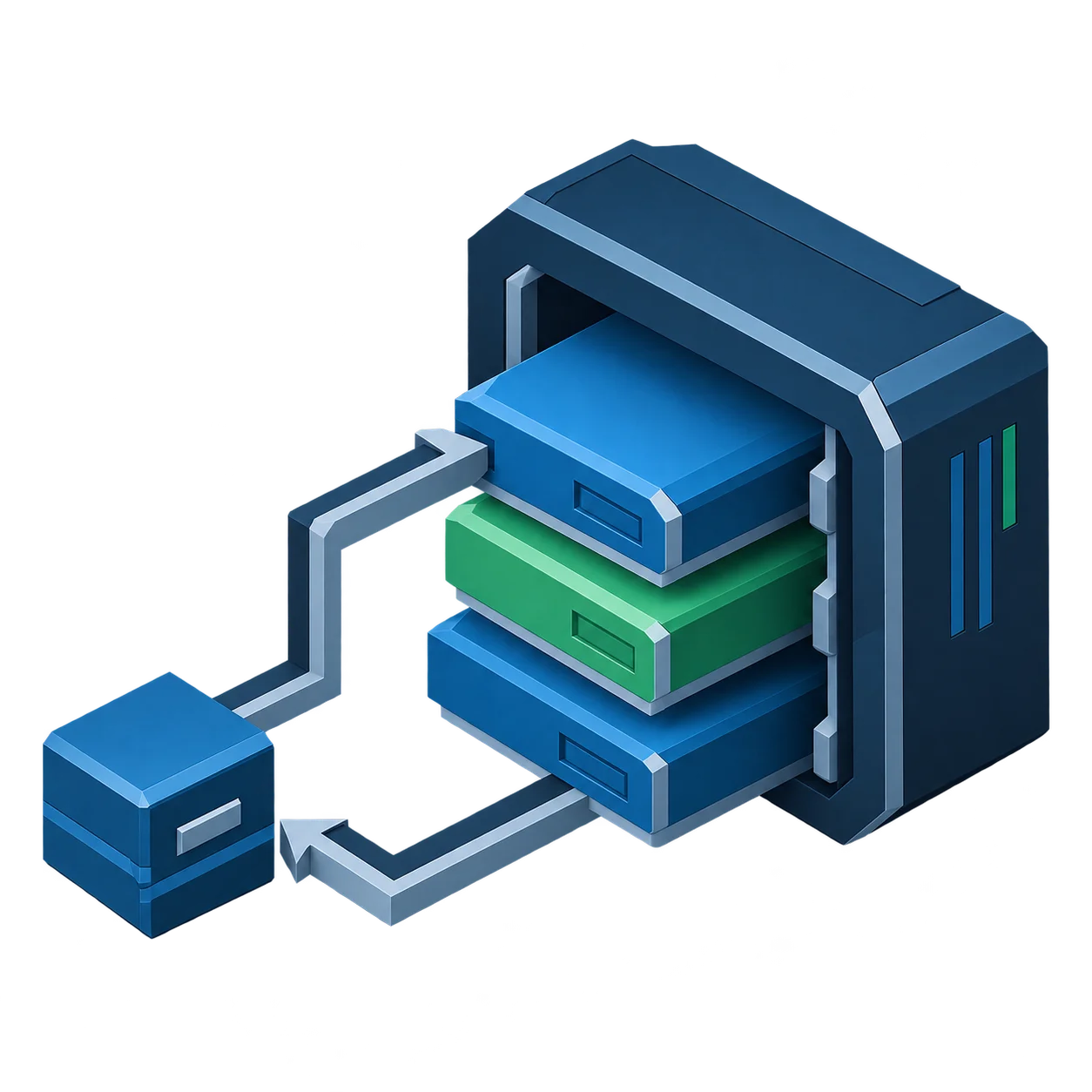
Each hypervisor uses components outside the guest. Check the platform version and VM configuration before choosing agentless backup.
Use DPX agentless VMware backup where VM-level protection is the goal. This reduces guest-agent management and supports VMware-based recovery workflows.
In supported Hyper-V environments, DPX provides agentless VM backup. Deploy the DPX Client in the guest when block-level guest protection is required.

Use DPX agentless Proxmox VE backup where VM-level protection is the goal. This covers Ubuntu running as a QEMU virtual machine on a supported Proxmox VE 8.4+ cluster, with no agent inside the guest.

DPX 4.16 lists Ubuntu 18.04, 20.04, 22.04 and 24.04 LTS. Features require the configurations and file systems documented in the compatibility matrix.
| Coverage | DPX support | Requirements or limits |
|---|---|---|
| Ubuntu 18.04, 20.04, 22.04 and 24.04 LTS | DPX Client supported | Also check operating system lifecycle and security maintenance |
| File-level backup | Supported | Extended attributes on EXT4/3/2 and XFS; XFS partitions above 1 TB excluded |
| Block-level backup | Supported | EXT and XFS; LVM required |
| Instant Access and volume restore | Supported | Available for block backups |
| Bare Metal Recovery | Supported | Target physical disk below 2 TB; multipath, software RAID and fake RAID excluded |
| Device/SAN Device Server and NDMP Proxy | Supported | Available where required by the deployment architecture |
| Ubuntu clusters and client Instant Virtualization | Not supported | Review alternative protection and recovery paths with Catalogic |
Check the Ubuntu compatibility matrix for other releases and technical notes.
Block backup requires LVM on the client. The limitation on mounting LVM snapshots on vStor concerns automatic verification and the subsequent scan.
| Component | Requirement |
|---|---|
| x64 hardware | At least 1 core and 2 GB RAM; 4 GB recommended for enterprise applications |
| Installation | At least 4 GB free space on the system drive |
| Linux packages | libnss3; iSCSI packages for Instant Access |
| Network | TCP and UDP ports documented for DPX Client |
| LVM for block backup | Installation volume in the volume group, with at least 10% free physical extents |
| XFS BLI | The matrix requires V7.2 or later; 64-bit inodes excluded |
| Agentless protection | Confirm hypervisor compatibility and components outside the guest before installation |
| Other hypervisors | Evaluate DPX Client inside the guest and confirm the configuration with Catalogic |
Review Linux client requirements and backup verification restrictions before installation.
Technical documentation and product pages for comparing backup and recovery paths.
Share your Ubuntu version, backup method and recovery requirements. Catalogic can review the configuration for physical servers and VMs, including vStor storage and scans of compatible backups.
Request Demo