


File-level backup
Protect selected files and directories for granular recovery on supported SLES systems. Supported on SLES 15 (GA and SP1 to SP7) and SLES 12 (GA through SP5), with extended attributes preserved on EXT4, EXT3, EXT2, and XFS.
SUSE Linux Enterprise Backup

SUSE Linux Enterprise Server often supports enterprise databases, business applications, file services, middleware, and infrastructure services. These systems need backup that protects more than the VM container. Recovery teams need control at the file system, volume, and application-data level. Catalogic DPX protects SLES workloads through the DPX Client for Linux. This agent-based model gives administrators direct control over file-level backup, block-level backup, recovery point selection, and restore operations for supported SUSE Linux systems.
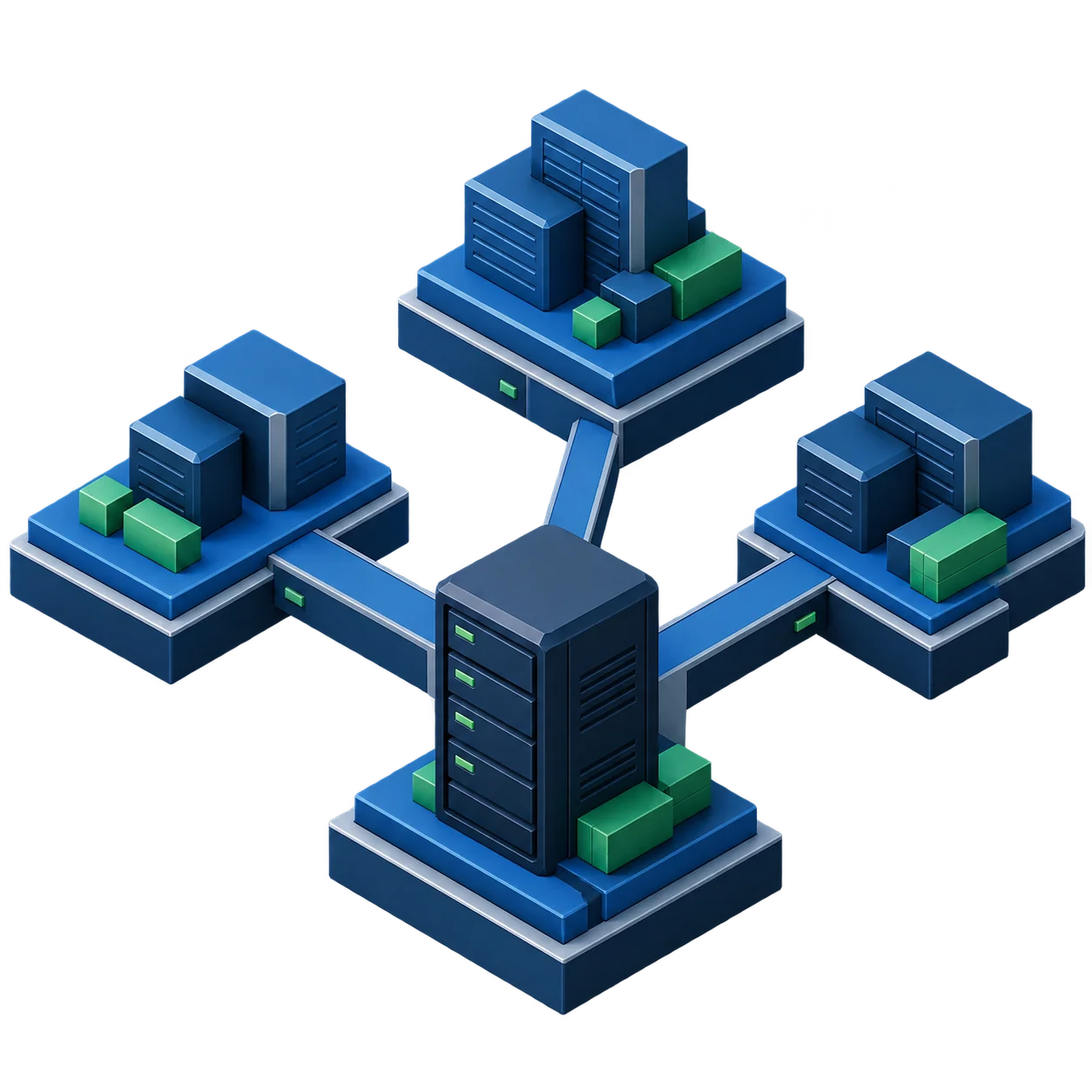
DPX protects SUSE Linux Enterprise Server workloads through the DPX Client for Linux, giving administrators multiple types of protection and recovery for supported SLES versions. File-level and block-level backup capture data the right way for each workload, while Instant Access mapping, selective restore, volume restore, and Bare Metal Recovery provide flexible paths back to production.
Protect selected files and directories for granular recovery on supported SLES systems. Supported on SLES 15 (GA and SP1 to SP7) and SLES 12 (GA through SP5), with extended attributes preserved on EXT4, EXT3, EXT2, and XFS.
Protect data efficiently at the block level, capturing changed blocks rather than every file. Supported for SLES 15 and 12 versions on EXT and XFS file systems, including large XFS volumes above 1 TB.
Map supported block backup instances to access protected data quickly during recovery, without waiting for a full volume restore. Supported across all listed SLES 15 and SLES 12 versions.
Recover specific files or data from supported block backup instances when targeted recovery is needed rather than a full volume. Available for supported SLES 15 and 12 versions.
Restore full protected volumes to a known good state when larger-scale recovery is required. Supported for supported SLES 15 and 12 versions.
Rebuild an entire system from backup. Supported only for SLES 12 SP2 to SP3, with documented restrictions (physical disk below 2 TB and no multipath devices). Not available for SLES 15 or other SLES 12 versions.
DPX file-level backup protects selected files and directories on SUSE Linux systems. This is the right fit when administrators need granular restore, simple policy scoping, and recovery of user data, configuration files, scripts, application directories, or selected file system paths. For SLES, DPX file-level backup is supported with most operating system-supported file systems. Extended file system attributes are supported with EXT4, EXT3, EXT2, and XFS.
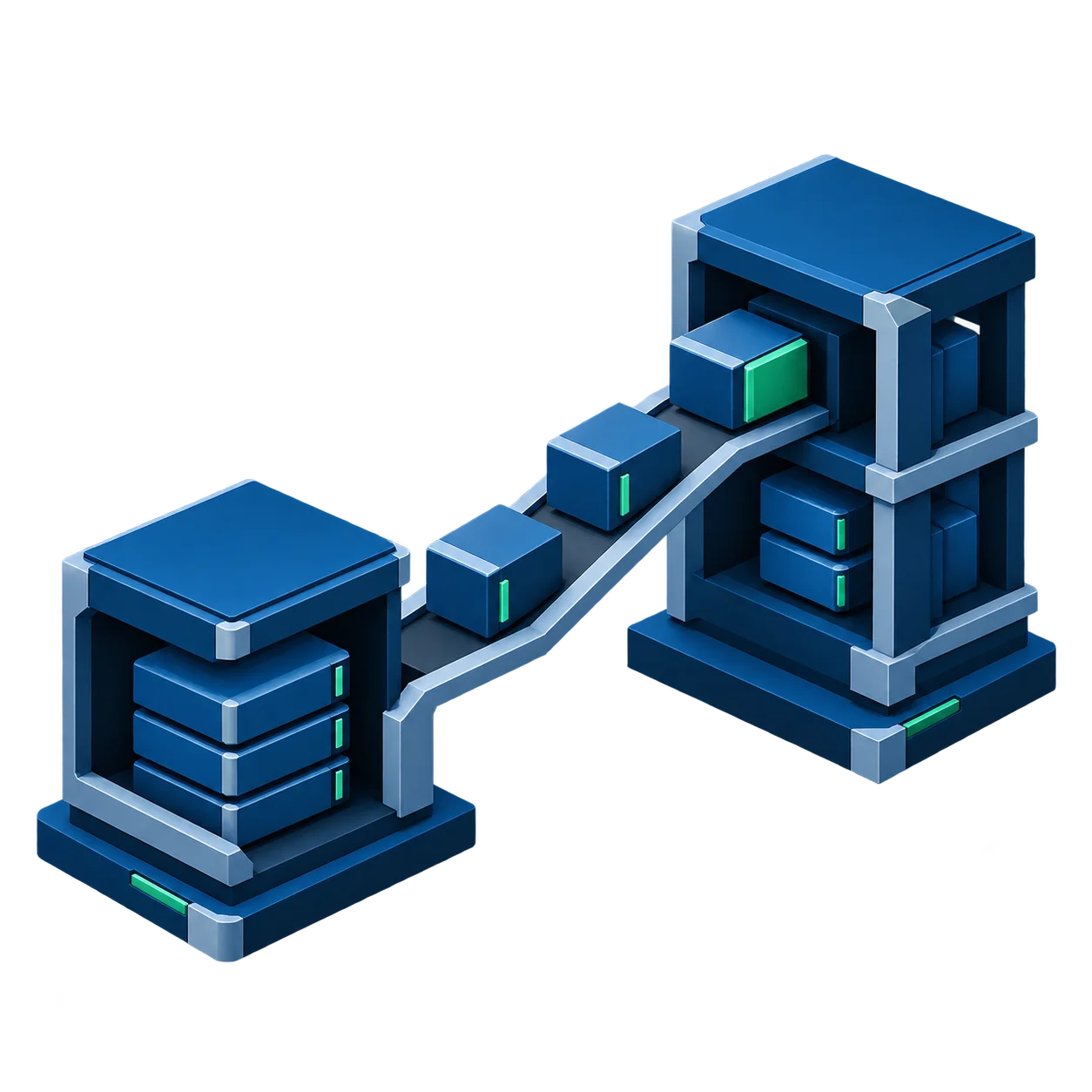
For supported SLES versions, DPX block-level backup protects data at the block level rather than backing up every file as a separate logical object. This approach is designed for efficiency, especially when workloads have large volumes, high change rates, or recovery objectives that require volume-level restore. DPX block backup for SLES supports Instant Access mapping, selective restore, and volume restore. Supported file systems for block backup are EXT and XFS.
DPX gives administrators multiple recovery paths for SUSE Linux systems depending on the backup type, file system, and recovery target. Teams can restore individual files, selected directories, mapped backup instances, or full volumes.
Recover selected files and directories from file-level backups. Restore individual items without recovering an entire system or volume.
Recover selected data from supported block backup instances. Use selective restore when targeted recovery is needed from a block-level protection source.
Restore full protected volumes when larger-scale recovery is required. Suited for cases where a full volume needs to be returned to a known good state.
Map supported block backup instances to access protected data quickly during recovery workflows. Supported for SLES file-level and block-level backup scenarios.
Restore from disk, tape, or cloud archive depending on retention age and the most efficient available copy. vStor can pull data from the right source automatically.
Use BMR only for SLES 12 SP2 to SP3 where documented requirements are met: physical disk below 2 TB, no multipath devices. Not available for SLES 15 or other SLES 12 versions.
SUSE Linux workloads can host critical application data, identity services, databases, and shared infrastructure. DPX strengthens recovery readiness with immutable backup storage, GuardMode scans of backup data, and recovery workflows that help administrators identify cleaner restore points before returning data to production. With vStor, backup data can be protected using snapshot and volume immutability controls. SLES is not a supported operating system for the GuardMode agent, so GuardMode coverage for SLES data runs on vStor, which scans mounted file systems and backup snapshots for signs of ransomware or malicious encryption. If suspicious files are detected, administrators can review scan results, move to earlier snapshots, and restore from a cleaner recovery point.

DPX vStor provides software-defined backup storage for DPX environments. For SUSE Linux workloads, vStor can be used as a resilient backup target for block-level protection and recovery workflows. vStor supports volume-level and snapshot-level deletion lock controls, file immutability, automatic snapshot policies, replication relationships, and automatic GuardMode scan settings.
Use vStor as the DPX backup repository for SLES workloads. Supports scalable capacity, retention controls, and efficient operations.
Apply snapshot deletion lock policies to prevent backup snapshots from being deleted or modified during the protected retention window.
Protect volumes with deletion lock in fixed or flexible immutability modes to prevent modification or deletion of backup data.
Enable automatic GuardMode scanning on vStor to detect suspicious encryption activity across backup snapshots without manual intervention.
Replicate SLES backup data between vStor systems to support disaster recovery, remote office consolidation, and secondary copy protection.
Use AutoSnapshot for additional recovery points alongside DPX backup jobs, giving more granular recovery options within vStor.
DPX supports enterprise retention strategies for SUSE Linux workloads across fast local recovery storage, replicated repositories, tape, and cloud archive. This allows backup teams to align storage design with recovery objectives, compliance needs, cost, and cyber-resilience requirements.
Keep recent backups on disk for faster operational recovery of SLES systems, files, and volumes.
Replicate backup data to secondary vStor systems for disaster recovery and offsite copy protection.
Archive older SLES backup data to tape for offline retention, regulatory compliance, and air-gapped recovery strategies.
Use cloud archive for long-term retention and offsite copies where appropriate for cost and recovery objectives.
Combine immutable storage with tape or cloud archive to create resilient air-gapped backup copies for worst-case recovery scenarios.
Support both local recovery for operational speed and remote recovery for disaster or site-loss scenarios from the same DPX environment.
Use DPX Client for Linux to protect SLES systems running enterprise services, middleware, infrastructure tools, and business applications on physical or virtual infrastructure.
Restore selected files, directories, scripts, configuration files, and application data from file-level or block-level backups without recovering an entire system.
Use block-level backup for XFS partitions larger than 1 TB, since file-level backup is not supported for XFS partitions above that size.
Use DPX block-level recovery workflows when a full protected volume needs to be restored to a known good state.
Use vStor GuardMode scans to check backup snapshots and mounted file systems for suspicious encryption or ransomware indicators before restoring data.
Use vStor deletion locks, snapshot immutability, and retention policies to protect SLES recovery points from deletion or modification.
Use tape, cloud archive, and replicated copies to retain SLES backups according to operational, legal, and compliance requirements.
Protect SLES workloads alongside VMware VMs, Windows servers, databases, and other enterprise systems within the same DPX environment.
Use Instant Access mapping for supported block backup scenarios to access protected SLES data quickly during recovery without waiting for a full volume restore.
The following notes describe DPX support for SLES as of 2026. They help set accurate expectations for SLES backup and avoid assumptions about unsupported features.
| Topic | DPX support |
|---|---|
| Instant Virtualization for SLES | Not supported. Use Instant Access mapping for SLES instead. |
| Bare Metal Recovery | Supported only for SLES 12 SP2 to SP3 with documented restrictions (disk below 2 TB, no multipath). |
| XFS file-level backup | Supported, but file-level backup for XFS partitions above 1 TB is not supported. |
| XFS block backup | Supported. Use block-level backup for XFS partitions larger than 1 TB. |
| XFS BLI | Requires DPX V7.2 or later. 64-bit XFS inodes are not supported. |
| Cluster support | Cluster backup is not supported for SLES. |
| Block backup file systems | EXT and XFS. Plan block backup on other file systems only after checking compatibility. |
| SLES 15 BMR | Not supported for any SLES 15 version including SP1 through SP7. |
| SLES as Device Server or NDMP Proxy | Supported. SLES can be used in Device or SAN Device Server roles and as NDMP Proxy. |
Always validate the exact SLES version, service pack, file system, volume layout, and DPX version against the current DPX Compatibility Guide before deployment.
Documentation and product resources for teams planning or operating DPX protection for SUSE Linux Enterprise Server workloads.
Enterprise backup and recovery for Linux, Windows, VMware, Hyper-V, databases, NAS, and application workloads.
Supported Linux distributions, SLES versions, service packs, file systems, and block backup requirements.
Software-defined backup storage with replication, deletion lock, immutability controls, and cloud offload.
Suspicious file detection and scan workflows for backup verification and safe restore selection.
DPX backup and recovery for RHEL, AlmaLinux, Rocky Linux, and Oracle Linux workloads.
Catalogic DPX helps organizations protect SUSE Linux Enterprise Server workloads with agent-based backup, file-level recovery, block-level protection, immutable backup storage, GuardMode scans of backup snapshots, and flexible recovery across disk, tape, cloud, and replicated storage.
Request Demo