Catalogic Software

OpenStack Workload Backup

OpenStack Workload Backup and Recovery

Protect workloads running on OpenStack with Catalogic DPX agent-based backup. Install DPX Client inside supported Windows and Linux instances for file-level backup, block-level backup, Bare Metal Recovery where supported, vStor storage, retention, and ransomware-aware recovery workflows.
OpenStack Workload Backup and Recovery

Protect the workload, not just the OpenStack instance

OpenStack gives infrastructure teams flexible private cloud operations, but infrastructure snapshots are not the same as enterprise backup. Many OpenStack workloads need recoverable files, application data, database volumes, system state, retention policies, off-host copies, and restore workflows that are independent of the cloud control plane. DPX protects OpenStack workloads from inside the guest operating system. Install the DPX Client in supported Linux or Windows instances, register the client with the DPX Master Server, and apply backup policies based on the workload's recovery requirements.

  • Protect OpenStack-hosted Linux and Windows workloads with the DPX Client
  • Use file-level backup for files, directories, configuration, scripts, and user data
  • Use block-level backup for supported operating systems and storage layouts
  • Protect supported applications with DPX application-aware workflows
  • Recover individual files, volumes, or full systems depending on the backup model
  • Store backup data on vStor, disk, tape, cloud, or object storage targets
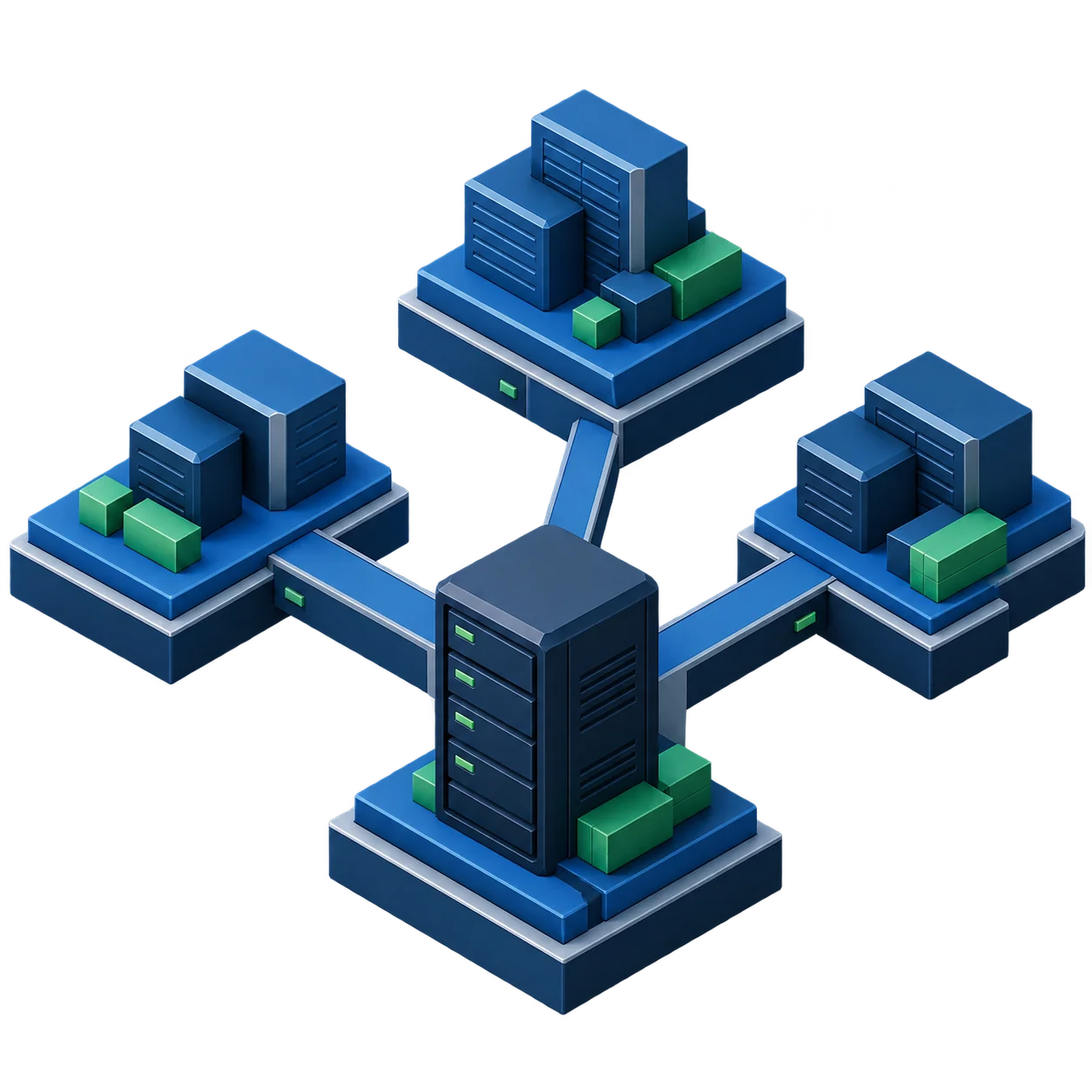
OpenStack workloads protected by Catalogic DPX agent-based backup

Why DPX uses agent-based protection for OpenStack workloads

For OpenStack in 2026, DPX is a workload-level protection solution. DPX core does not provide agentless OpenStack backup. Agent-based protection delivers meaningful advantages for enterprise workloads hosted on OpenStack.

Guest-aware recovery

DPX protects what runs inside the instance: files, volumes, operating system data, and supported applications.

OpenStack-independent restores

Recovery does not depend on OpenStack-native snapshot metadata or tenant self-service backup workflows.

Physical and virtual consistency

The same DPX model can protect OpenStack instances, physical servers, VMware VMs, Hyper-V VMs, and supported application servers.

Better application alignment

For supported databases and applications, DPX can use workload-aware backup methods instead of treating the VM as an opaque disk image.

Clear operational ownership

Backup administrators manage DPX policy, retention, catalog, storage, and restore procedures. OpenStack operators continue managing cloud infrastructure.

Practical cyber recovery

Agent-based protection supports restore planning that focuses on clean files, known recovery points, retention, and isolated backup storage.

Agent-based backup for OpenStack-hosted instances

DPX protects OpenStack workloads by installing the DPX Client inside the guest operating system. Once registered with the DPX Master Server, the instance can be included in backup jobs like other enterprise servers.

  • Install the DPX Client inside supported Linux or Windows OpenStack instances
  • Register each protected instance as a DPX client node
  • Group OpenStack instances by workload, application, environment, or recovery tier
  • Create file-level backup jobs for files, directories, and configuration data
  • Create block-level backup jobs where the guest OS and storage layout support DPX Block Data Protection
  • Use application-aware backup for supported workloads such as SQL Server, Exchange, SharePoint, Oracle, or SAP HANA where applicable
  • Store backups on DPX-supported destinations such as vStor, disk, tape, cloud, or object storage
  • Restore files, directories, volumes, or full systems based on the protection model used
  • Validate OpenStack instance rebuild and DPX restore procedures together
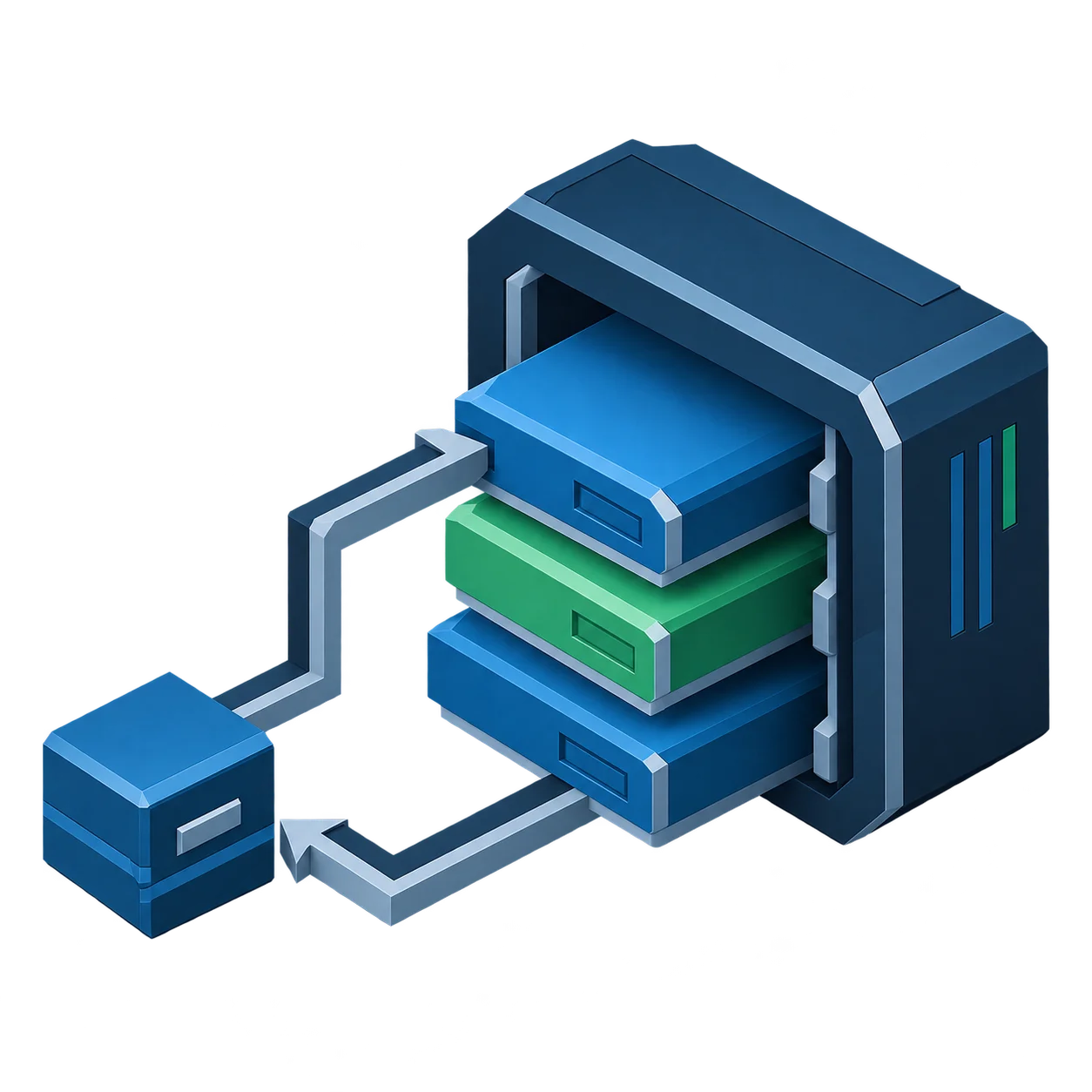
Agent-based DPX backup for OpenStack-hosted instances

OpenStack support model in DPX

This is the most important positioning note on the page. DPX does not currently provide agentless OpenStack backup in the DPX 4.15 compatibility baseline. OpenStack workload protection is agent-based, installed inside the guest operating system.

Area2026 DPX positioning
OpenStack agentless backupNot a DPX core capability in the current DPX 4.15 compatibility baseline
DPX agentless virtual environment supportVMware and Microsoft Hyper-V
OpenStack workload protection modelAgent-based protection inside the guest OS
Supported guest operating systemsUse the DPX Compatibility Guide for the exact Windows and Linux versions
File-level backupSupported for major compatible guest operating systems
Block-level backupSupported for compatible Windows and Linux guests where OS and configuration requirements are met
Application backupSupported where the application and guest OS combination is listed in DPX compatibility
OpenStack tenant or project integrationNot a DPX core claim
OpenStack Horizon self-service backupNot a DPX core claim
OpenStack Cinder, Nova, Glance, or Ceph orchestrationNot a DPX core claim

For OpenStack environments, design DPX protection around the guest workload. Validate the exact guest operating system, application, filesystem, volume layout, DPX version, and recovery workflow against the current DPX Compatibility Guide.

DPX capabilities for OpenStack workload protection

DPX provides workload-level protection for OpenStack environments through the same enterprise backup platform used for other physical, virtual, and application workloads.

File-level backup

Back up files and directories inside supported OpenStack instances for configuration, scripts, user data, application directories, and operational file recovery.

Block-level backup

Use DPX Block Data Protection for supported Windows and Linux guests where the operating system and volume layout meet compatibility requirements.

Incremental block protection

After the initial base backup, DPX block backup uses changed-block tracking on the client node so subsequent backups transfer only changed blocks.

Application-aware backup

Protect supported applications inside OpenStack instances using DPX application backup workflows where the application and OS combination is supported.

Bare Metal Recovery where supported

Use DPX Bare Metal Recovery for supported operating systems when a full system rebuild path is required for the protected guest.

Flexible backup storage

Use vStor, disk, tape, cloud, and object storage targets depending on retention, recovery, compliance, and cost requirements.

Centralized DPX catalog

Track protected OpenStack workloads, backup jobs, retention, and restore points through the DPX catalog and management interfaces.

Ransomware-aware recovery

Use DPX cyber-resilience capabilities such as vStor retention controls, backup verification, and GuardMode workflows where supported by the backup type.

Mixed infrastructure coverage

Protect OpenStack-hosted workloads alongside VMware, Hyper-V, physical servers, databases, NAS, and enterprise applications in the same DPX environment.

OpenStack infrastructure layer

OpenStack continues to provide compute, networking, storage, identity, and tenant/project management. DPX does not need to control the OpenStack layer to protect the workload from inside the instance.

  • OpenStack manages instances, projects, flavors, images, volumes, and networks
  • OpenStack operators manage cloud infrastructure lifecycle
  • DPX does not need Horizon, Nova, Cinder, or Glance integration for agent-based workload backup
  • OpenStack snapshots can remain an infrastructure operation, separate from enterprise backup

DPX workload protection layer

DPX protects the operating system and application data inside each selected instance. The protected instance is treated as a DPX client node, with backup policy, restore points, storage, and retention managed through DPX.

  • DPX Client installed inside the protected guest operating system
  • Node registered with the DPX Master Server
  • Backup jobs defined by workload, OS, application, or recovery tier
  • Backup data written to DPX-managed storage targets
  • Restore performed through DPX workflows, coordinated with OpenStack rebuild procedures where needed

OpenStack workloads DPX can protect

DPX protects enterprise workloads running on OpenStack, not the OpenStack control plane itself. These are the guest-level workloads that benefit from enterprise backup, retention, and recovery.

Linux application servers

Protect supported Linux instances running application services, middleware, web services, scripts, and configuration data.

Windows application servers

Protect supported Windows instances with file-level, block-level, and application-aware workflows where compatibility requirements are met.

Database-adjacent systems

Protect application servers and supporting systems around databases. Use DPX application pages for specific database workflows such as Oracle, SQL Server, and SAP HANA.

File and content servers

Protect shared file repositories, content stores, and operational data hosted inside OpenStack instances.

Identity and infrastructure services

Protect selected identity, monitoring, automation, and infrastructure service nodes when they hold state that cannot be rebuilt safely.

Long-running private cloud workloads

Use DPX for persistent workloads that have business recovery requirements beyond OpenStack snapshot or rebuild processes.

Supported guest operating systems drive the protection model

For OpenStack, DPX support is determined primarily by the guest operating system and application compatibility, not by OpenStack itself. Validate the exact version and configuration against the current DPX Compatibility Guide.

Guest workload typeDPX protection guidance
Supported Windows instancesFile-level backup, block-level backup, application-aware backup where supported
Supported RHEL, AlmaLinux, Rocky Linux, CentOS, Oracle Linux, SLES, and Ubuntu instancesFile-level and block-level backup where supported by the exact version and configuration
Debian instancesFile-level backup where supported by compatibility
Application workloadsUse the specific DPX application compatibility matrix
Unsupported or short-lived instancesUse OpenStack rebuild automation or application-level replication instead of claiming DPX support

For Linux block-level backup, confirm LVM and free physical extent requirements before deployment. Some Linux distributions support Block Data Protection in addition to file-level protection, but exact requirements must be validated before installation.

Recovery

Recover files, volumes, applications, or full systems

DPX recovery for OpenStack workloads depends on the backup method used inside the guest. File-level backups support granular recovery of files and directories. Block-level backups support broader recovery options for supported systems. Application backups provide workload-specific recovery where supported by DPX compatibility. For full instance recovery, OpenStack teams should coordinate infrastructure rebuild steps with DPX restore steps — recreating or replacing the OpenStack instance as needed, then restoring protected data or systems from DPX according to the documented recovery procedure.

  • Restore individual files and directories from file or block backups.
  • Recover supported applications using application-specific workflows.
  • Use Bare Metal Recovery where the guest OS and DPX compatibility support it.
  • Restore to a rebuilt or replacement OpenStack instance when required.
  • Test recovery procedures before relying on them in production.
Talk to an OpenStack Backup Specialist
OpenStack workload recovery with Catalogic DPX

Ransomware-aware backup for OpenStack workloads

OpenStack private clouds can host long-lived business systems that need the same ransomware recovery discipline as physical and VMware environments. DPX helps by keeping protected data in enterprise backup storage and supporting recovery-point selection workflows.

Off-instance backup copies

DPX stores backup data outside the protected OpenStack instance, reducing dependence on the compromised workload.

vStor immutable storage controls

Use vStor deletion lock and retention controls where appropriate to reduce exposure to accidental or malicious deletion.

Backup verification where supported

For supported block and VMware backups stored on vStor, DPX can verify that backup data can be accessed after backup completion.

GuardMode where supported

Use GuardMode workflows where supported by the backup type and protected platform to identify suspicious file activity and inform restore decisions.

Clean recovery-point selection

Use backup metadata, verification results, and operational investigation to select the safest available restore point.

Separation of duties

Separate OpenStack administrative access from DPX backup administration and backup storage control.

Backup storage options for OpenStack workloads

OpenStack environments often mix fast-changing test workloads with persistent business systems. DPX storage design should reflect the recovery tier of each workload.

vStor backup repository

Use Catalogic vStor as software-defined backup storage for DPX environments that need scalable capacity, replication, retention controls, and efficient operations.

Disk-based backup targets

Use disk targets for operational recovery where recent restore points need faster access.

Tape retention

Use DPX tape support for long-term retention, offline copies, regulatory retention, and air-gapped recovery strategies.

Cloud and object storage

Use object storage or cloud archive strategies for long-term retention and offsite copies where appropriate.

Tiered retention

Apply different retention policies based on production, development, test, or application recovery requirements.

Mixed workload storage

Use the same DPX storage strategy across OpenStack, physical servers, VMware, Hyper-V, databases, and file services.

Common OpenStack backup use cases

Persistent private cloud workloads

Protect long-running business systems hosted on OpenStack where rebuild automation alone is not enough.

Linux server backup

Install DPX Client in supported Linux instances for file-level or block-level protection.

Windows server backup

Install DPX Client in supported Windows instances for file-level, block-level, and application-aware protection where supported.

Application server recovery

Protect configuration, application directories, logs, stateful data, and supporting files for production application servers.

Database workload protection

Use DPX application-specific protection for supported databases running inside OpenStack instances where compatibility requirements are met.

Ransomware recovery planning

Keep recoverable backup copies outside the instance and use tested DPX restore procedures.

Long-term retention

Retain OpenStack workload backups on disk, tape, vStor, cloud, or object storage based on compliance requirements.

Hybrid infrastructure backup

Use DPX as a common backup platform across OpenStack workloads and the rest of the enterprise environment.

Planning requirements for DPX Client in OpenStack instances

Use this as a concise technical planning reference. Every OpenStack instance that requires enterprise backup needs the DPX Client installed inside the guest operating system.

Requirement areaPlanning guidance
DPX ClientInstall inside every OpenStack instance that requires DPX backup
Guest OS compatibilityValidate against the current DPX Compatibility Guide
Linux client requirementsConfirm memory, CPU, disk, libnss3, iSCSI package, and firewall requirements
Linux block backupConfirm LVM and free physical extent requirements before enabling Block Data Protection
Windows block backupValidate Windows version, application consistency, and VSS requirements
Network accessEnsure DPX client ports are reachable between protected instances and DPX infrastructure
Storage targetSelect vStor, disk, tape, cloud, or object storage based on RPO, RTO, and retention
Recovery processDocument how DPX restore coordinates with OpenStack instance rebuild or replacement
SecuritySeparate DPX backup administration from OpenStack tenant and cloud administrator roles

Do not skip the DPX Client installation for OpenStack instances. Unlike VMware and Hyper-V, DPX core does not provide agentless backup for OpenStack in the current DPX 4.15 compatibility baseline. Every protected OpenStack instance requires the DPX Client installed inside the guest.

OpenStack workload backup resources

Documentation and product resources for private cloud teams planning or operating DPX agent-based protection for workloads running on OpenStack.

OpenStack backup FAQ

Does Catalogic DPX provide agentless backup for OpenStack?
No. In the current DPX 4.15 compatibility baseline, DPX agentless backup is listed for VMware and Microsoft Hyper-V. OpenStack workloads should be protected with agent-based backup by installing the DPX Client inside supported guest operating systems.
How does DPX protect workloads running on OpenStack?
DPX protects OpenStack workloads from inside the instance. Install the DPX Client on the supported Windows or Linux guest, register the node with the DPX Master Server, and apply file-level, block-level, or application-aware backup jobs based on the workload and compatibility requirements.
Can DPX back up OpenStack instances without installing an agent?
Not with DPX core in the current 2026 positioning. Use agent-based protection for OpenStack-hosted workloads. DPX agentless virtual environment support covers VMware and Microsoft Hyper-V, not OpenStack.
Can DPX protect Linux instances running on OpenStack?
Yes, where the Linux distribution and version are supported by the DPX Compatibility Guide. DPX supports file-level backup and, for many major Linux distributions and configurations, block-level backup.
Can DPX protect Windows instances running on OpenStack?
Yes, where the Windows version and configuration are supported by DPX compatibility. DPX can protect supported Windows instances with file-level, block-level, and application-aware workflows where applicable.
Does DPX integrate with OpenStack Horizon?
No. DPX core does not claim Horizon integration. The DPX protection model for OpenStack is agent-based backup inside the guest operating system, managed through DPX.
Does DPX integrate with OpenStack Cinder, Nova, Glance, or Ceph for backup?
No. DPX core does not claim Cinder, Nova, Glance, or Ceph-native backup orchestration. DPX protects the guest workload through the installed DPX Client.
Can DPX restore a full OpenStack instance?
DPX recovery depends on the backup model used. For full workload recovery, teams may rebuild or replace the OpenStack instance, then restore protected data or systems from DPX. Full system recovery may be available where the guest OS and DPX Bare Metal Recovery compatibility support it.
Should OpenStack teams use snapshots or DPX backup?
OpenStack snapshots and DPX backups serve different operational purposes. Snapshots can help with short-term infrastructure operations. DPX provides enterprise backup, cataloging, retention, storage target flexibility, and recovery workflows for protected workloads.
Can DPX protect applications running inside OpenStack instances?
Yes, where the application, operating system, and DPX version are supported by the DPX Compatibility Guide. For example, use the relevant DPX solution pages and compatibility matrices for Oracle, SQL Server, Exchange, SharePoint, SAP HANA, and other supported applications.

Need to design your OpenStack backup architecture?

Talk to Catalogic about protecting Windows and Linux workloads running on OpenStack with DPX Client backup, file-level and block-level recovery, application-aware protection, vStor storage, ransomware recovery planning, and long-term retention.

Protect OpenStack workloads with agent-based DPX backup

Talk to Catalogic about protecting Windows and Linux workloads running on OpenStack with DPX Client backup, file-level and block-level recovery, application-aware protection, vStor storage, ransomware recovery planning, and long-term retention.

Request Demo