


Guest-aware recovery
DPX protects what runs inside the VM: files, volumes, operating system data, and supported applications, going beyond the infrastructure layer.
Nutanix Workload Backup

Nutanix environments often host business-critical Windows and Linux workloads, databases, file services, and enterprise applications. Backup strategy should focus on recoverable data, clean recovery points, and resilience against deletion or encryption. Catalogic DPX protects Nutanix-hosted workloads using agent-based backup for supported systems. This approach is useful when the goal is application-aware protection, file and volume recovery, long-term retention, and cyber-resilient recovery independent of hypervisor-native backup methods.
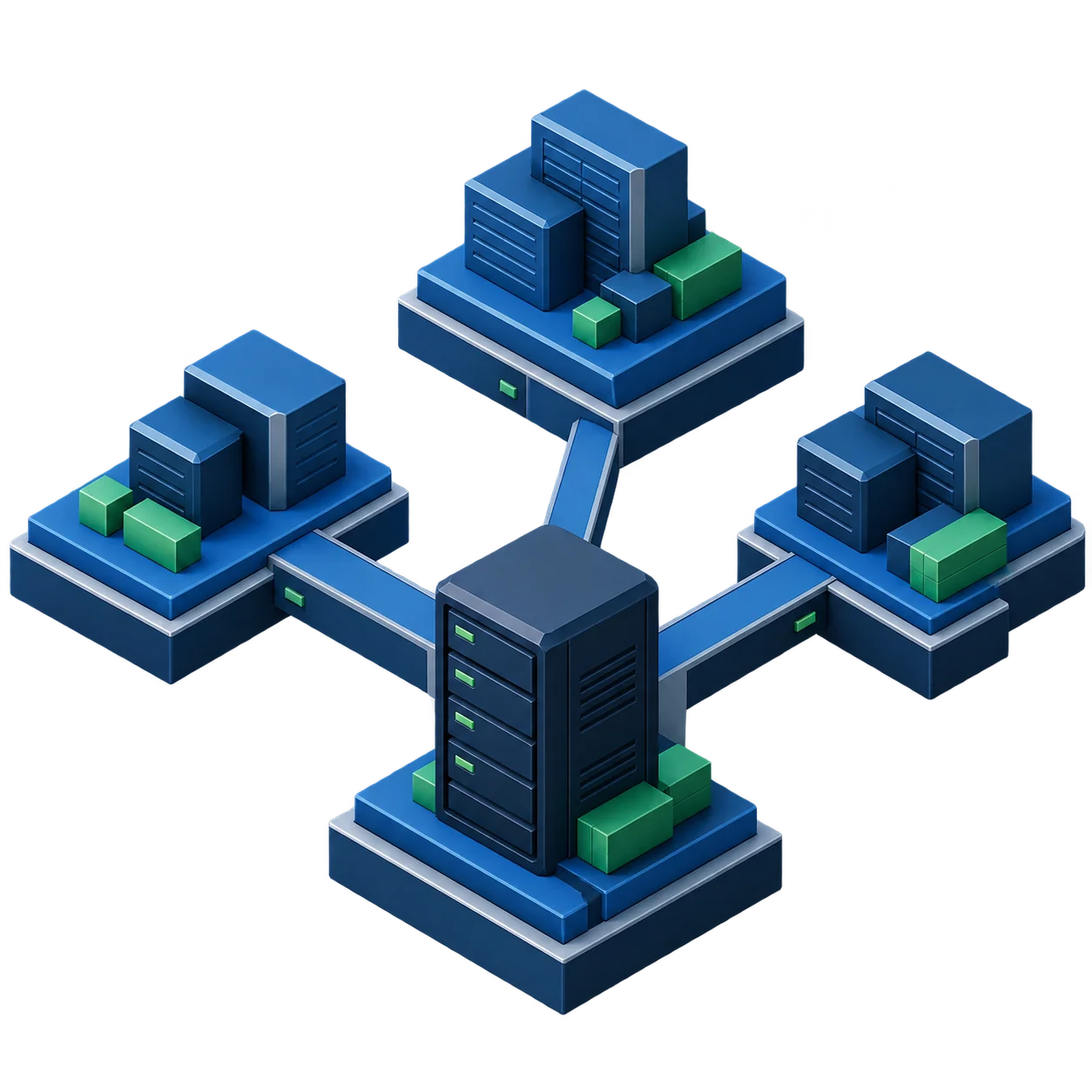
DPX protects Nutanix environments at the workload level, using DPX Client software installed inside supported Windows and Linux systems. Agent-based protection gives enterprise workloads hosted on Nutanix the following advantages.
DPX protects what runs inside the VM: files, volumes, operating system data, and supported applications, going beyond the infrastructure layer.
Recovery does not depend on Nutanix-native snapshot metadata or AHV-specific backup workflows, giving backup teams independent control.
The same DPX model can protect Nutanix-hosted VMs, physical servers, VMware VMs, Hyper-V VMs, and supported application servers.
For supported databases and applications, DPX uses workload-aware backup methods instead of treating the VM as an opaque disk image.
Backup administrators manage DPX policy, retention, catalog, storage, and restore procedures. Nutanix operators continue managing the hyperconverged infrastructure.
Agent-based protection supports restore planning focused on clean files, known recovery points, immutable storage, and ransomware detection.
DPX protects Nutanix workloads by installing the DPX Client inside the guest operating system. Once registered with the DPX Master Server, the protected system can be included in backup jobs like any other enterprise server, with file-level, block-level, and application-aware options depending on the workload and compatibility.
DPX provides workload-level protection for Nutanix environments through the same enterprise backup platform used for other physical, virtual, and application workloads.
Install the DPX Client inside supported Windows and Linux VMs running on Nutanix for direct control over file systems, applications, and recovery workflows.
Use DPX Master Server as the control point for backup and restore operations, with one place to manage policies, jobs, restore points, and operational visibility.
Use vStor as a software-defined backup repository for DPX environments. vStor can be deployed as a virtual or physical appliance and integrated with DPX for backup storage.
Use vStor immutability controls to protect backup snapshots against modification or deletion during ransomware events or administrative compromise.
Use GuardMode to detect suspicious encryption patterns and identify affected files. DPX provides multiple recovery points to help roll back before an infection spread.
Use tape and cloud object storage archive options for offline or air-gapped protection, long-term retention, and compliance-oriented backup copies.
Ransomware recovery depends on more than having a backup. Backup teams need recovery points that have not been encrypted, deleted, or silently corrupted. DPX strengthens Nutanix workload protection with immutable backup snapshots, GuardMode ransomware detection, affected-file visibility, and the ability to recover from multiple recovery points. With vStor, backup snapshots can be locked against deletion or modification for defined retention periods. GuardMode can scan mounted snapshots or automatically scan new snapshots for signs of ransomware activity, turning backup storage into an active part of the cyber recovery workflow.
DPX supports recovery scenarios that matter when production systems running on Nutanix are unavailable or compromised. Administrators can recover individual files, application data, volumes, or full systems depending on the backup method and recovery requirement.
Recover individual files and directories without restoring an entire system, using granular recovery from file-level or block-level backups.
Restore application data from protected Windows and Linux workloads using DPX application-aware workflows where the application is supported.
Recover protected systems when a Nutanix-hosted workload is damaged, deleted, or encrypted, using available restore points.
Use DPX Bare Metal Recovery for supported operating systems when a full system rebuild path is required for the protected guest.
Restore from disk, tape, or cloud archive depending on retention age and available copies. vStor can pull data from the most efficient available source.
Use GuardMode findings and multiple recovery points to identify a suitable restore point and recover to a cleaner state before encryption spread.
Nutanix continues to provide hyperconverged compute, storage, and networking for hosted workloads. DPX does not need to control the Nutanix infrastructure layer to protect workloads from inside the guest operating system.
DPX protects the operating system and application data inside each selected Nutanix-hosted VM. The protected instance is treated as a DPX client node, with backup policy, restore points, storage, and retention managed through DPX.
DPX gives Nutanix environments flexible backup storage options through vStor, disk-based repositories, replication, tape, and cloud object storage. This allows backup teams to design retention around performance, cost, recovery time, and compliance requirements.
Use Catalogic vStor as software-defined backup storage for DPX environments that need scalable capacity, replication, retention controls, and efficient operations.
Use vStor immutability controls (fixed and flexible modes) to lock backup snapshots and volumes against modification or deletion during the retention period.
Replicate backup data between vStor systems to support disaster recovery and remote office backup consolidation.
Use DPX tape support for long-term retention, offline copies, regulatory retention, and air-gapped recovery strategies.
Use object storage or cloud archive strategies for long-term retention and offsite copies where appropriate.
Use Snapshot Explorer for direct access to files stored in vStor backup snapshots without running a full restore job.
Use DPX Client-based protection for Windows systems running on Nutanix. Protect critical file systems, applications, and system data with policy-based backups and recovery workflows.
Use DPX Client-based protection for Linux systems running on Nutanix. A strong fit for application servers, middleware, infrastructure services, and Linux-based enterprise workloads.
Use vStor immutable snapshots to reduce the risk that backup data is modified or deleted during an attack or administrative compromise.
Use GuardMode to identify suspicious encryption behavior and help determine which recovery point is suitable for restore after an incident.
Replicate backup data and recover from local, remote, tape, or cloud copies depending on the failure scenario and available infrastructure.
Use disk, tape, and cloud archive options to align backup retention with business and compliance requirements across Nutanix-hosted workloads.
Documentation and product resources for infrastructure teams planning or operating DPX agent-based protection for workloads running on Nutanix.
Enterprise backup and recovery for Linux, Windows, VMware, Hyper-V, databases, NAS, and application workloads.
Supported guest operating systems, Linux and Windows versions, applications, and backup method requirements.
Software-defined backup storage with replication, deletion lock, immutability controls, and cloud offload for enterprise backup environments.
Suspicious file detection and scan workflows for backup verification and safe restore selection.
For VMware environments, DPX provides agentless VM backup through vCenter and DPX proxy servers.
Catalogic DPX helps protect critical Windows and Linux workloads running on Nutanix with agent-based backup, vStor immutable backup storage, GuardMode ransomware detection, and recovery workflows designed for operational resilience.
Request Demo