


High-Speed Local Backup
The NAS appliance writes directly to a SCSI- or Fibre Channel-attached storage device, typically a tape drive. Backup data stays on the local storage path.
NAS data protection
DPX manages NDMP protection for NAS appliances without installing DPX software on the filer. Administrators can manage NDMP nodes and work with backup and restore jobs from the browser-based DPX interface.

The NAS connection to backup storage determines the NDMP data path. DPX supports the three architectures documented below.
The NAS appliance writes directly to a SCSI- or Fibre Channel-attached storage device, typically a tape drive. Backup data stays on the local storage path.
The source NAS sends backup data over the LAN to a storage device attached to a second NDMP appliance. Both appliances are defined as NDMP nodes in DPX.
The NAS exchanges backup data over the LAN with a DPX device server, allowing backup storage to be managed away from the filer.
The backup type controls what DPX protects and how the data can be recovered. Availability depends on the NDMP implementation and licenses on the NAS appliance.
| Backup type | Protection scope | Recovery use | Current consideration |
|---|---|---|---|
| NDMP Dump | A file-system backup of a volume or selected paths supported by the filer. | Use when selective file and directory recovery is a priority. | Browsing and source selection vary by filer, NDMP version, and vendor settings. |
| NetApp SMTape | A block-level image of an entire ONTAP volume. | Use for whole-volume protection and recovery. | SMTape incremental backup is not supported in the current DPX compatibility matrix. |
For current filer versions and limitations, use the DPX compatibility matrix and the NDMP prerequisites.
These capabilities are documented for the current DPX release. Filer-specific behavior still depends on the NDMP service provided by the storage vendor.
DPX supports NDMP backup for NetApp-supported ONTAP versions and provides NetApp-specific NDMP handling.
Supported devices include fully compliant NDMP v3 or v4 implementations such as Dell PowerScale, PowerMax, and PowerStore.
NDMP jobs can use DPX device clusters and media pools, including disk, tape, and supported S3 or cloud storage.
The DPX web restore workflow can recover a complete NDMP volume or selected files and directories from a recovery point.
Schedules carry retention settings, while supported S3 destinations can use Object Lock in Governance or Compliance mode.
DPX provides job notifications, network encryption, tape encryption options, and NDMP server logging controls.
Use these focused pages to choose a filer integration and decide where retained NDMP backup data should live.
Review DPX support for NetApp ONTAP and the role of NDMP in a broader NetApp protection strategy.
Plan local, offline, and long-term tape retention for NDMP and other DPX workloads.
Compare supported cloud and S3-compatible storage options for DPX retention workflows.
Continue with implementation guidance, operational context, and the release that brought NDMP management into the DPX web interface.
A practical look at when NDMP remains suitable and when the management layer becomes the larger operational problem.
Use the current product documentation for prerequisites, job configuration, schedules, and restore procedures.
Review the release that added NDMP node, backup, and restore management to the DPX web interface.
Read practical guidance on NDMP operations, NAS backup planning, recovery, and product updates.
NDMP isn't dead — your management layer is the problem. Learn why most NAS backup pain comes from operational friction, not the protocol, and how to fix it with Catalogic DPX.
DPX 4.15 delivers NDMP management in the web UI, VMware tag-based backup scoping, KMIP key management in vStor, and client-side cloud archive encryption. Here's what changed and why it matters.
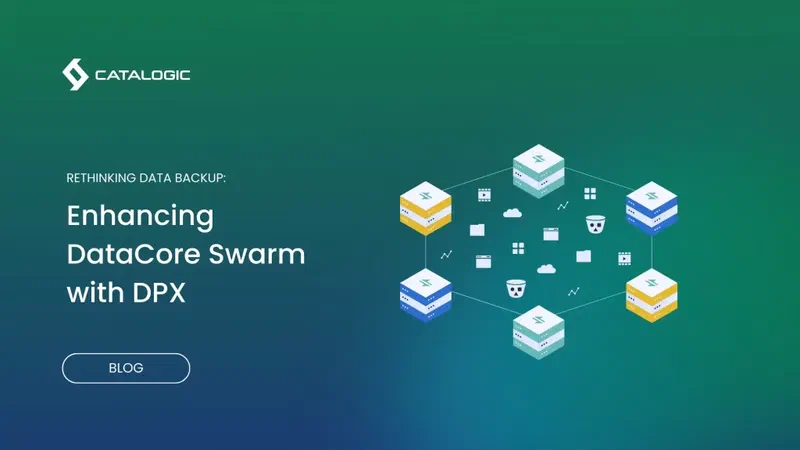
Step-by-step guide to configuring S3 object storage backup for DataCore Swarm with Catalogic DPX: certificates, S3 node setup, backup jobs, and scheduling.
Review your filer platforms, backup targets, recovery requirements, and retention policies with a Catalogic data protection specialist.
Request an NDMP Demo