Catalogic Software

DataCore Swarm Backup

DataCore Swarm Backup and Archive with Catalogic DPX

Protect DataCore Swarm S3 buckets with Catalogic DPX enterprise backup — full and incremental object backup, fast granular restore, vStor storage, and S3-compatible archive.
DataCore Swarm Backup and Archive with Catalogic DPX

A separate recovery layer for DataCore Swarm

DataCore Swarm is resilient, distributed object storage — but resilient is not the same as invincible. Accidental deletion, misconfiguration, malicious activity, and ransomware can still put Swarm-resident data at risk, and object storage alone is not a backup. Catalogic DPX adds the independent, recoverable copy that data protection teams expect. DPX protects Swarm S3 buckets like any other production system and can also use Swarm as a scalable, S3-compatible target for long-term archive — one platform covering both sides of the workflow.

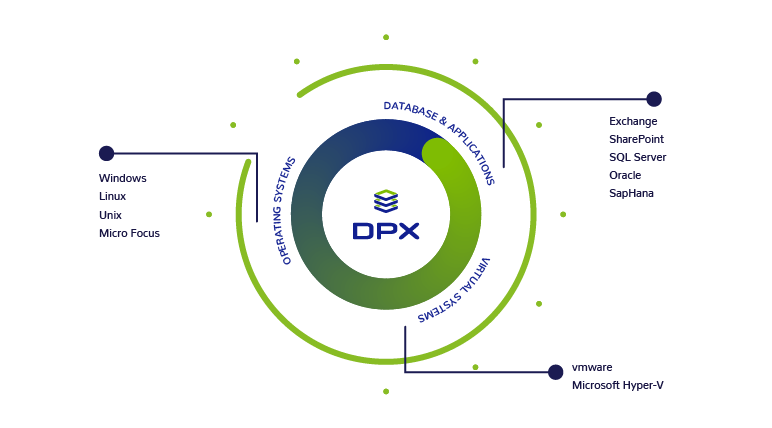
Catalogic DPX data protection architecture with DataCore Swarm object storage

Two ways to use DataCore Swarm with DPX

DPX works with DataCore Swarm from both directions — protecting the data that lives on Swarm, and using Swarm as an economical destination for long-term backup copies.

1. Swarm as a backup source

DPX protects Swarm S3 buckets like any other production system, so object storage is not your only line of defense. Full and incremental object backup jobs capture bucket contents and restore them fast when something goes wrong.

2. Swarm as a secondary archive target

Because Swarm presents a native S3 API, DPX can also use it as an S3-compatible object storage target for long-term retention of archive copies — scalable, on-premises, and built for archival economics without tape pain.

Protect DataCore Swarm buckets as a backup source

DPX S3 Object Storage backup protects data organized as objects within Swarm buckets, giving Swarm-resident data an independent, recoverable copy. Full and incremental jobs keep backups current and efficient, while vStor manages the backup data with a dedicated volume for each protected bucket. Recovery runs from the DPX web interface, down to individual files when you need targeted restore.

  • Full backup of Swarm buckets for a complete, independent recovery copy
  • Incremental backup for efficient, ongoing protection with minimal overhead
  • Object versioning support — up to the 5 most recent versions of each object
  • vStor-managed backup storage with a separate volume for each protected bucket
  • Fast restore, including retrieval of individual files, from the web interface
  • Retention management to meet governance and compliance requirements
Catalogic DPX backup and recovery for DataCore Swarm S3 buckets

Use DataCore Swarm as a secondary archive target

Swarm's native S3 API also lets DPX treat it as a generic S3-compatible cloud storage target for long-term archive copies. Instead of buying and maintaining tape, teams can push aging backup data to scalable on-premises object storage that stays quickly recoverable — keeping control of the data in your own datacenter while extending capacity as it grows.

  • Scalable, cost-effective object storage for growing archive sets
  • Long-term retention of agentless VMware, block, and NDMP archive copies
  • Tape-replacement economics with fast, disk-based object access
  • On-premises data control — keep governed data on infrastructure you own
  • A remote or secondary target that supports 3-2-1 backup strategies
DataCore Swarm as an S3-compatible archive target for Catalogic DPX

How DPX integrates with DataCore Swarm over S3

DPX connects to Swarm using its native S3 API, so deployment stays straightforward and is driven entirely from the DPX web interface. Adding Swarm is a matter of registering an S3 Object Storage node and validating the connection.

Native S3 API connectivity

DPX communicates with Swarm over the S3 API, so no gateway software or bespoke connectors are required to bring Swarm buckets under protection.

Add an S3 Object Storage node

In the DPX web interface, add an S3 Object Storage node and provide the endpoint, access key, secret key, and region for the Swarm storage server.

Path-style addressing

Some S3-compatible providers, including DataCore, may require path-style bucket addressing. DPX lets you choose virtual host-style or path-style when registering the node.

Trusted certificate required

A trusted certificate is required so the DPX Master Server can communicate securely with Swarm. Unencrypted communication is not supported; import the certificate if it is not signed by a recognized authority.

Clock synchronization

Keep the clocks of the Swarm storage and the DPX Master Server synchronized so that incremental backups reliably detect and capture bucket changes.

Test, then save

Use the built-in Test action to validate credentials and connectivity before saving, so the node is confirmed working from the start.

Cyber Resilience

Ransomware-resilient recovery for DataCore Swarm

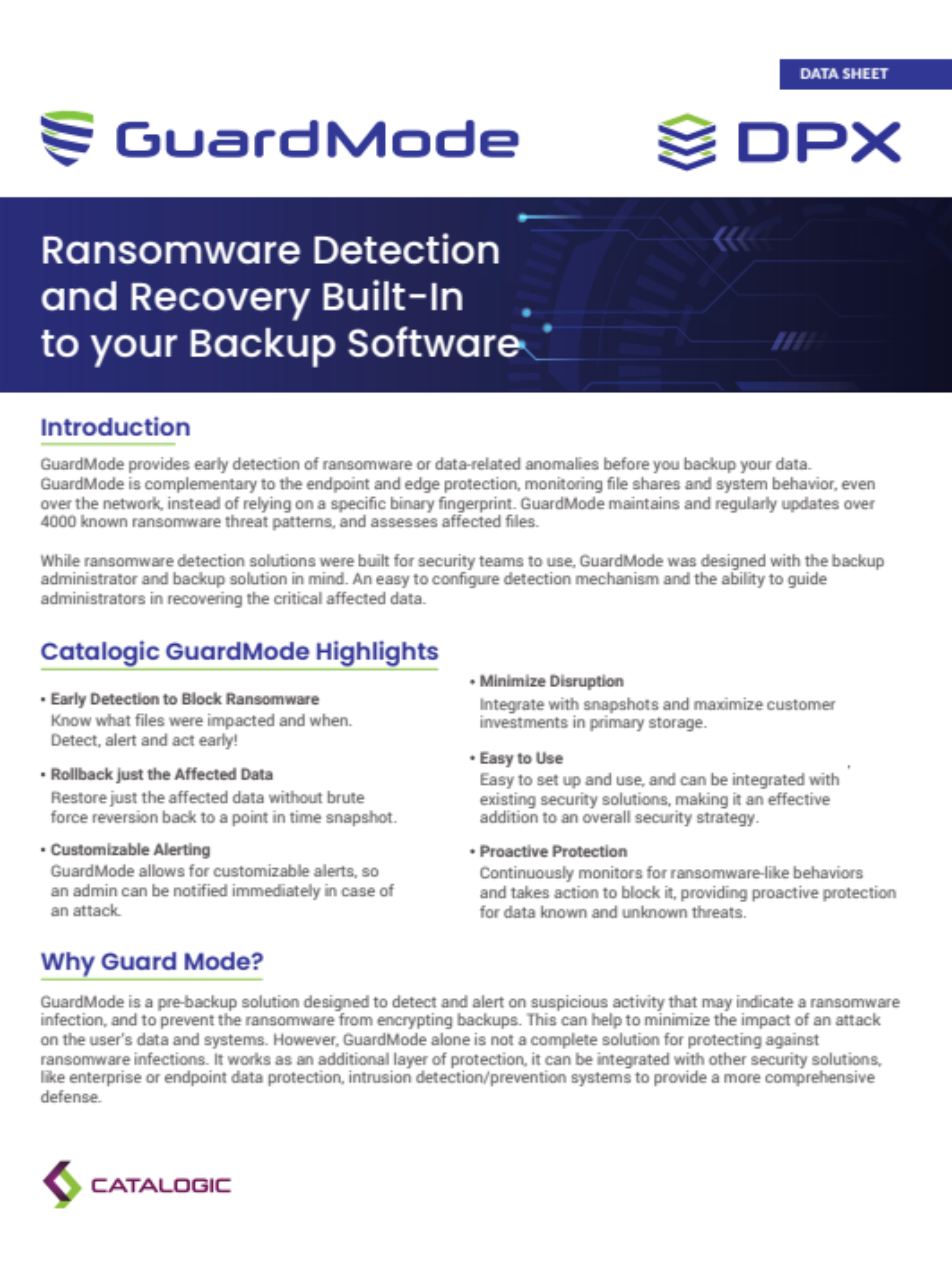
Object storage keeps data available, but it does not replace a clean, independent recovery point. DPX strengthens recovery readiness for Swarm-resident data with immutable vStor storage and GuardMode ransomware detection. Backup copies land on vStor, where deletion lock and snapshot immutability controls protect recovery points from modification or deletion. GuardMode can scan for signs of ransomware or malicious encryption, so administrators can review results, step back to a cleaner snapshot, and restore from a trusted point.

  • Keep an independent, recoverable copy of Swarm data outside the object store itself.
  • Protect backup recovery points with vStor deletion lock and snapshot immutability.
  • Detect suspicious encryption and ransomware-like activity with GuardMode.
  • Review scan results to guide recovery-point selection before restoring.
  • Restore from an earlier, cleaner snapshot when a later point appears compromised.
Talk to a DPX Specialist
Ransomware-resilient recovery for DataCore Swarm with Catalogic DPX

One solution for protection and long-term retention

Whether Swarm is the data you protect or the place you keep long-term copies, DPX brings both into a single backup, archive, and recovery workflow.

Backup and recovery for Swarm data

Protect Swarm S3 buckets with full and incremental object backup, then recover fast — down to individual files — when data is lost, corrupted, or compromised.

Archive to scalable object storage

Use Swarm as an S3-compatible archive target for retention and governance, keeping aging backup data on cost-effective, quickly recoverable object storage.

Stronger ransomware posture

Immutable vStor recovery points and GuardMode detection give Swarm environments a resilient, independent recovery layer built for modern threats.

Lower cost at scale

On-premises S3 object storage for archive lowers cost as data grows and delivers fast recovery that beats traditional tape workflows.

DPX compatibility notes for DataCore Swarm

Use these notes to set accurate expectations for DPX with DataCore Swarm. Always validate the exact Swarm version, DPX version, vStor version, and connection settings against the current DPX Compatibility Guide before deployment.

TopicCorrect positioning
Supported Swarm versionsDPX 4.15 supports S3-compatible data protection for DataCore Swarm 17.0.2 and 16.
Backup typesFull and incremental object backup of Swarm buckets.
Object versioningUp to the 5 most recent versions of each object are included; older versions are ignored.
Backup storagevStor 4.12 or later is required as the backup storage target, with a separate volume per protected bucket.
Bucket addressingDataCore may require path-style addressing. Choose virtual host-style or path-style when adding the node.
Secure communicationA trusted certificate is required. Import it if it is not signed by a recognized authority.
Clock synchronizationSwarm and DPX Master Server clocks must be synchronized or incremental backups may miss bucket changes.
Swarm as archive targetSupported through DPX generic S3-compatible cloud storage for archive copies. Not on the certified named-provider archive list.

S3 Object Storage backup and restore are managed through the DPX web interface only.

A trusted certificate is required for secure communication between the DPX Master Server and Swarm; unencrypted communication is not supported.

Using Swarm as an archive target relies on DPX generic S3-compatible cloud storage support. Confirm archive-target configuration and any immutability requirements for your environment against the current DPX Compatibility Guide.

DataCore Swarm backup resources

Documentation and product resources for teams planning or operating DPX protection for DataCore Swarm object storage.

DPX Product Overview

Enterprise backup and recovery for Linux, Windows, VMware, Hyper-V, databases, NAS, S3 object storage, and application workloads.

vStor Backup Storage

Software-defined backup storage with deletion lock, snapshot immutability, replication, and cloud offload — the storage target for Swarm S3 backup.

DataCore Swarm backup FAQ

Does DPX back up DataCore Swarm?
Yes. DPX 4.15 supports S3-compatible data protection for DataCore Swarm, backing up bucket objects with full and incremental jobs and restoring them from the DPX web interface. DataCore Swarm 17.0.2 and 16 are supported.
Which DataCore Swarm versions does DPX support?
As of DPX 4.15, S3-compatible data protection supports DataCore Swarm versions 17.0.2 and 16. Always confirm the exact version against the current DPX Compatibility Guide before deployment.
Does DPX support incremental backup of Swarm buckets?
Yes. DPX supports both full and incremental object backup for Swarm. Object versioning is included up to the 5 most recent versions of each object; older versions are ignored. Keep the Swarm and DPX Master Server clocks synchronized so incremental backups reliably capture bucket changes.
Where is DataCore Swarm backup data stored?
On DPX vStor, which is required (version 4.12 or later) as the backup storage target for S3 Object Storage backup. vStor creates a separate volume for each protected bucket and provides deletion lock and snapshot immutability for the backup copies.
Can I use DataCore Swarm as an archive target?
Yes. Because Swarm presents a native S3 API, DPX can use it as a generic S3-compatible cloud storage target for long-term archive copies of agentless VMware, block, and NDMP backups. Validate archive-target configuration for your environment against the current DPX Compatibility Guide.
What is needed to connect DPX to DataCore Swarm?
In the DPX web interface, add an S3 Object Storage node and provide the endpoint, access key, secret key, and region. Choose path-style addressing if DataCore requires it, import a trusted certificate for secure communication, then use Test to validate the connection before saving.
Is encryption required for the Swarm connection?
Yes. A trusted certificate is required so the DPX Master Server can communicate securely with Swarm. Unencrypted communication is not supported. Import the certificate on the master server if it is not signed by a recognized authority.
Can DPX protect DataCore Swarm backups from ransomware?
Yes. Swarm backup copies land on vStor, where deletion lock and snapshot immutability protect recovery points, and GuardMode can scan for suspicious encryption activity so you can restore from a cleaner point.
Is DataCore Swarm backup managed from the web interface?
Yes. DPX S3 Object Storage backup and restore for Swarm are managed exclusively through the DPX web interface.

Need to design your DataCore Swarm backup architecture?

Talk to Catalogic about protecting DataCore Swarm with DPX — S3 Object Storage backup, fast granular restore on vStor, S3-compatible archive retention, and GuardMode ransomware detection.

Ready to protect DataCore Swarm with DPX?

See how Catalogic DPX backs up DataCore Swarm S3 buckets with full and incremental object backup, fast granular restore on vStor storage, and S3-compatible archive retention — with GuardMode ransomware detection and immutable vStor recovery points.

Request Demo