


File backup
Back up a complete node, disk, directory, or individual file. This is the direct route for workloads that need selective file and folder recovery.
Agent-Based Xen VM Protection

Install the DPX Client in each supported Windows or Linux guest that needs protection. DPX works with the operating system and applications inside the VM, so backup policy follows the workload instead of the Xen control plane.
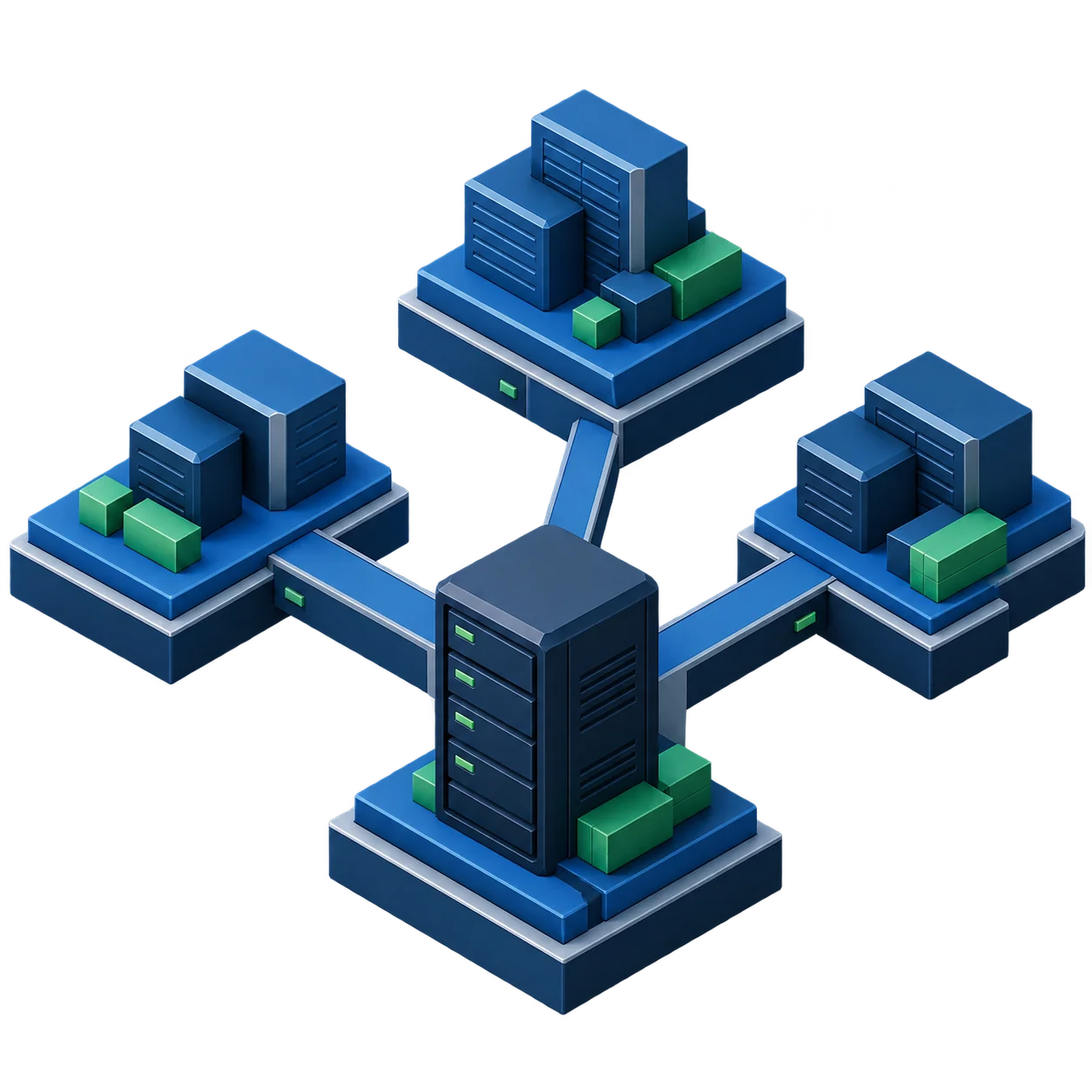
Agent-based backup lets each Xen VM use the DPX method that matches the data and recovery scope inside that guest.
Back up a complete node, disk, directory, or individual file. This is the direct route for workloads that need selective file and folder recovery.
Protect supported Windows and Linux volumes with DPX Block Data Protection. Linux block backup requires a supported file system and LVM configuration.
Use agent-based Block backup for supported application servers that need application consistency and the recovery behavior documented for their workload.
Include the BMR volume in a supported Block backup to prepare for full guest-system recovery. DPX BMR supports recovery to physical and virtual machines with advance testing.
| Recovery requirement | DPX approach | What to verify |
|---|---|---|
| Selected files or directories | File backup | Guest OS and file-system support |
| Supported volume or file system | Block backup | OS version, file system, storage layout, and Linux LVM requirements |
| Application-consistent recovery | Agent-based protection for the supported application | Application, operating system, and DPX feature combination |
| Complete guest-system rebuild | Block backup with the BMR volume | BMR support for the OS and recovery testing in the Xen environment |
| Xen VM object or host configuration | Outside this agent-based approach | A separate hypervisor-level protection method |
Compatibility changes by DPX release. Confirm the current matrix before setting production policy.
Start with the recovery requirements for each workload, then configure the DPX Client and backup job inside the supported guest.
Use the current DPX 4.16 documentation and compatibility pages when planning protection for Xen guests.
Installation entry point for the Windows and Linux client software used inside protected systems.
Current operating-system, file-system, and application support for agent-based DPX backup.
DPX guidance for preparing and restoring a complete supported system to a physical or virtual machine.
Map each VM to the right DPX backup type based on its guest operating system, applications, and recovery requirements.
Request a Demo