


Policy control
Define backup source, destination, encryption, scheduling, retention, and notification options by job instead of relying on manual copies.
DPX use case
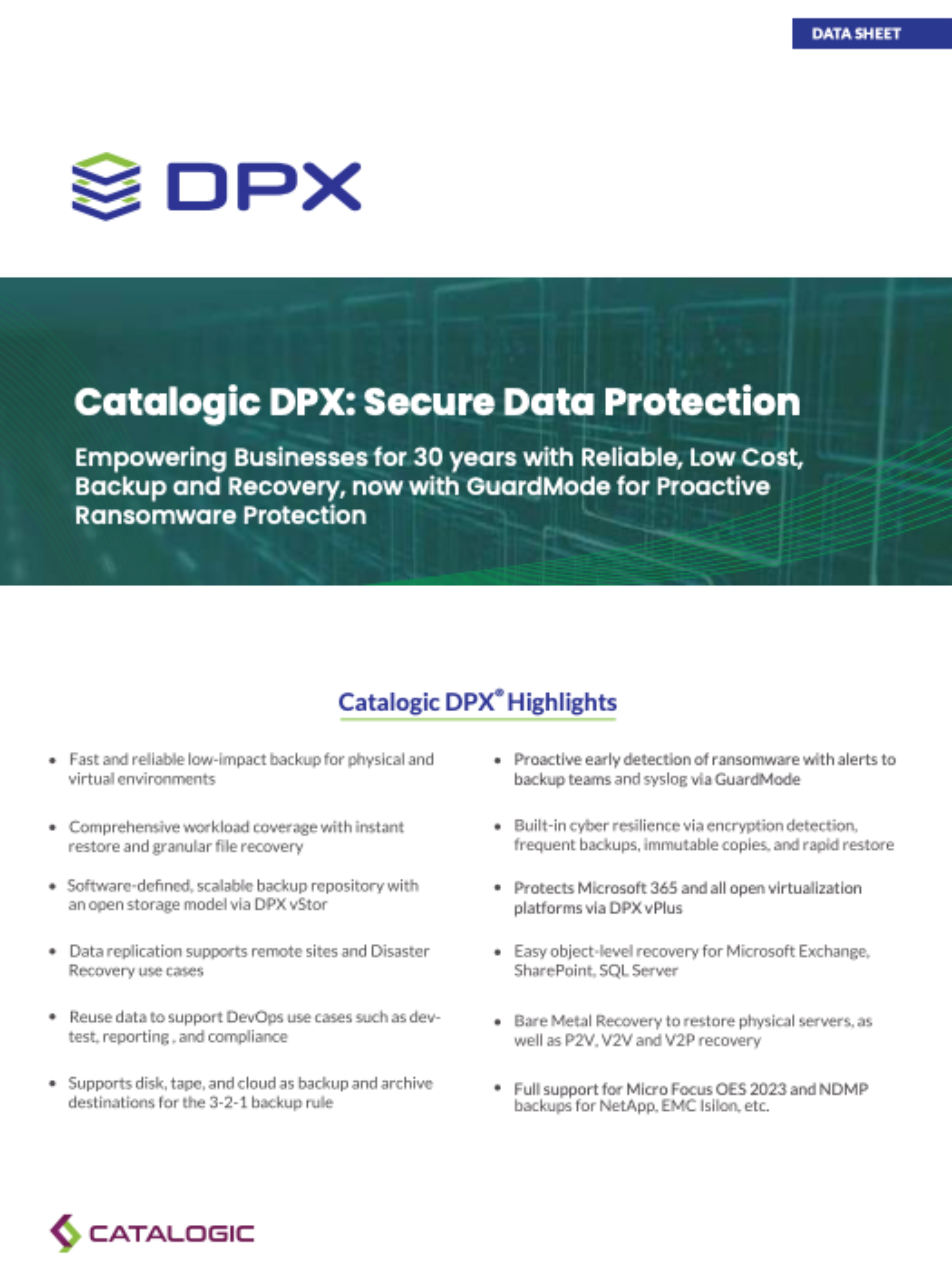
Backup teams often inherit a mix of systems: physical Windows and Linux servers, VMware, Hyper-V, and Proxmox, databases, file servers, NAS, and newer object workloads. Catalogic DPX gives those teams one data protection platform instead of a collection of disconnected point tools. DPX supports file, block, application, NDMP, agentless VM, S3 object storage, and catalog backup workflows, so each workload can be protected with the method that fits it best. This creates a simpler operating model with consistent scheduling, retention, monitoring, and restore from a single DPX environment.
Secure data protection matches each backup method to the risk, recovery need, and platform:

DPX combines coverage, governance, and recovery readiness so backup data remains useful when it matters.
Define backup source, destination, encryption, scheduling, retention, and notification options by job instead of relying on manual copies.
Restore files, applications, full VMs, block data, catalog metadata, and full systems using the right restore mode for the incident.
Write backups to vStor, disk, cloud, tape, or supported storage targets, then use immutability and off-site copies where the risk requires it.
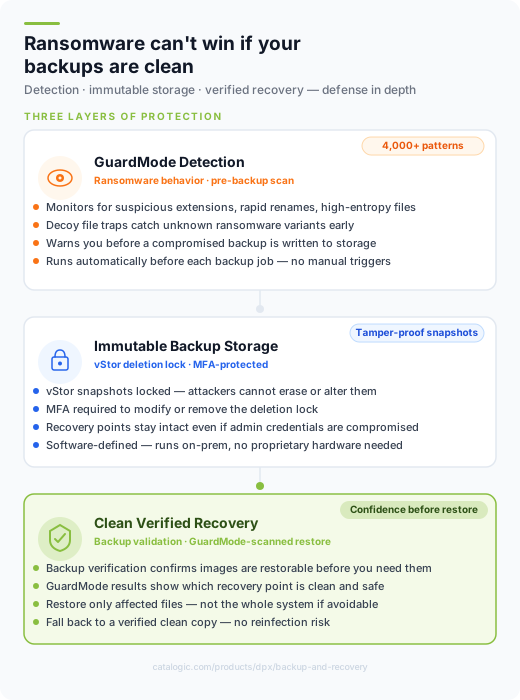
Learn more about secure data protection with Catalogic DPX.
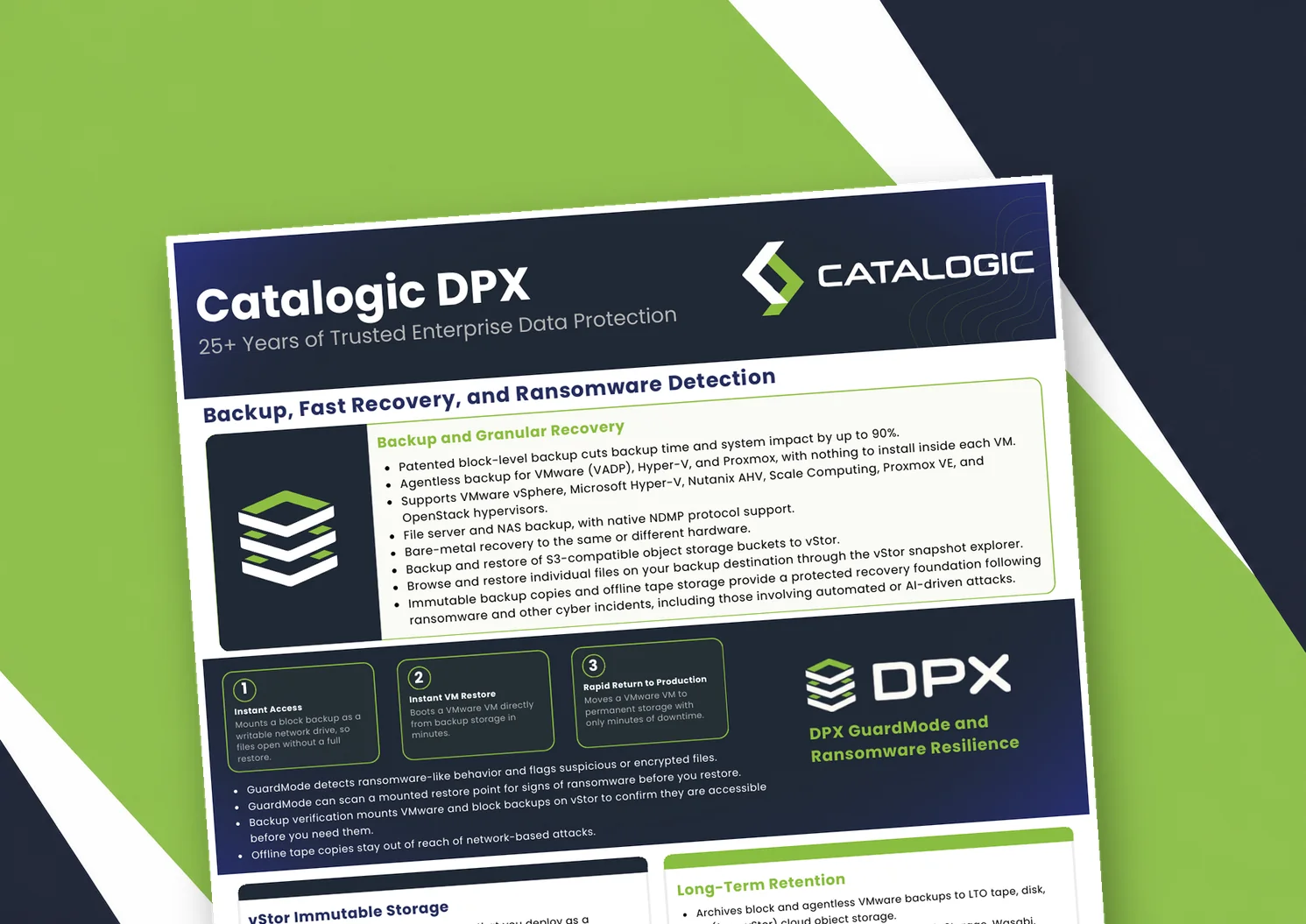
Catalogic DPX product brief: block-level and agentless VM backup, Instant VM Restore, GuardMode ransomware detection, immutable vStor storage, and long-term retention to tape or cloud.
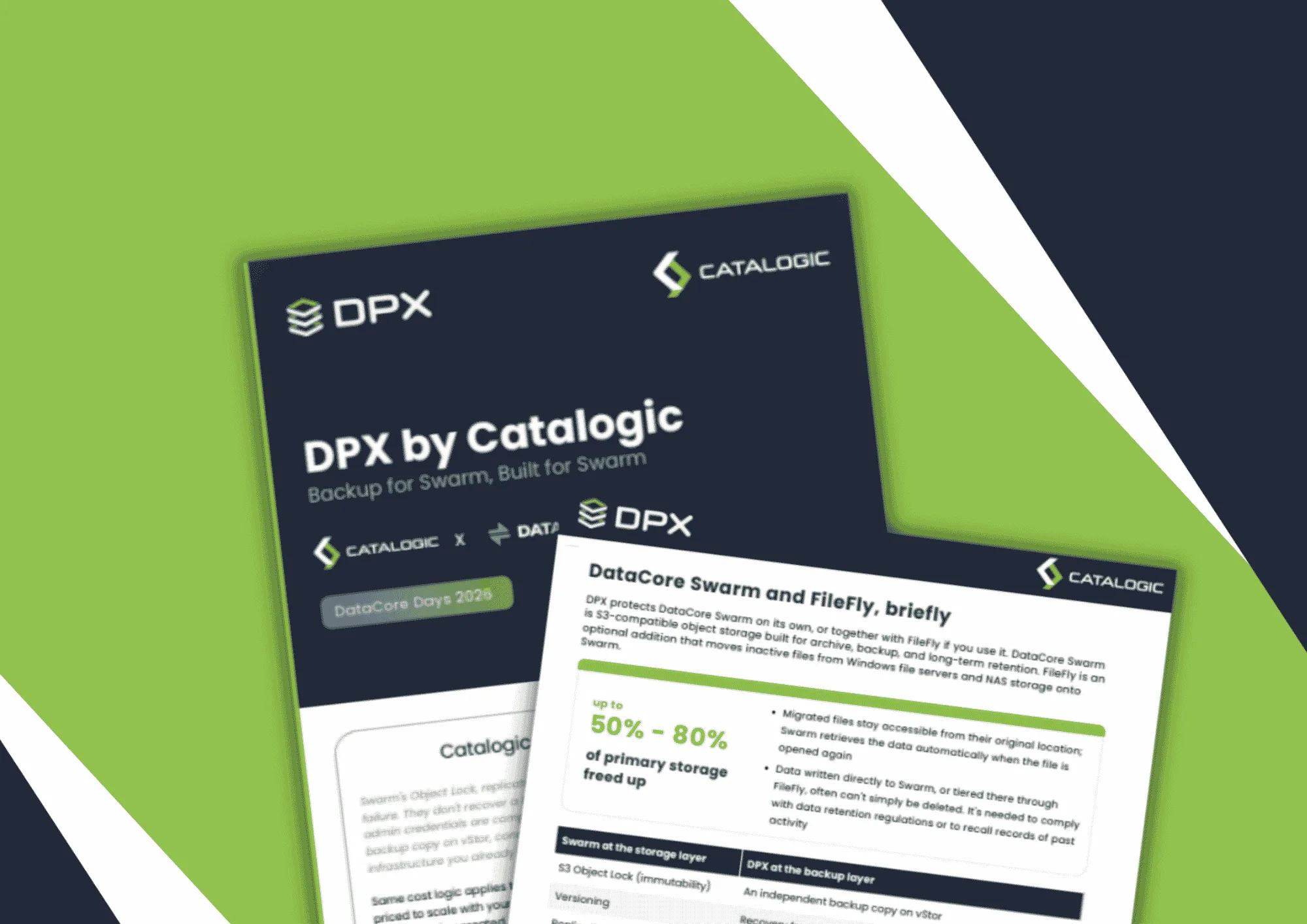
Product brief: DPX adds an independent, S3-connected backup copy on vStor for DataCore Swarm data, with licensing that scales with deployment size to protect partner margin.
DPX 4.16 adds agentless Proxmox VE backup to Catalogic's enterprise data protection platform, giving mixed VMware, Hyper-V, and Proxmox estates a single console for backup, recovery, and ransomware resilience.
See how Catalogic DPX protects critical data across physical, virtual, application, NAS, and object workloads.
Request Demo