


Fast local restore
Keep recent backups close to the workloads so file, VM, and system recovery do not wait on a wide-area transfer.
DPX use case
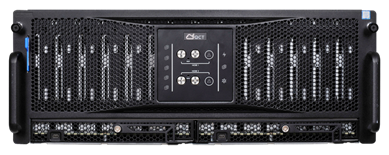
Branch offices often have the same recovery expectations as the data center but far less staff, space, and budget. DPX remote office backup solves this by combining centralized backup management with flexible vStor storage placement. A remote site can keep a local vStor repository for fast restores, while replication or off-site copies support recovery if the branch is unavailable. Because vStor can be deployed as a virtual appliance or on physical hardware, teams can size the repository to the local risk instead of buying a large fixed appliance for every location.
A useful remote office design gives local users fast recovery while letting central IT keep standards consistent:

The goal is to make remote recovery simple enough for a lean site and strong enough for central governance.
Keep recent backups close to the workloads so file, VM, and system recovery do not wait on a wide-area transfer.
Use replication and off-site retention so a branch outage does not strand the only usable recovery point.
Deploy vStor according to each location's workload mix, change rate, retention need, and recovery expectation.
Learn more about DPX remote office backup and vStor storage.
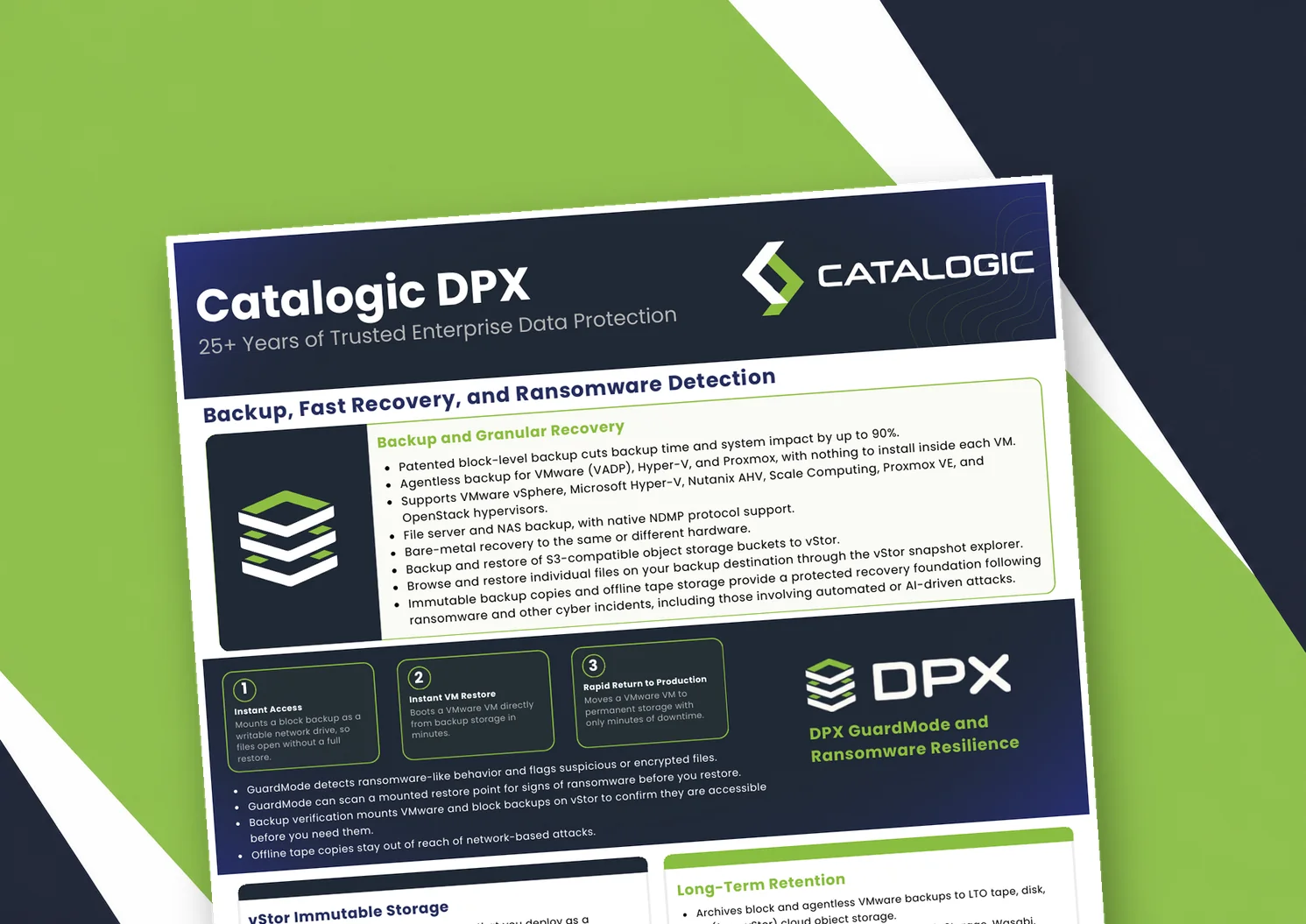
Catalogic DPX product brief: block-level and agentless VM backup, Instant VM Restore, GuardMode ransomware detection, immutable vStor storage, and long-term retention to tape or cloud.
Product brief: DPX adds an independent, S3-connected backup copy on vStor for DataCore Swarm data, with licensing that scales with deployment size to protect partner margin.
DPX 4.16 adds agentless Proxmox VE backup to Catalogic's enterprise data protection platform, giving mixed VMware, Hyper-V, and Proxmox estates a single console for backup, recovery, and ransomware resilience.
See how DPX and vStor bring local recovery, central control, and resilient copies to branch locations.
Request Demo