


Fast access
Instant Access and Instant VM Restore reduce waiting by letting teams use backup data without a full copy operation first.
DPX use case
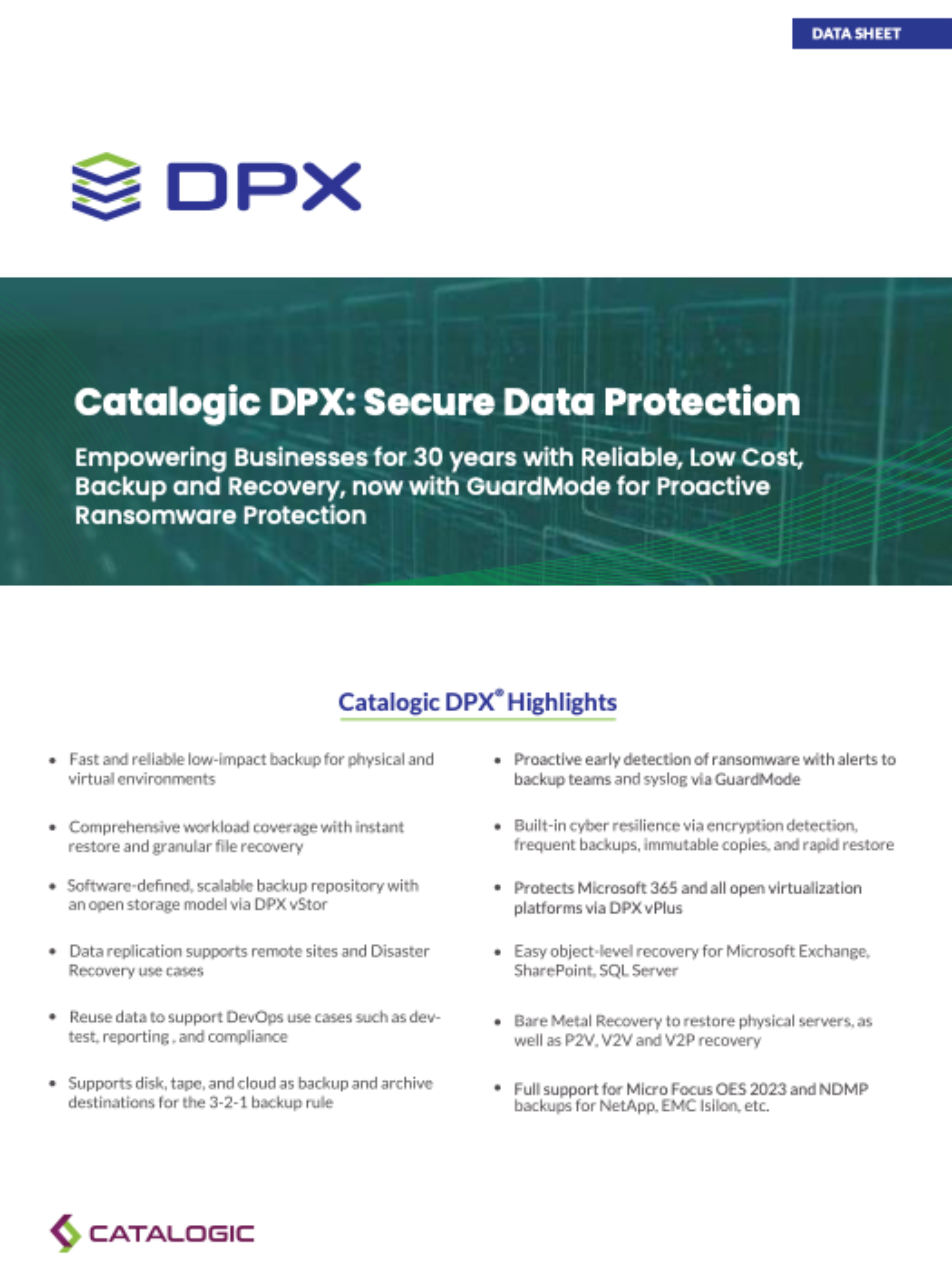
A recovery request can be a deleted file, a missing mailbox item, a corrupted database, a failed VM, or an entire site outage. DPX supports that range with restore modes for individual files and directories, application data, full VMs, multi-VM recovery, Instant Access, virtualization, bare metal recovery, catalog restore, NDMP restore, tape restore, and archived backup recovery. That choice matters because the fastest restore is usually the one that avoids moving unnecessary data. DPX lets teams choose a targeted recovery for everyday incidents and a broader recovery path for disasters.

DPX provides multiple restore modes so administrators can match the recovery operation to the failure:
A disaster recovery plan works only when the team can identify, select, and run the correct restore workflow under pressure.
Instant Access and Instant VM Restore reduce waiting by letting teams use backup data without a full copy operation first.
File and application restores avoid broad rebuilds when the problem is narrow, reducing downtime and operational risk.
Bare metal recovery, VM restore, catalog restore, and alternate resource recovery support larger outages and site-level planning.
Learn more about rapid recovery and disaster recovery with Catalogic DPX.
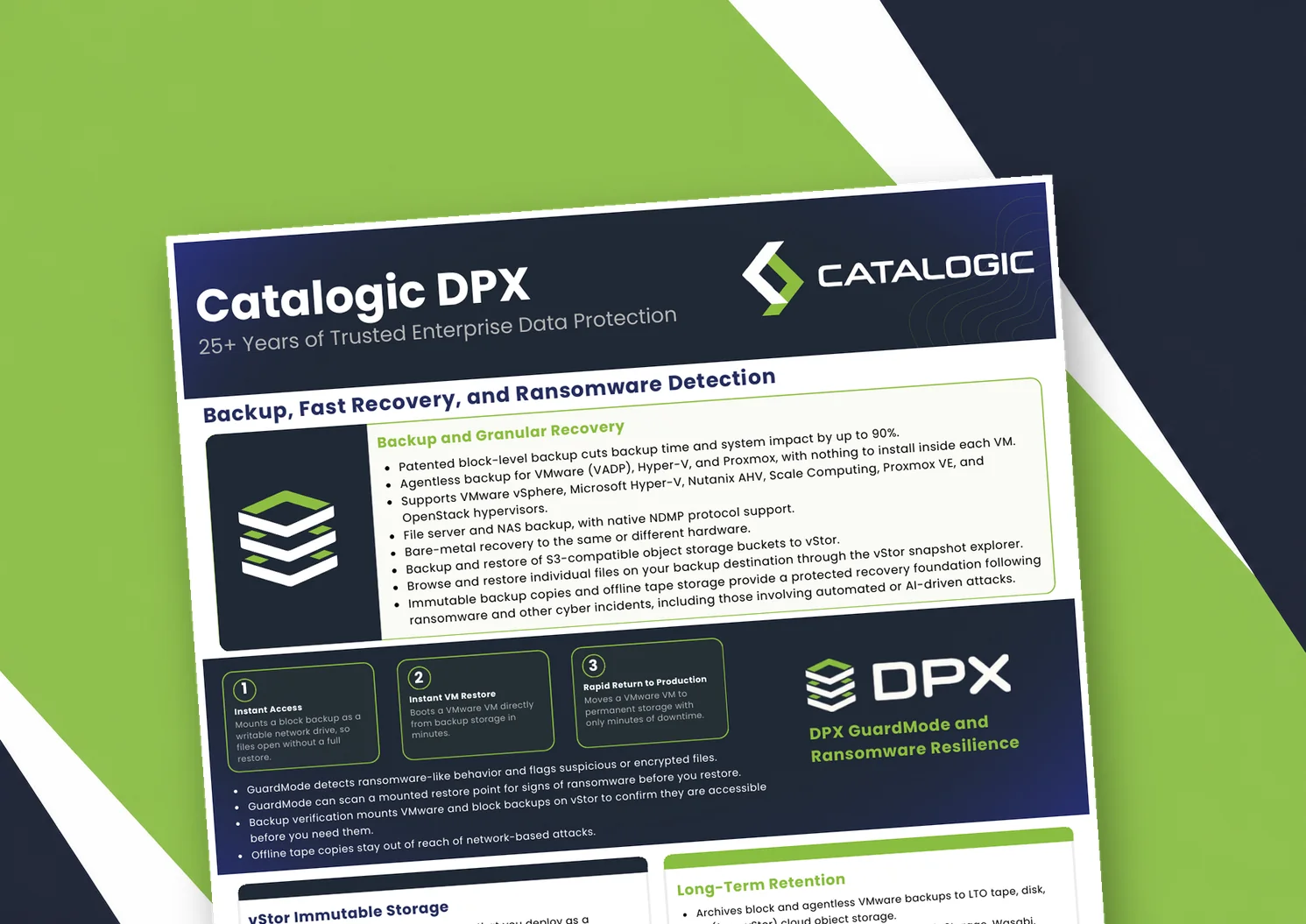
Catalogic DPX product brief: block-level and agentless VM backup, Instant VM Restore, GuardMode ransomware detection, immutable vStor storage, and long-term retention to tape or cloud.
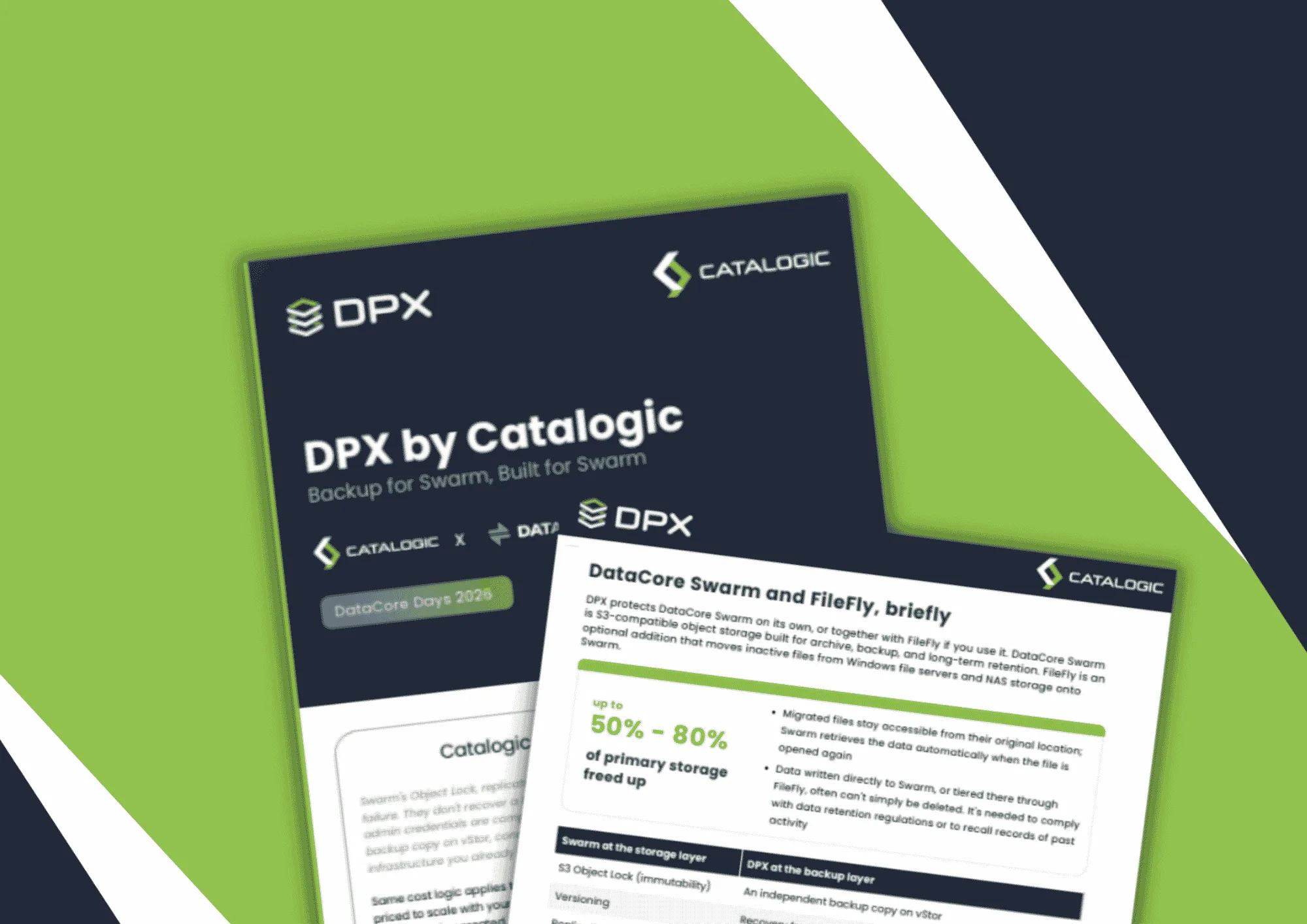
Product brief: DPX adds an independent, S3-connected backup copy on vStor for DataCore Swarm data, with licensing that scales with deployment size to protect partner margin.
DPX 4.16 adds agentless Proxmox VE backup to Catalogic's enterprise data protection platform, giving mixed VMware, Hyper-V, and Proxmox estates a single console for backup, recovery, and ransomware resilience.
See how DPX supports granular restores, full system recovery, and disaster recovery workflows from one platform.
Request Demo