


Earlier signal
GuardMode Scan checks mounted file systems for indicators such as high entropy, file signature mismatch, and blocklist patterns.
DPX use case
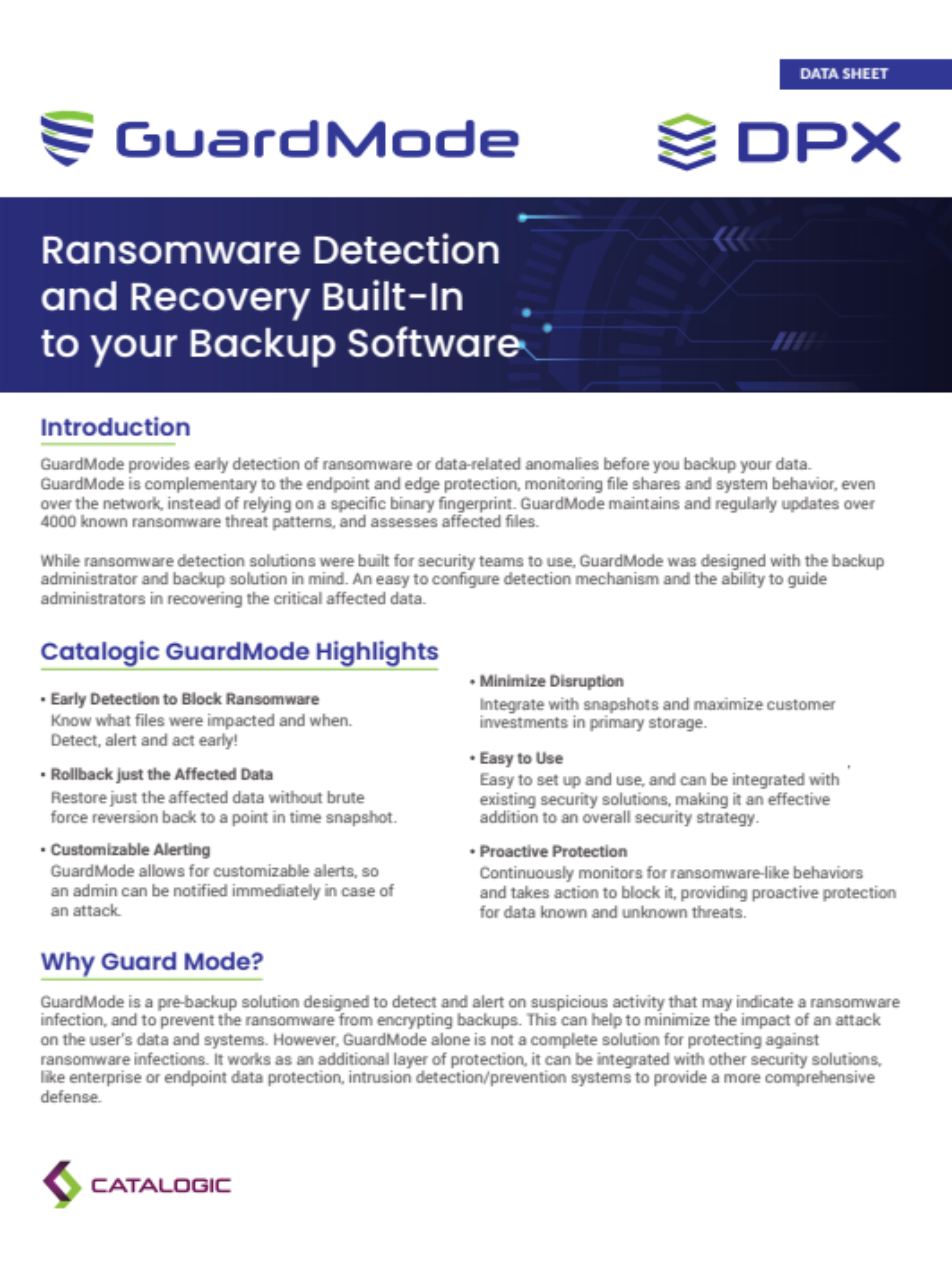
A ransomware response fails when every restore point is suspect. DPX helps teams build a safer process by combining protected backup storage with GuardMode scanning. GuardMode Scan can scan mounted file systems for signs of ransomware infection or malicious encryption before data is restored to production. Scan results help administrators identify suspicious files, review the affected snapshot, move back to earlier snapshots when needed, and choose an earliest clean recovery point. That turns recovery from guesswork into a controlled decision.
DPX supports a layered ransomware recovery strategy that protects both data and the recovery workflow:

Ransomware readiness requires a workflow that begins before the attack and continues through restore.
GuardMode Scan checks mounted file systems for indicators such as high entropy, file signature mismatch, and blocklist patterns.
Immutable vStor snapshots and protected replicated copies reduce the chance that attackers can alter or delete recovery data.
If a snapshot appears compromised, teams can move to earlier snapshots and scan again until they find a clean recovery point.
Learn more about ransomware recovery and data protection with Catalogic DPX.
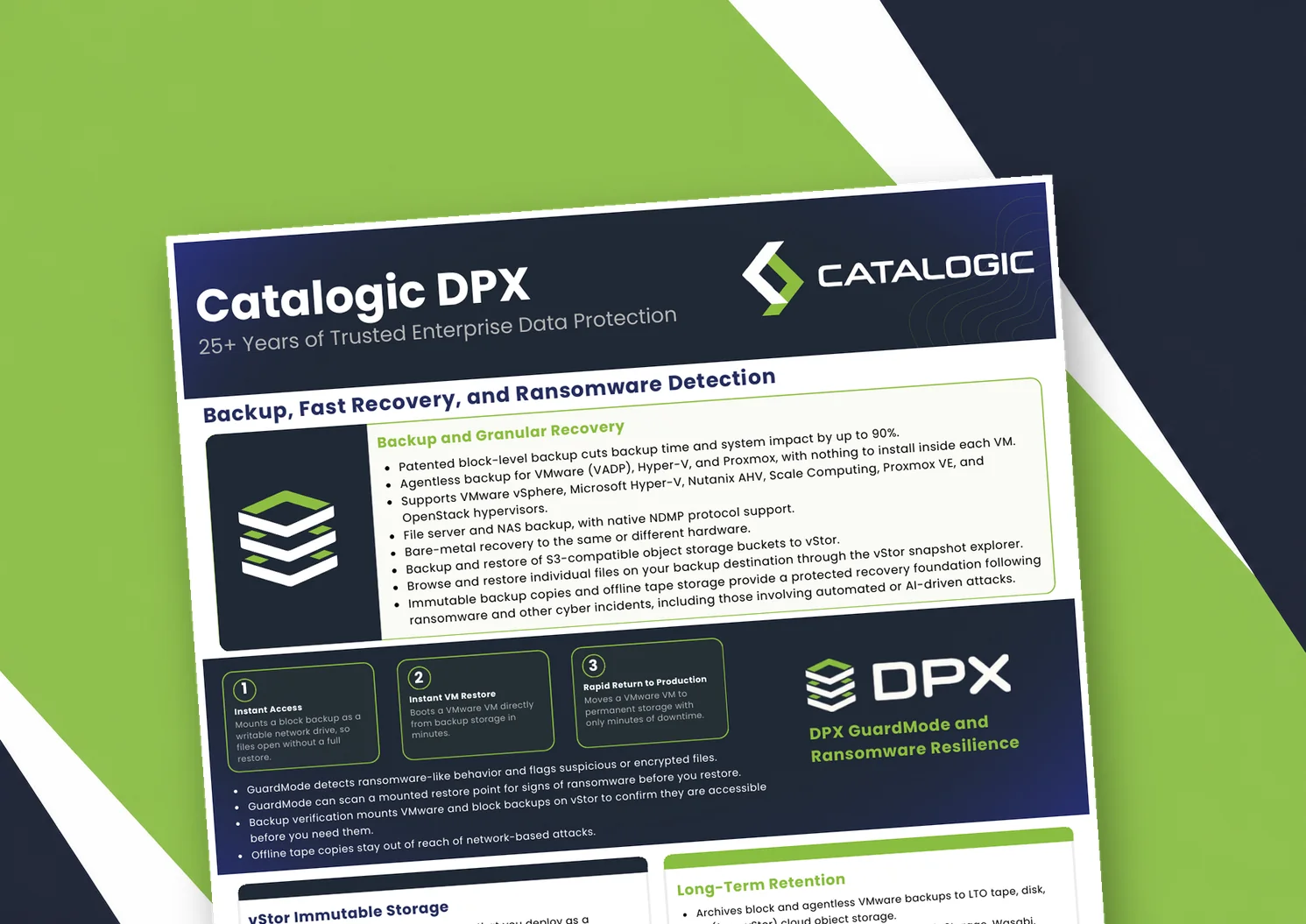
Catalogic DPX product brief: block-level and agentless VM backup, Instant VM Restore, GuardMode ransomware detection, immutable vStor storage, and long-term retention to tape or cloud.

Product brief: DPX adds an independent, S3-connected backup copy on vStor for DataCore Swarm data, with licensing that scales with deployment size to protect partner margin.
DPX 4.16 adds agentless Proxmox VE backup to Catalogic's enterprise data protection platform, giving mixed VMware, Hyper-V, and Proxmox estates a single console for backup, recovery, and ransomware resilience.
See how DPX combines GuardMode scanning, immutable snapshots, and clean restore workflows to support ransomware recovery.
Request Demo