



VMware vSphere
Restore a complete VM or selected files from supported backups. Instant VM Restore lets you start a VMware VM from a backup snapshot.
Catalogic DPX · Virtual machine backup

Choose your platform to see the backup and recovery options that fit your environment.
Restore a complete VM or selected files from supported backups. Instant VM Restore lets you start a VMware VM from a backup snapshot.

Protect VMs through a host backup agent. Restore a complete VM, or retrieve selected files from supported backups on vStor.

Back up QEMU virtual machines to vStor without a guest backup agent. Restore VMs to their original or an alternate Proxmox node.
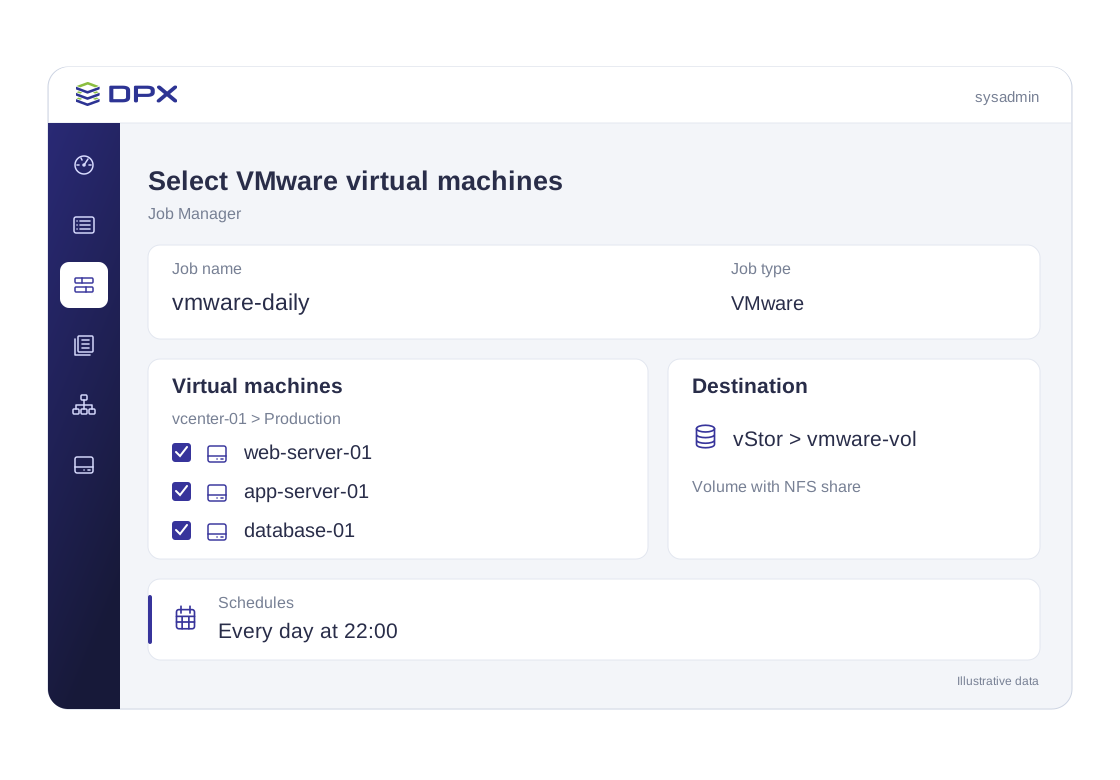
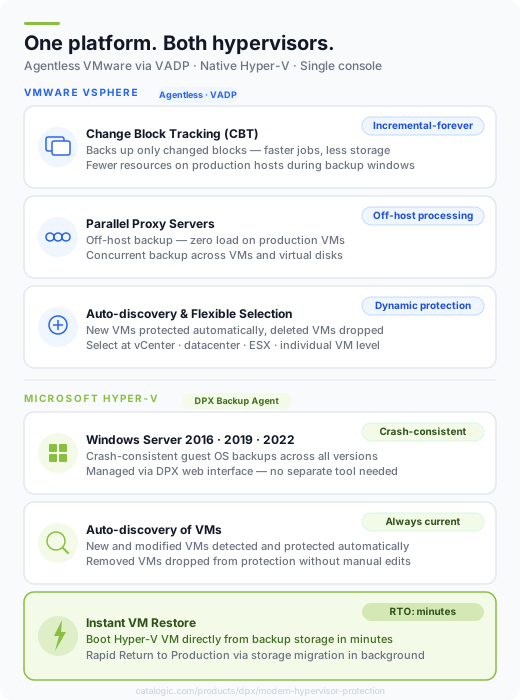
Use VMware VADP through a DPX proxy to back up supported VMs to vStor or NetApp storage. After the base backup, VMware Changed Block Tracking identifies the blocks to transfer.
Install the DPX Hyper-V Backup Agent on the host to handle snapshot processing and communication with backup storage. Protected guests do not need a DPX backup agent. Backup and restore use the DPX web interface.

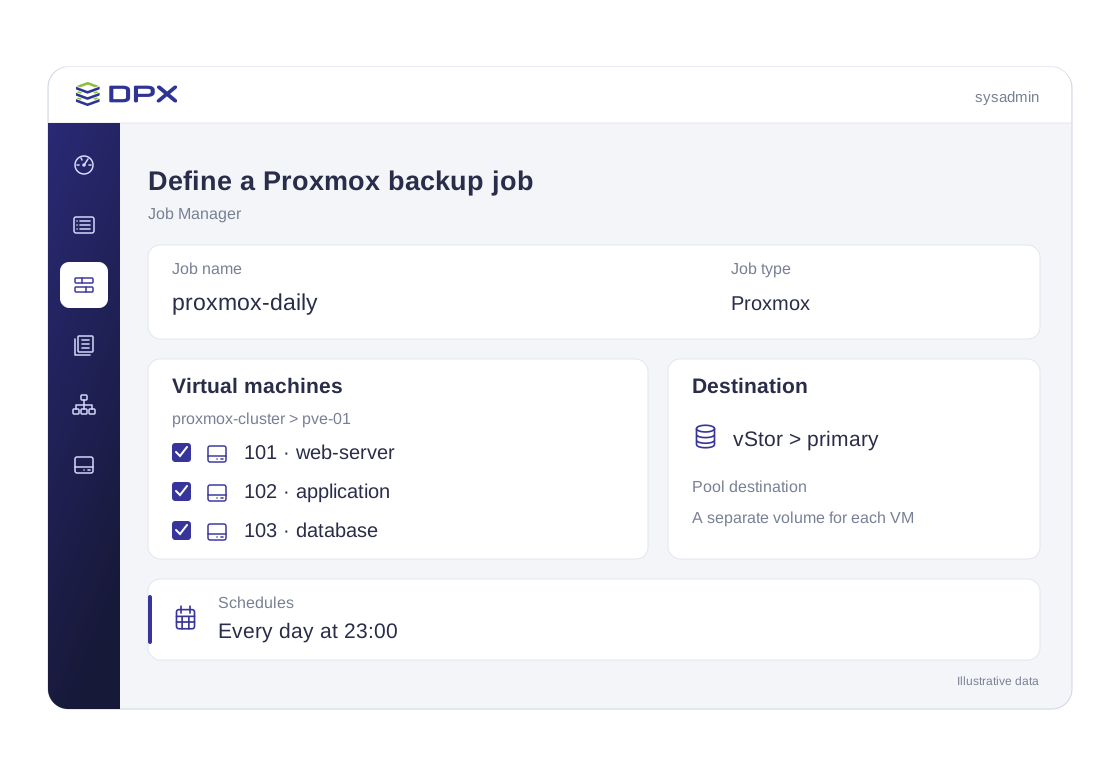
DPX reads VM data through the Proxmox API and a host plugin, storing recovery points on vStor. Backup and restore are managed in the DPX web interface.
Start with the affected workload and the result you need. The available workflow depends on the source platform and backup repository.

Use agentless file restore for supported VMware and Hyper-V backups on vStor. Check filesystem eligibility before relying on this path.
Restore a full VM from a retained recovery point in the supported VMware, Hyper-V or Proxmox workflow. Plan the destination host and storage before an incident.
Use Instant VM Restore when you need to start a VMware VM from its backup snapshot. Returning it to permanent storage through RRP requires Storage vMotion and the appropriate license.
Agentless means no DPX backup agent inside each protected guest VM. The components outside the guest, and the available restore workflows, depend on the hypervisor.
| Deployment or recovery task | VMware vSphere | Microsoft Hyper-V | Proxmox VE |
|---|---|---|---|
| Backup components | DPX virtualization proxy using VMware VADP | DPX Hyper-V Backup Agent on the host | Proxmox API and DPX plugin on the host |
| Full VM restore | Original or alternate ESXi host | Selected Hyper-V host | Original or alternate Proxmox node and storage |
| Selected file restore | Supported filesystems on vStor | Supported filesystems on vStor | Outside the documented agentless file-restore workflow |
| Instant VM Restore | Start a VM from a backup snapshot | Full VM restore workflow | Proxmox Restore workflow |
| DPX Archive to cloud or tape | Supported; cloud archival requires a vStor source | Not supported for agentless Hyper-V backups | Not supported for Proxmox backups |
Scope: current DPX 4.16 documentation. Check supported hypervisor versions before deployment.
File restore requires vStor and excludes ReFS, Btrfs and LVM-managed volumes. Individual browser file downloads are limited to 2 GB. Review file-restore requirements.
VMware Rapid Return to Production uses Storage vMotion and requires appropriate vSphere licensing. Review migration requirements.
VMware backups read through DPX proxy servers. Hyper-V uses a host backup agent, and Proxmox uses its API with a DPX host plugin. These components replace per-guest backup agents for the supported agentless VM workflows.
Review Proxmox coverage and the DPX 4.16 release details before planning a deployment.
Review the Proxmox backup offering alongside the setup and restore documentation.
Read the release overview for the changes introduced with DPX 4.16.
Share your VM estate and recovery objectives. We will walk through the backup components, storage requirements and restore workflows relevant to your environment.
Request a hypervisor backup demo