


Off-site resilience
Keep a copy outside the primary site so recovery options remain available if local storage is unavailable.
DPX use case

Cloud integration in DPX is designed for backup teams that need off-site retention without complicating daily operations. DPX archive jobs can send protected Block backup and VMware Agentless backup data to cloud storage, tape, or DiskDirectory. Supported cloud targets include AWS S3, Azure, Backblaze B2, Cloudian, DataCore, StorageGRID, Alibaba, MinIO, Scality RING, Wasabi, or a custom cloud. A base archive is created first, then later jobs can run as incremental or differential archives. That gives teams a way to move older protected data off site while preserving a managed recovery path.
DPX cloud workflows are built around protected data, archive cycles, and recoverable copies:
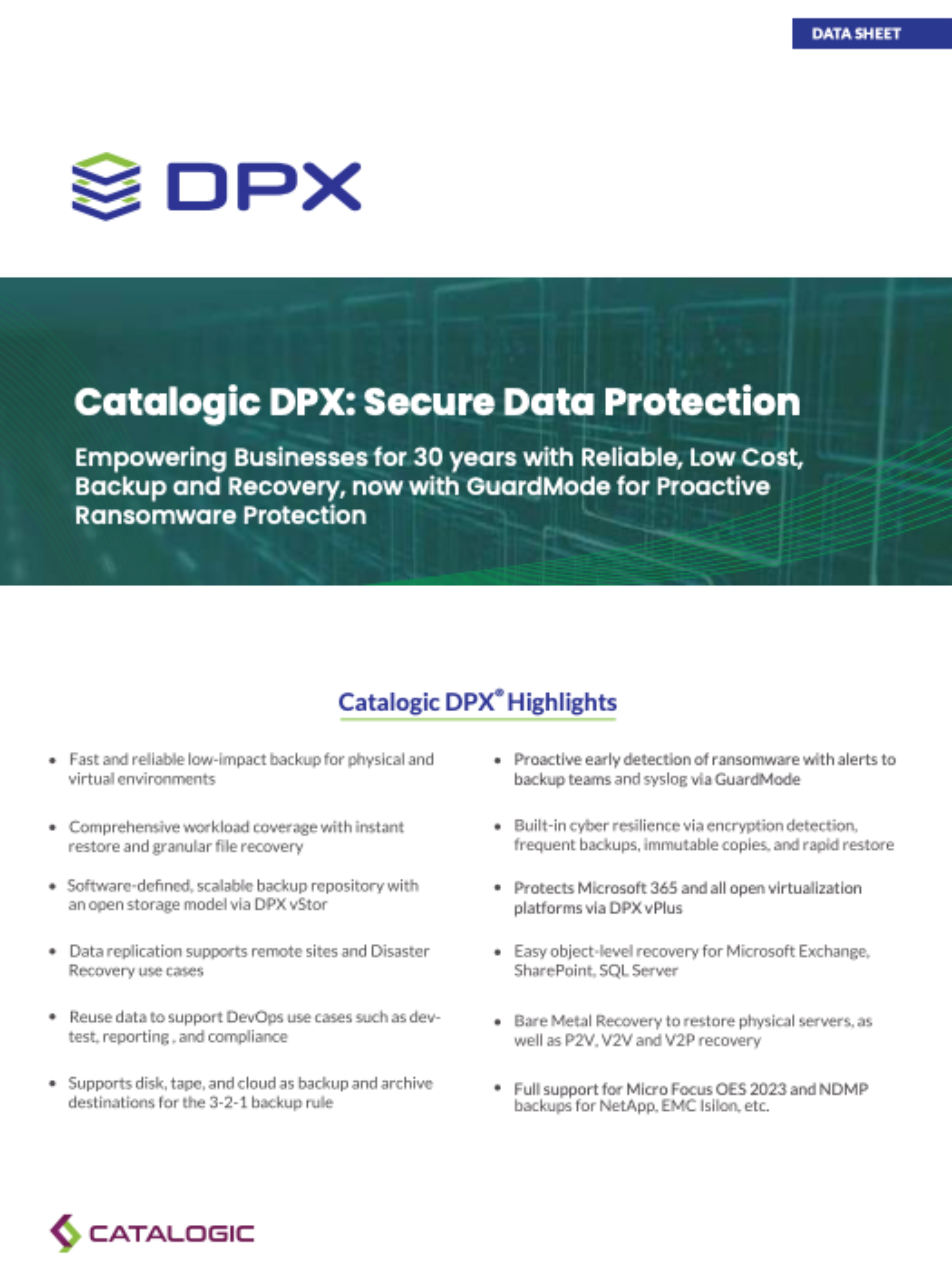
Cloud storage is most valuable when it is tied to clear recovery and retention goals.
Keep a copy outside the primary site so recovery options remain available if local storage is unavailable.
Move older recovery points to lower-cost cloud storage instead of keeping every copy on high-performance local disk.
Use supported cloud object-lock capabilities with providers such as Amazon S3, Backblaze B2, Wasabi, and Azure Blob.
Have DPX encrypt and decrypt VMware archive data independently of the encryption capabilities offered by the destination.
Learn more about DPX cloud integration and hybrid backup storage.
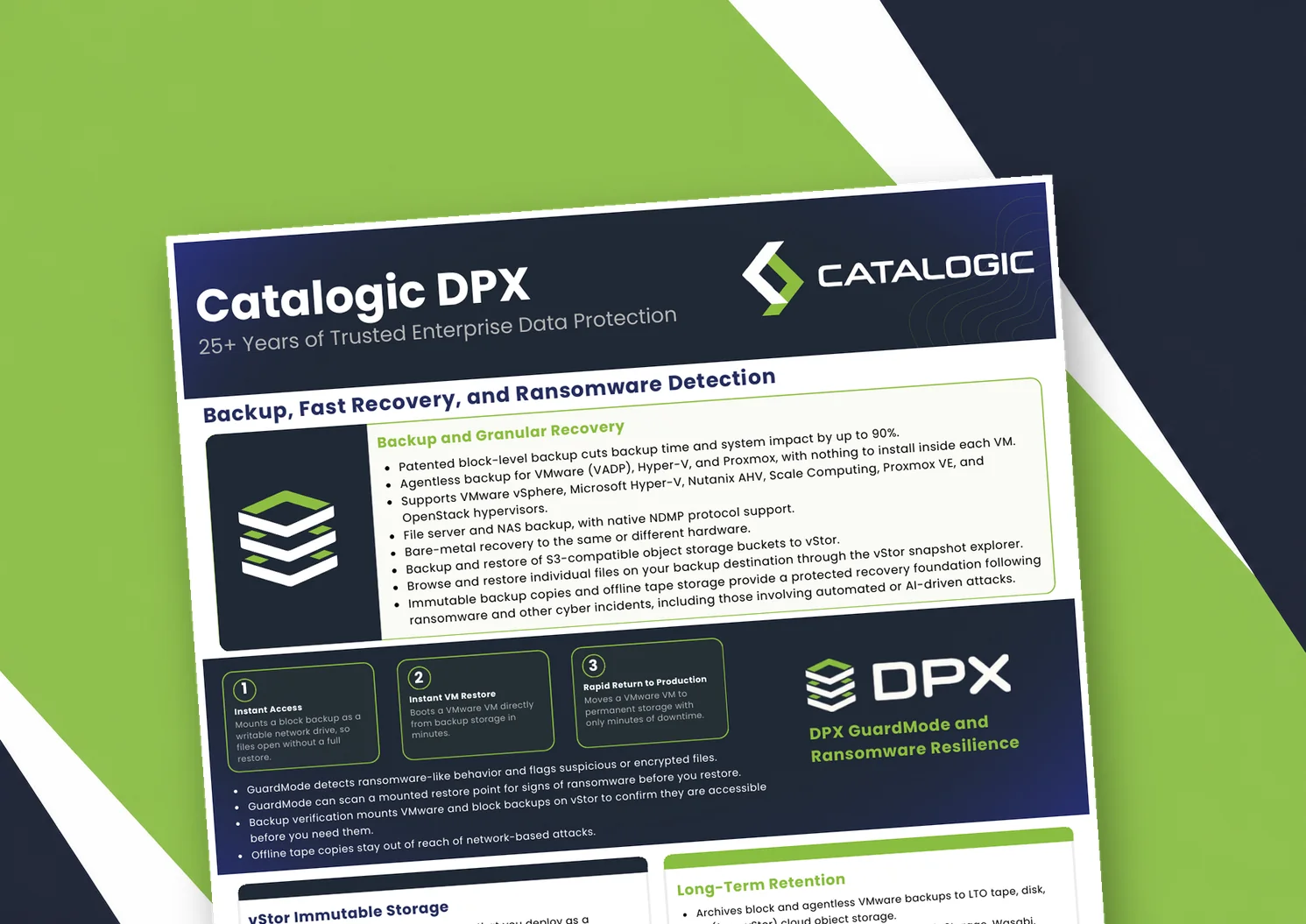
Catalogic DPX product brief: block-level and agentless VM backup, Instant VM Restore, GuardMode ransomware detection, immutable vStor storage, and long-term retention to tape or cloud.
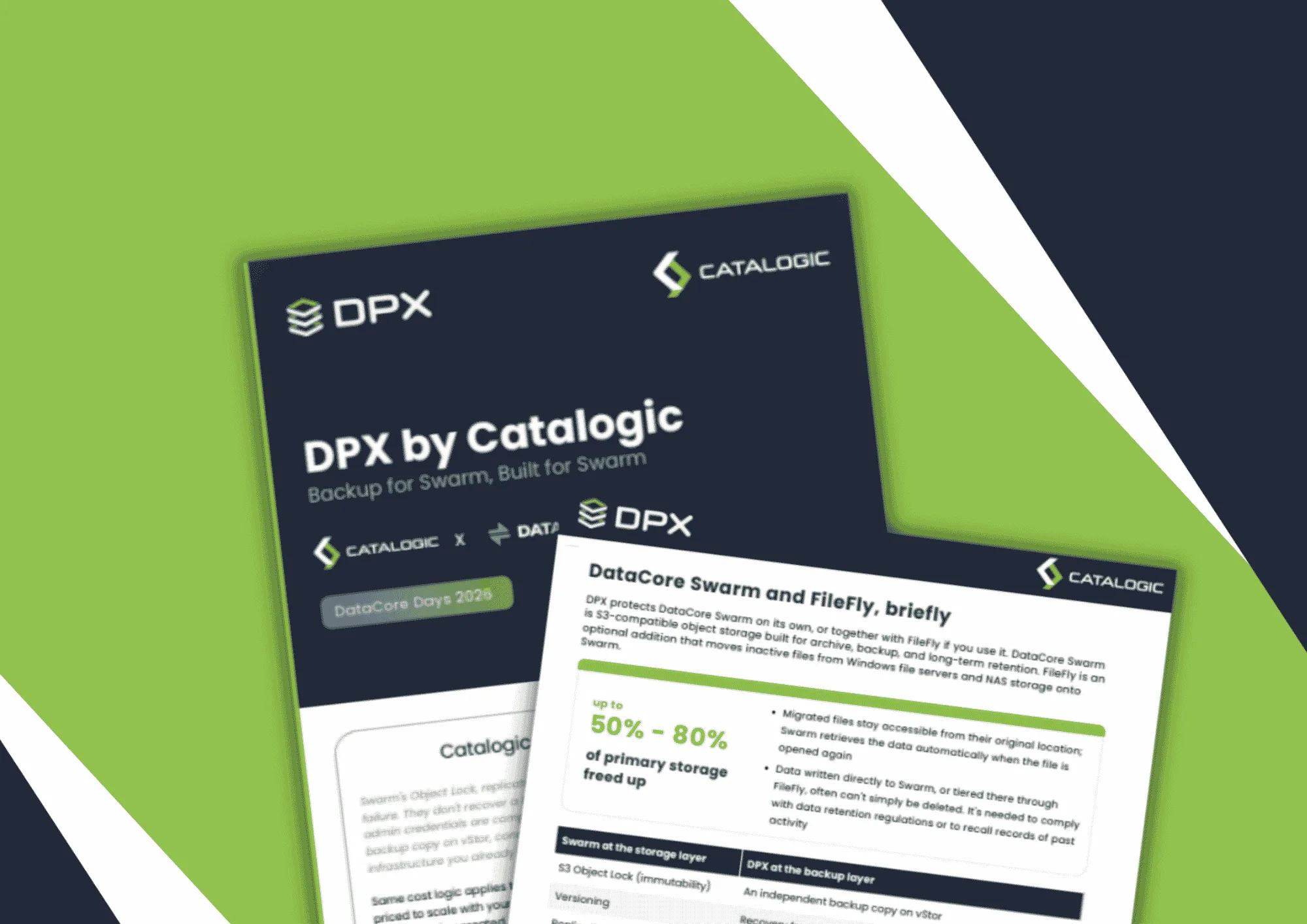
Product brief: DPX adds an independent, S3-connected backup copy on vStor for DataCore Swarm data, with licensing that scales with deployment size to protect partner margin.
DPX 4.16 adds agentless Proxmox VE backup to Catalogic's enterprise data protection platform, giving mixed VMware, Hyper-V, and Proxmox estates a single console for backup, recovery, and ransomware resilience.
See how DPX cloud integration can extend retention, off-site recovery, and ransomware resilience.
Request Demo