



Changed-block incrementals
After the initial base backup, DPX transfers only changed blocks to reduce repeated data movement and keep recurring backups efficient.
DPX feature

File-by-file backup can create long windows when servers and databases contain millions of files or frequently changing data. DPX Block Data Protection works below the file system, protecting data in blocks from primary NetApp storage and Windows, UNIX, or Linux systems to secondary storage. The first run creates a base backup. Each later incremental transfers only blocks that changed, while every recovery point remains a virtual image of the entire source volume at that moment.
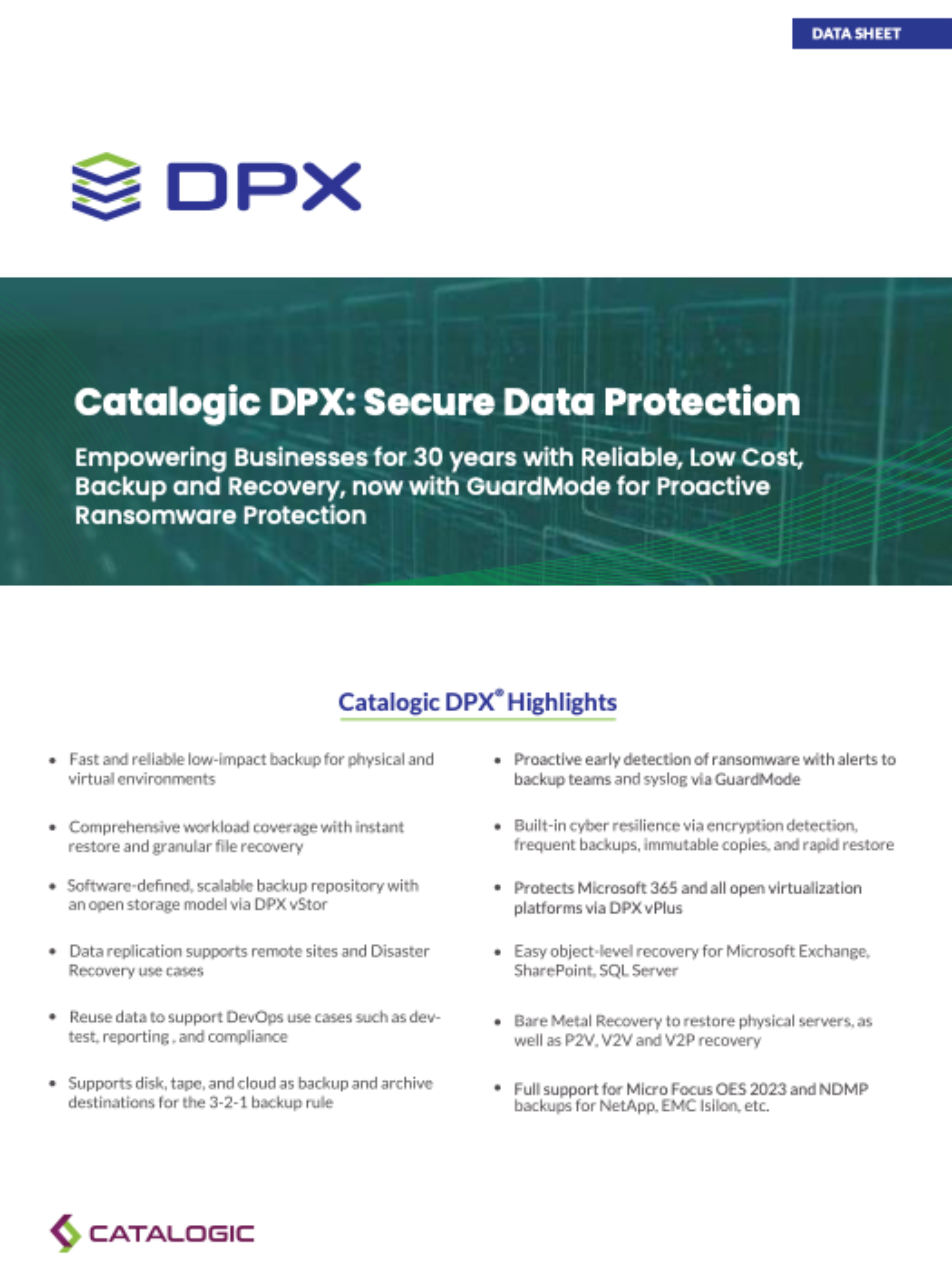
DPX block backups support recovery at the level the incident demands, from one file to a complete system.
After the initial base backup, DPX transfers only changed blocks to reduce repeated data movement and keep recurring backups efficient.

Each base or incremental instance represents the entire protected volume at a specific point in time, giving teams clear recovery choices.

Restore individual files and directories from a block backup when rebuilding the whole volume would be unnecessary.

Map a recovery point as a writable network disk so data can be accessed, copied, verified, or put to use without changing the original backup.

Use application-aware block protection and restore workflows for supported business applications including Microsoft SQL Server and Oracle Database.

Use block-level protection as the foundation for recovering supported Windows and Linux systems when the operating system or hardware must be rebuilt.
DPX Block Data Protection is built for workloads where backup efficiency and recovery flexibility both matter:

With vStor as the backup destination, DPX can automatically verify supported block backups after a job completes. vStor mounts the backup snapshot to confirm that its data can be accessed. Teams can also enable an automated GuardMode scan after successful verification to look for suspicious files and add ransomware awareness to recovery-point selection.
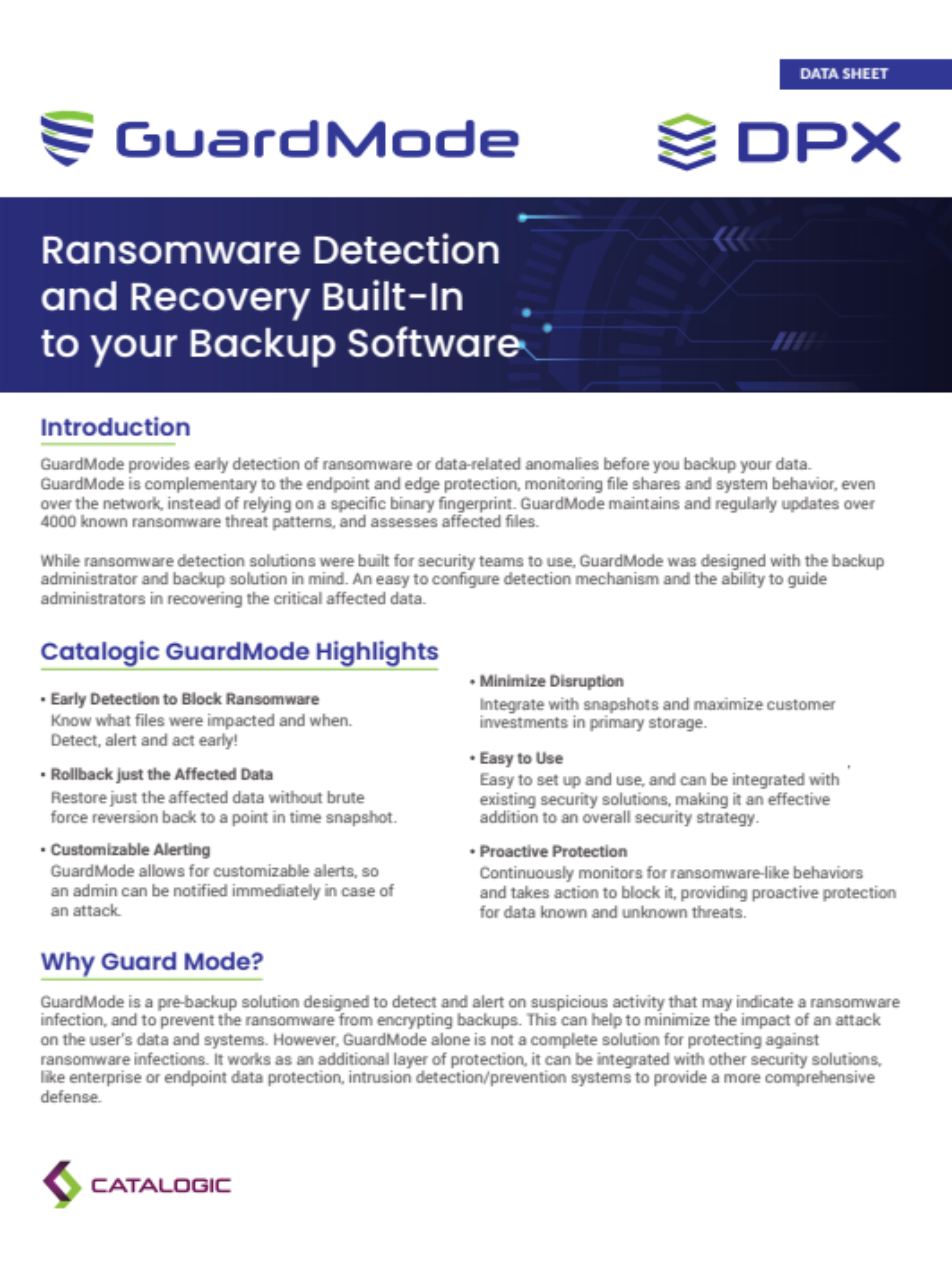
DPX block backups provide several recovery modes for different outage scenarios:
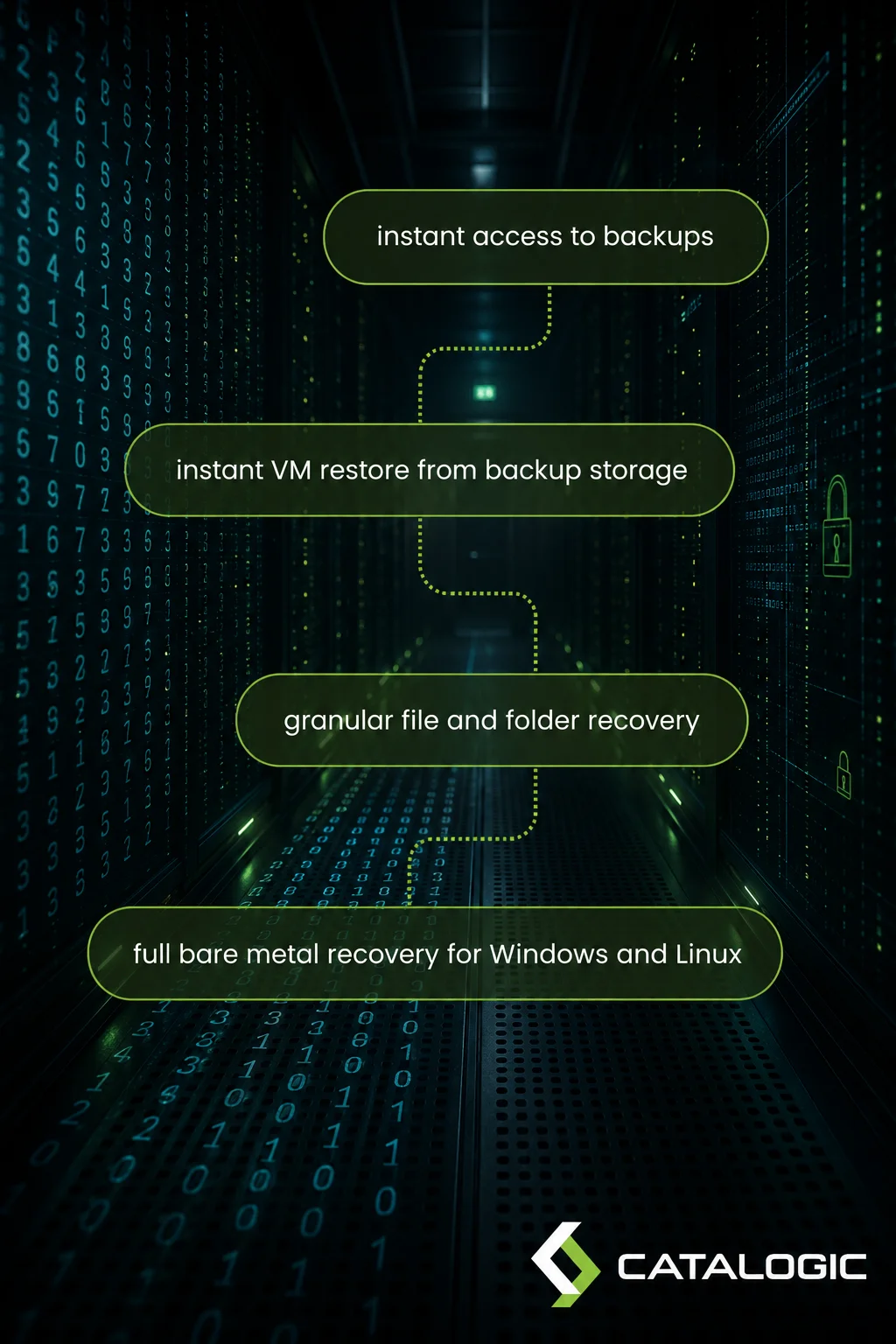
Learn more about block-level data protection, recovery, and Catalogic DPX.
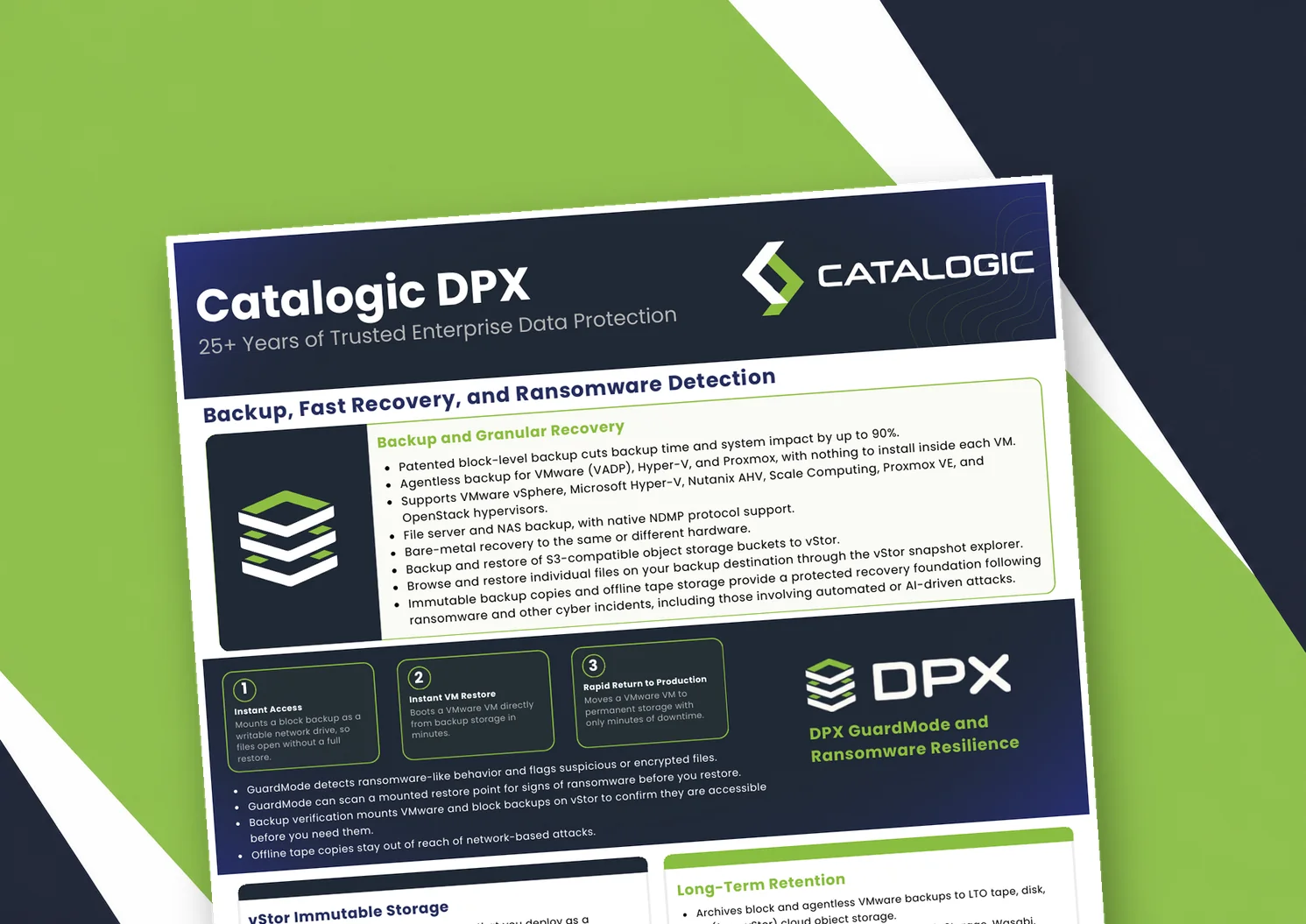
Catalogic DPX product brief: block-level and agentless VM backup, Instant VM Restore, GuardMode ransomware detection, immutable vStor storage, and long-term retention to tape or cloud.
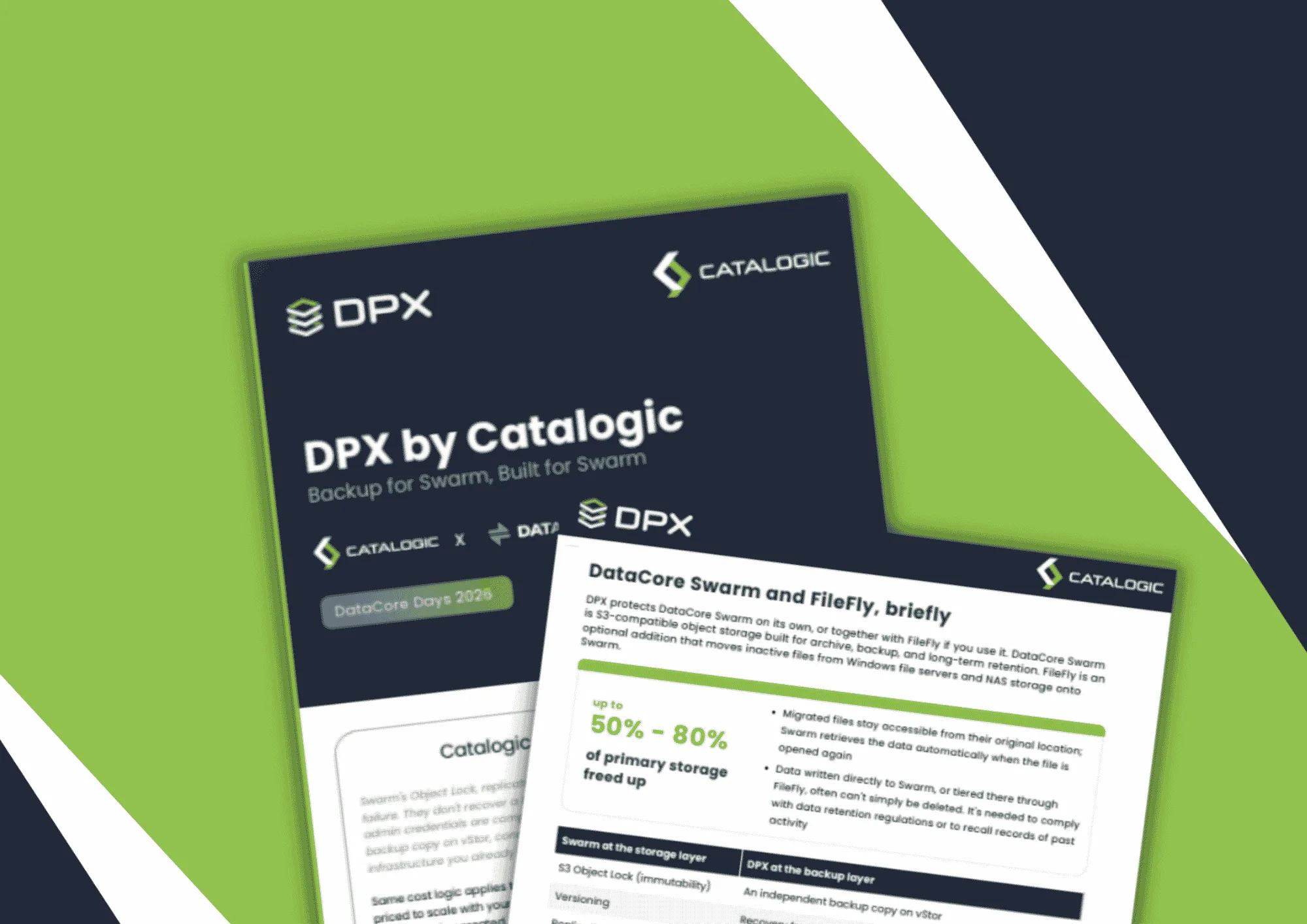
Product brief: DPX adds an independent, S3-connected backup copy on vStor for DataCore Swarm data, with licensing that scales with deployment size to protect partner margin.
DPX 4.16 adds agentless Proxmox VE backup to Catalogic's enterprise data protection platform, giving mixed VMware, Hyper-V, and Proxmox estates a single console for backup, recovery, and ransomware resilience.
See how Catalogic DPX can shorten recurring backup cycles and give your team fast, flexible recovery for critical systems and applications.
Request Demo