



Operating system
Restore the protected system environment so teams do not have to reinstall and reconfigure the OS before recovering data.
DPX feature

After hardware failure, ransomware, operating system corruption, or a failed update, restoring a few files may not bring the business back. DPX Bare Metal Recovery provides a disk-based disaster recovery path for an entire machine. Boot a bare physical or virtual target with the appropriate recovery media, connect to the storage system, select a backup instance, and restore both the protected data and its system environment.
DPX Bare Metal Recovery is designed for recovery scenarios that require the full machine state rather than individual files.
Restore the protected system environment so teams do not have to reinstall and reconfigure the OS before recovering data.

Recover applicable Exchange, Microsoft SQL Server, and Oracle application data with the selected system recovery point.

Use block-level backups to restore full system images and protected data volumes to a supported recovery target.

Choose the recovery point that best fits the incident, whether the goal is rollback before corruption or recovery after hardware loss.

Recover supported physical Windows and Linux servers when the original machine is unavailable or must be rebuilt.

Restore supported systems to physical hardware or VMware virtual machines, with advance testing for the target environment.
DPX keeps the BMR process focused on selecting the right recovery point and restoring the full system image.

DPX gives teams multiple restore paths. Bare Metal Recovery is the right choice when the entire machine must come back.

Restore a supported system to replacement hardware when the original machine is unavailable.

Rebuild compromised systems from selected recovery points as part of a clean recovery workflow.

Recover the operating system and protected data after failed updates, configuration damage, or boot problems.

Recover to supported replacement hardware with a different configuration when required drivers are available and the workflow has been tested in advance.

Restore the application host, configuration, and protected data together where the backup type and workload support it.

Combine BMR with replication, off-site copies, tape, or object storage to support larger recovery scenarios.
When replacement hardware is not ready, or the workload can move to VMware, DPX can restore a BMR backup stored on vStor as a new virtual machine through vCenter. You start it from the DPX web interface as a Virtualization restore job and choose the host, datastore, network, and VM folder for the new machine.
Learn more about full-system recovery, rapid restore, and cyber-resilient backup with Catalogic DPX.
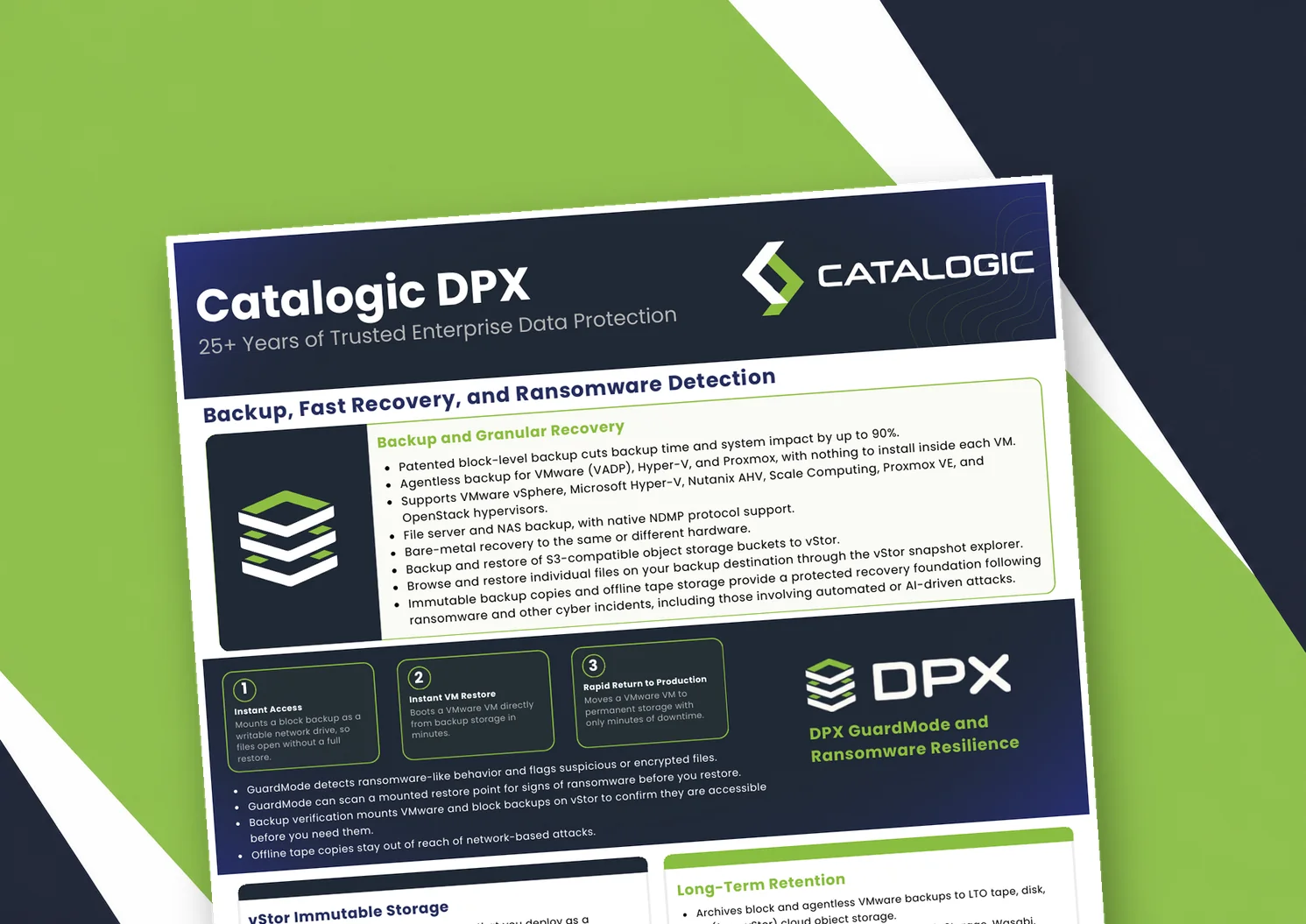
Catalogic DPX product brief: block-level and agentless VM backup, Instant VM Restore, GuardMode ransomware detection, immutable vStor storage, and long-term retention to tape or cloud.

Product brief: DPX adds an independent, S3-connected backup copy on vStor for DataCore Swarm data, with licensing that scales with deployment size to protect partner margin.
DPX 4.16 adds agentless Proxmox VE backup to Catalogic's enterprise data protection platform, giving mixed VMware, Hyper-V, and Proxmox estates a single console for backup, recovery, and ransomware resilience.
See how Catalogic DPX Bare Metal Recovery helps rebuild critical Windows and Linux systems after hardware loss, corruption, ransomware, or disaster.
Request Demo