


Keep retained data local
Place archive copies on infrastructure your organization owns and operates when local control matters.
DataCore Swarm Backup
DataCore Swarm provides scalable S3 object storage with native controls such as S3 Object Lock, versioning, replication, and erasure coding. Application errors, accidental deletion, and compromised credentials can still affect production data. DataCore Swarm Backup with DPX adds an independent recovery copy outside the production buckets and keeps its protection under the same operations model as other DPX workloads.
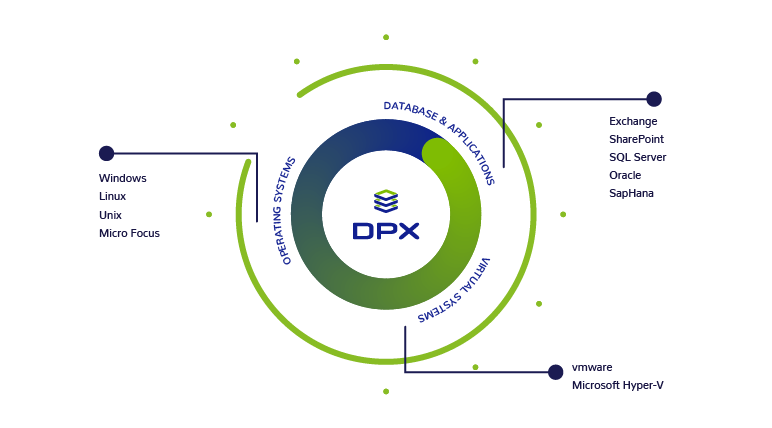
DPX uses the S3 API to create an independent copy of data held in Swarm buckets. Full and incremental jobs write to vStor, which creates a dedicated volume for each protected bucket. The result is a DataCore Swarm backup workflow that sits outside the production object store.
DPX S3 Object Storage backup requires vStor 4.12 or later as the backup storage target and is managed through the DPX web interface.
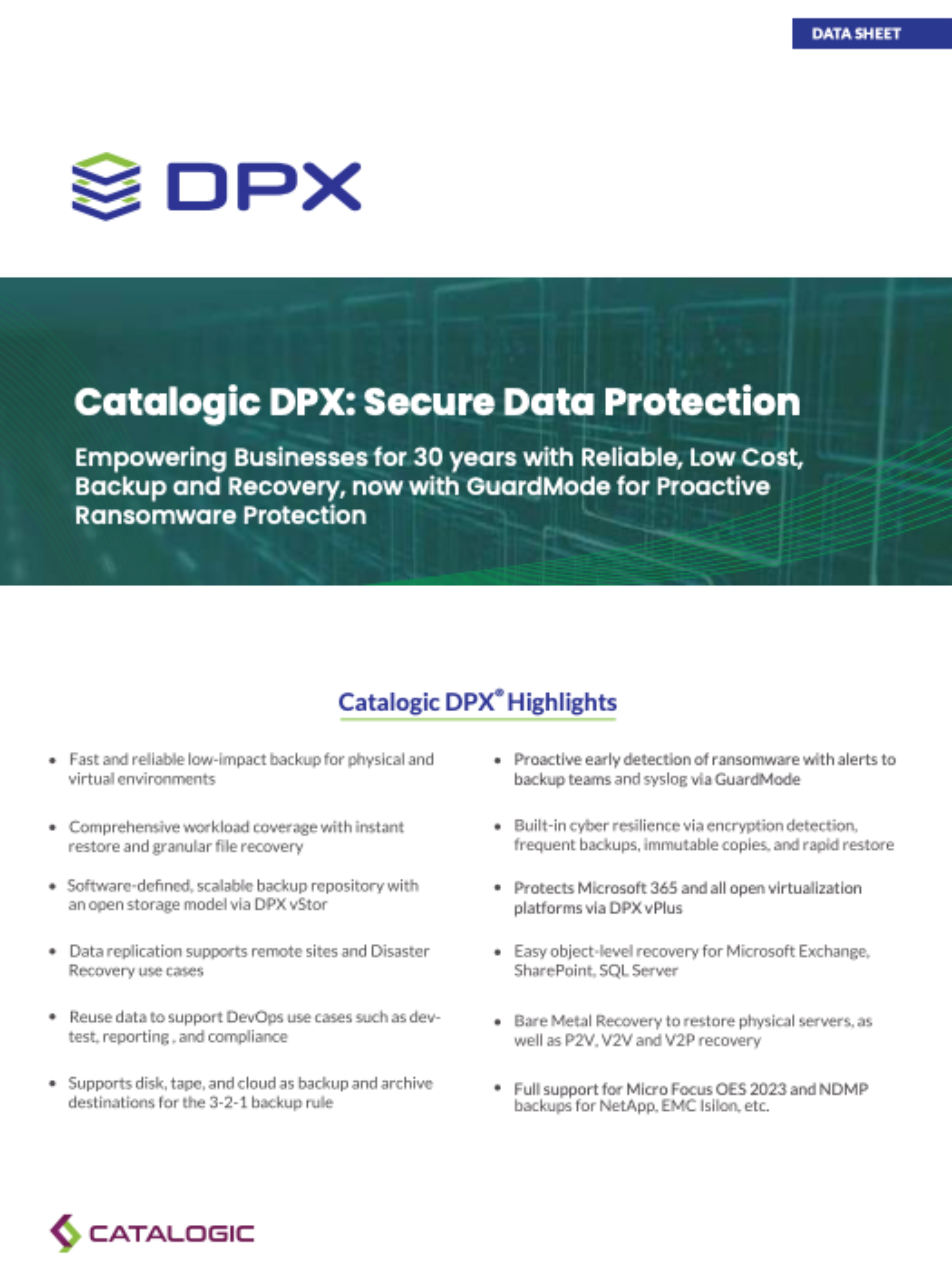
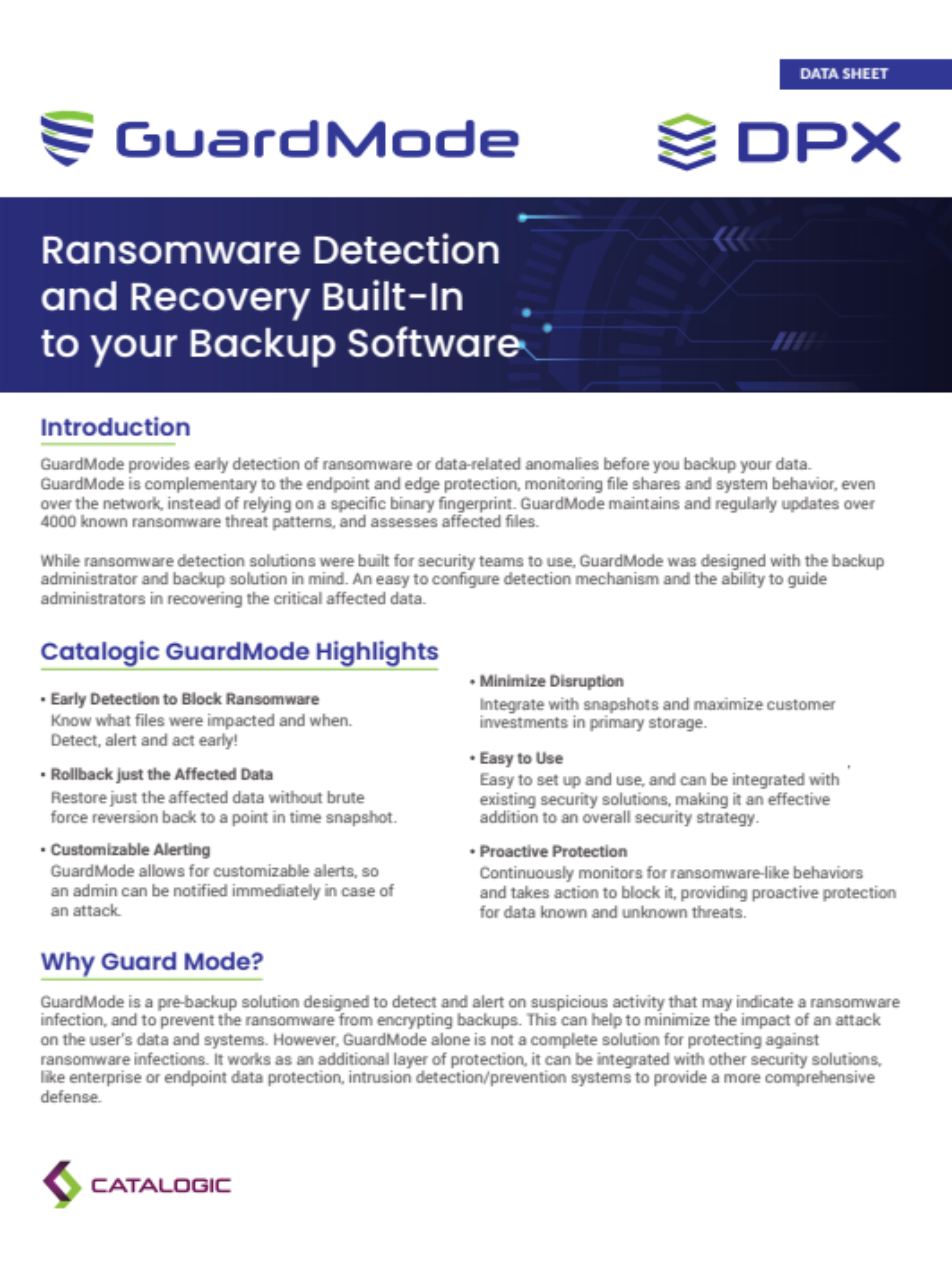
DPX restores S3 backup data at bucket level through the web interface. When a team needs a specific backed-up object, vStor's embedded MinIO service can expose the protected volume. vStor also supports volume deletion lock and fixed protection for snapshots. GuardMode Scan can examine a mounted protected filesystem snapshot for suspicious encryption, helping administrators select an earlier recovery point before restoring.
Swarm gives teams a local, scalable object-storage tier for copies that must remain under their control. It can support data-sovereignty requirements, complement tape, and keep archived data available through an S3 API. S3 Object Lock provides retention controls at the archive-bucket level.
DPX 4.16 lists DataCore as a supported cloud provider for archive jobs. DPX sends archive copies of protected Block and VMware Agentless data to Swarm through its S3 API. This is a distinct workflow from protecting Swarm buckets as an S3 backup source.
A sound archive design combines the right retention policy with the right placement for a secondary copy. Use Swarm's local S3 archive storage capabilities in the way that fits your data-residency and recovery requirements.
Place archive copies on infrastructure your organization owns and operates when local control matters.
Keep governed copies in the required geography while using the standard S3 API for storage access.
Configure Swarm S3 Object Lock for the archive bucket when its retention model meets your policy.
Place Swarm in a separate failure domain when the archive copy is part of a 3-2-1 design.
Compatibility reviewed against DPX 4.16 and vStor 4.16 documentation on August 29, 2026. Confirm the exact Swarm, DPX, and vStor versions against the current compatibility documentation before deployment.
| Topic | Details |
|---|---|
| Supported Swarm versions | DPX 4.16 supports S3-compatible data protection for DataCore Swarm 17.0.2 and 16. |
| Backup types | Full and incremental object backup of Swarm buckets. |
| Restore and object access | DPX restores S3 backup data at bucket level. vStor's embedded MinIO service can expose the protected volume when access to an individual object is needed. |
| Object versioning | The 5 most recent versions of each object are included by default, configurable up to 10. Older versions are ignored. |
| Backup storage | vStor 4.12 or later is required as the backup storage target, with a separate volume per protected bucket. |
| Bucket addressing | DataCore may require path-style addressing. Choose virtual host-style or path-style when adding the node. |
| Secure communication | A trusted certificate is required. Import it if it is not signed by a recognized authority. |
| Clock synchronization | Swarm and DPX Master Server clocks must be synchronized or incremental backups may miss bucket changes. |
| Swarm as archive target | DPX 4.16 lists DataCore as a supported cloud provider for archive jobs using protected Block and VMware Agentless data. |
S3 Object Storage backup and bucket-level restore are managed through the DPX web interface. vStor's embedded MinIO service provides access to individual backed-up objects.
A trusted certificate is required for secure communication between the DPX Master Server and Swarm; unencrypted communication is not supported.
DPX 4.16 lists DataCore as a supported archive provider. Archive jobs support protected Block and VMware Agentless data.
Documentation and product resources for teams planning or operating DPX protection for DataCore Swarm object storage.
Joint architecture overview for retaining DPX backup and archive data on DataCore Swarm with S3 Object Lock.
Practical explanation of how DPX protects DataCore Swarm buckets through the S3 API.
Current requirements for backing up and restoring S3-compatible object storage with DPX.
DataCore's overview of Swarm, including S3 Object Lock, versioning, replication, and erasure coding.
Software-defined backup storage for Swarm S3 backups, with volume deletion lock and fixed snapshot protection.
Suspicious file detection and scan workflows that support recovery-point selection before restoring.
Protect production Swarm buckets with independent DPX backup, then recover at bucket level or access objects through vStor's embedded MinIO service. You can also use Swarm as local, scalable S3 backup storage for DPX archive copies.
Request Demo