New DPX 4.13 Backup Verification Introduction
DPX 4.13 brings in new backup verification and built-in malware scanning, so you can detect problems early and fix them before a restore is ever needed.
9 articles

DPX 4.13 brings in new backup verification and built-in malware scanning, so you can detect problems early and fix them before a restore is ever needed.

Maximize savings with this guide for IT managers on leveraging existing hardware for cost-effective data protection. Enhance security without overspending. Start optimizing now!"

Discover best practices and options for backing up VMware virtual machines. Learn how to properly protect your VMs and keep your data safe with these backup techniques.

Learn how to utilize granular recovery technology for efficient backups and restores with Catalogic DPX. Maximize data protection and easily restore specific files, folders or databases.

A simplified beginner's guide to virtual server (VM) backup – understand key concepts, best practices, and how to protect your VMs with Catalogic DPX.

VMware introduces you to the essential differences between backup and replication for your virtual machines. Enhance your data protection strategies with vSphere.

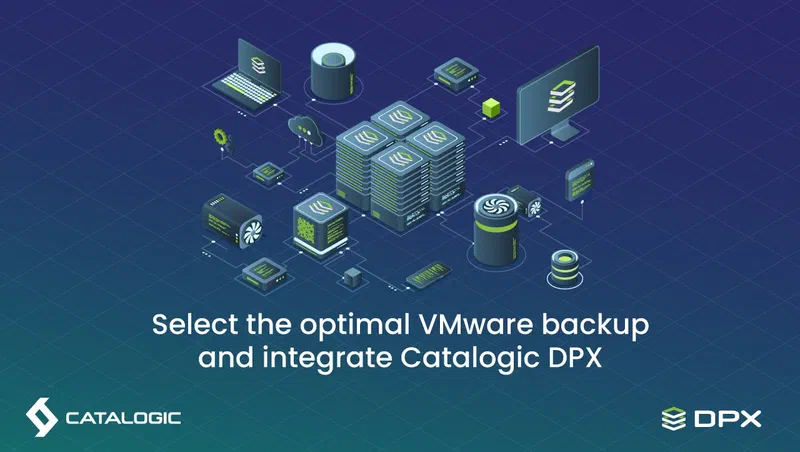
Learn about different VMware backup options to enhance data protection with Catalogic DPX. Explore VM backup solutions, disaster recovery, and more.

Regular backup upgrade practices are essential. Uncover why this critical maintenance task is frequently overlooked and how it ensures cybersecurity and data integrity. Learn the best practices for keeping your backup systems up-to-date and protecting your digital assets against emerging threats.

The blog is about 2 important data protection strategies: backup and High Availability (HA). It explains that what's the difference and how to choose