Many purpose-built backup appliances were the right choice when they were bought. A few refresh cycles later, the platform is close to end of life, and the next appliance quote is on the table. Before you sign it, compare the alternatives.
vStor is the software-defined backup repository built into Catalogic DPX. It runs as a virtual appliance or on a physical server, with no proprietary hardware required, and gives DPX customers deduplicated, immutable backup storage. vStor is included with DPX, with no additional licensing cost for vStor repositories. This article compares the two approaches and explains when each one fits.
Signs your backup appliance needs replacing
- Adding capacity means buying more of one vendor’s proprietary hardware.
- Every few years the platform reaches end of life and you face a forklift upgrade.
- Restoring a VM or volume takes longer than your recovery time objective allows.
- Backup software and backup storage come from different vendors, and support cases bounce between them.
- Ransomware recovery depends on whether the attackers reached your backups too.
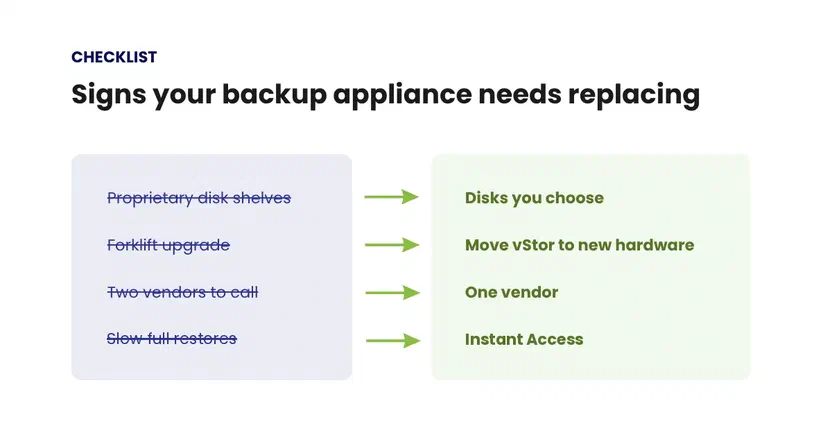
If two or more of these sound familiar, a backup appliance replacement based on software-defined storage is worth a look.
What is software-defined backup storage?
A purpose-built backup appliance (PBBA) sells deduplication software, disks and controllers as one unit from one vendor. Capacity grows in the steps that vendor offers, and the software lives and retires with the hardware.
Software-defined backup storage delivers the same storage functions in software on standard hardware: deduplication, compression, snapshots, replication and immutability. You choose the server and disks and replace them on your own schedule. For more on avoiding appliance lock-in, see immutable storage for backups without appliance lock-in.
What is vStor?
vStor is the component of Catalogic DPX that receives and stores backup data. You install it on your own hardware, as a virtual appliance or on a physical server, and it becomes the primary repository DPX writes backups to. vStor is built on the ZFS file system, which provides native snapshots, clones, replication, compression and deduplication, and vStor inherits ZFS tuning options for write and read performance. See the vStor documentation for deployment details, and our overview of the vStor platform for its full feature set.
Because vStor is part of DPX, one vendor is accountable for both the backup software and the backup storage.
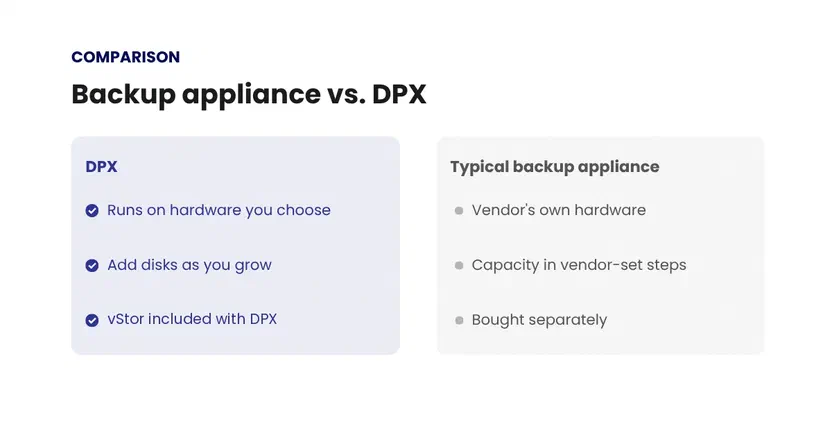
Dedicated backup appliance vs. DPX
| Area | Typical dedicated backup appliance | DPX |
|---|---|---|
| Space efficiency | Deduplication and compression in the appliance software | Compression and deduplication built into vStor through ZFS, with deduplication configured per storage pool |
| Hardware | Vendor’s own controllers and disk shelves | Virtual appliance on VMware or Hyper-V, or a physical server, with no proprietary hardware required |
| Capacity growth | Expansion shelves or licenses in vendor-defined steps | Disks or storage added to the server that runs vStor |
| Hardware refresh | Platform end of life often means a forklift upgrade | Upgrade components or move vStor to new hardware on your own schedule |
| File-level recovery | Depends on the backup software in front of the appliance | Snapshot Explorer browses snapshots and restores individual files without a full VM or volume restore |
| Ransomware protection | Retention or immutability features, depending on model and license | Immutable snapshots with deletion lock set per volume, plus GuardMode scanning of vStor snapshots for ransomware activity |
| Second-site copy | Replication to a second appliance, usually the same brand | Asynchronous node-to-node replication with bandwidth control |
| Encryption | Varies by model and license | Volume encryption at rest, optional KMIP keystore for encryption keys, and role-based user access |
| Cost of the repository | Appliance purchased separately from the backup software | vStor included with DPX at no additional licensing cost; you supply the hardware |
| Support | Backup software and storage often from different vendors | Backup software and backup storage both from Catalogic Software |
Recovering files and data from vStor snapshots
On many appliances, backup data has to be copied back before you can use it. vStor supports Instant Access recovery, which mounts a backup snapshot directly to a host through iSCSI, so you can work with backup data without waiting for a full restore.
Sometimes you only need a few files. Snapshot Explorer mounts vStor snapshots so you can browse them and restore individual files without restoring the whole VM or volume.
How DPX vStor protects backups from ransomware
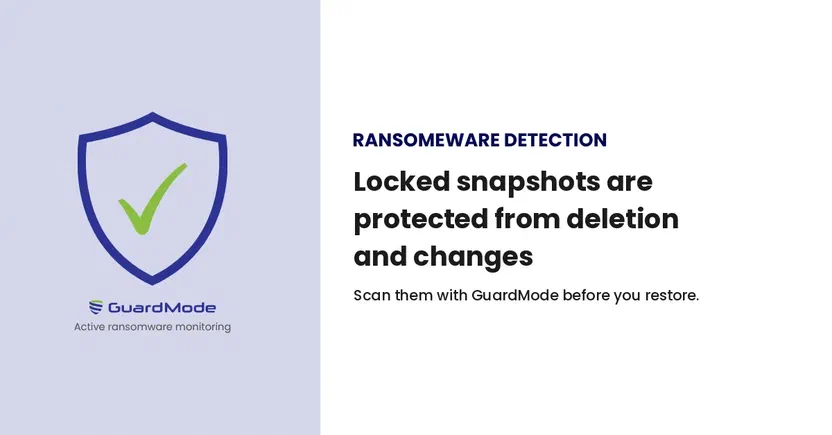
vStor adds the protections below. Pair them with at least one offline copy and regular restore tests.
- Immutable snapshots. With deletion lock enabled on a volume, new snapshots are protected against deletion and modification. A separate setting extends the lock to replicated snapshots on the target.
- Deletion lock. Administrators set deletion-lock policies per volume, so new snapshots follow the protection settings for that volume. Flexible locks can be changed or removed only with multi-factor authentication (MFA). Fixed locks stay in place until their retention period expires.
- GuardMode checks before restore. DPX GuardMode, included with DPX, runs as an agent on Windows Server and selected Linux distributions, and can notify administrators immediately when suspicious encryption activity is detected. vStor can also run GuardMode scans on backup snapshots, on demand or automatically for new snapshots on volumes where automatic scanning is enabled, so you can identify a recovery point without signs of infection before you restore from it.
- Second-site copy. Asynchronous node-to-node replication copies vStor volumes to a vStor node at another site.
- Encryption and access control. vStor can encrypt volumes at rest, can keep encryption keys in a KMIP-compatible keystore, and controls access with Admin and Standard user roles.
These pieces also map onto the 3-2-1 backup rule: three copies of your data, on two types of media, with one copy offsite. Backups sit on vStor, and a replica on a vStor node at a second site covers the offsite copy. To complete the rule, add an offline copy on a second type of media. A single appliance on its own, even with immutability enabled, is one copy on one system.
When an appliance or software-defined storage makes sense
A dedicated appliance can still be the better choice in some environments:
- Several different backup applications need to write to one shared target.
- Your team has no capacity to look after servers and prefers a sealed box with a single support contract for the hardware.
- You recently bought an appliance, and it still has years of support left.
DPX is the stronger fit when:
- You run DPX or are evaluating it as your backup software.
- You have servers or storage you can reuse, or a preferred hardware vendor.
- An appliance refresh, end-of-support date or capacity purchase is coming up within the next year.
- You want backup software and backup storage supported by one vendor.
- You need immutable copies at more than one site without buying a second appliance of the same brand.
Frequently asked questions
What is a purpose-built backup appliance?
A purpose-built backup appliance (PBBA) is a hardware system sold as a backup target, combining deduplication software with the vendor’s own disks and controllers. Capacity and features are tied to that vendor’s hardware models.
Can DPX replace a dedicated backup appliance?
Yes. vStor, the backup repository built into DPX, provides deduplicated, immutable backup storage with replication and encryption on hardware you choose. It is the primary backup destination DPX writes backups to.
Does vStor cost extra?
No. vStor is included with DPX, with no additional licensing cost for vStor repositories.
What hardware does vStor run on?
vStor runs as a virtual appliance on VMware or Hyper-V, or on a physical server, with no proprietary hardware required. See the vStor documentation for deployment details.
What happens to the backups on my old appliance?
Keep the appliance available for restores until its retention periods expire, while new backups go to vStor. Once the last recovery points you need have aged out, you can retire it.
Does vStor support immutable backups?
Yes. Deletion-lock policies set per volume protect new snapshots against deletion and modification, and replicated snapshots can be locked on the target as well. Deletion lock requires MFA on the vStor account.
Does vStor deduplicate and compress backup data?
Yes. vStor is built on ZFS and provides compression and deduplication, with deduplication configured per storage pool.
How does DPX help with ransomware recovery?
Deletion-locked vStor snapshots can’t be deleted or modified while the lock is in place, and GuardMode scanning on vStor checks backup snapshots for signs of ransomware so you can choose a recovery point before you restore from it.
Compare your next appliance quote with DPX
If an appliance refresh or capacity purchase is coming up, price the same capacity and retention on vStor, using servers and storage you already own or hardware you’d choose to buy. vStor itself is included with DPX at no additional licensing cost.

Anna Bugajska
Marketing Specialist
Anna is a Marketing Specialist at Catalogic Software, where she writes technical and business-oriented content about backup and recovery. She covers how Catalogic Software products, including DPX and CloudCasa, help organizations keep their data protected and recoverable.