

Webinar
CloudCasa & DataCore Webinar
A German-language webinar with DataCore introducing CloudCasa for Kubernetes backup and disaster recovery in DACH environments.
95%
Customer Satisfaction Rating
80+
Net Promoter Score
25+
Years Protecting Data
30+
Global Patents
Reliable, rapid backup and recovery for physical and virtual environments, at a cost-effective price. Protect and recover your data from human error, disasters, and ransomware attacks, with fast in-place recovery from disk, tape, and cloud.
Explore the PlatformFrom enterprise backup to Kubernetes and proactive ransomware defense, Catalogic's products protect your data everywhere it lives.

Catalogic DPX delivers backup and recovery for physical and virtual environments, with immutable snapshots, instant virtualization recovery, and built-in ransomware protection.

CloudCasa provides purpose-built backup, recovery, and migration for Kubernetes cloud-native workloads across multi-cloud and hybrid environments.

GuardMode builds ransomware detection and recovery into your backup software. Detect threats early and roll back only the affected data.

DPX vStor is software-defined, immutable backup storage built on ZFS. It's a flexible, scalable repository that's ransomware-proof and integrated with DPX.
Purpose-built Kubernetes data protection & DR. Backup, recovery, and migration for cloud-native workloads across multi-cloud and hybrid environments.
Visit CloudCasaSee how we team up to make smarter data protection products and get them to you.






A German-language webinar with DataCore introducing CloudCasa for Kubernetes backup and disaster recovery in DACH environments.
· Kacper Wasiak
Explore DPX 4.15 with web-based NDMP backup and recovery, VMware tag-based protection, encrypted VM support, cloud archive encryption, and vStor updates.
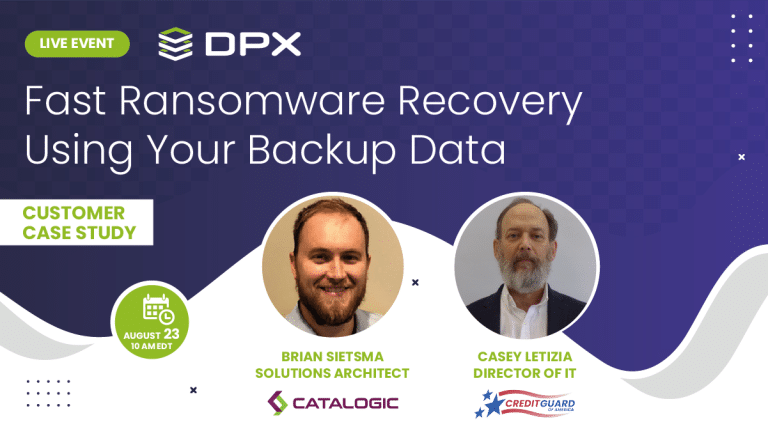
Brian Sietsma, Solutions Architect - Catalogic. Casey Letizia, Group IT Manager - CreditGuard.
See how Catalogic protects your critical data across every environment. Talk to our team or start your free trial today.
Request a Demo